
What is an SEO audit? It is a full health check of your website, carried out to find out why it ranks where it does — and what is holding it back. An auditor looks at the technical setup, the content, the links pointing to your site, and how Google sees each page, then lists the problems in order of importance with a fix for each one. This guide explains what an SEO audit covers, how to run one step by step, and how often your site needs one.
What is an SEO audit?
An SEO audit is a structured review of everything that affects how a website performs in search results. It is not a guess, and it is not a single score from a free tool. A proper audit works through a checklist, checks each item against what Google actually sees, and ends with a report that says what is broken, why it matters, and what to fix first.
Think of it like a car service. You do not take a car to a garage because one warning light came on — you take it so a mechanic can check the brakes, the tyres, the oil and the engine before a small fault becomes a big bill. An SEO audit does the same for a website. It finds the crawl errors, the slow pages, the thin content and the weak links before they cost you rankings and customers.
Most audits end with a list of actions sorted by impact. Some fixes take five minutes, such as a missing page title. Others take weeks, such as rewriting a whole section of thin content or cleaning up a poor backlink profile. The audit itself does not fix anything. It tells you exactly what to fix, and in what order.
What does an SEO audit check?
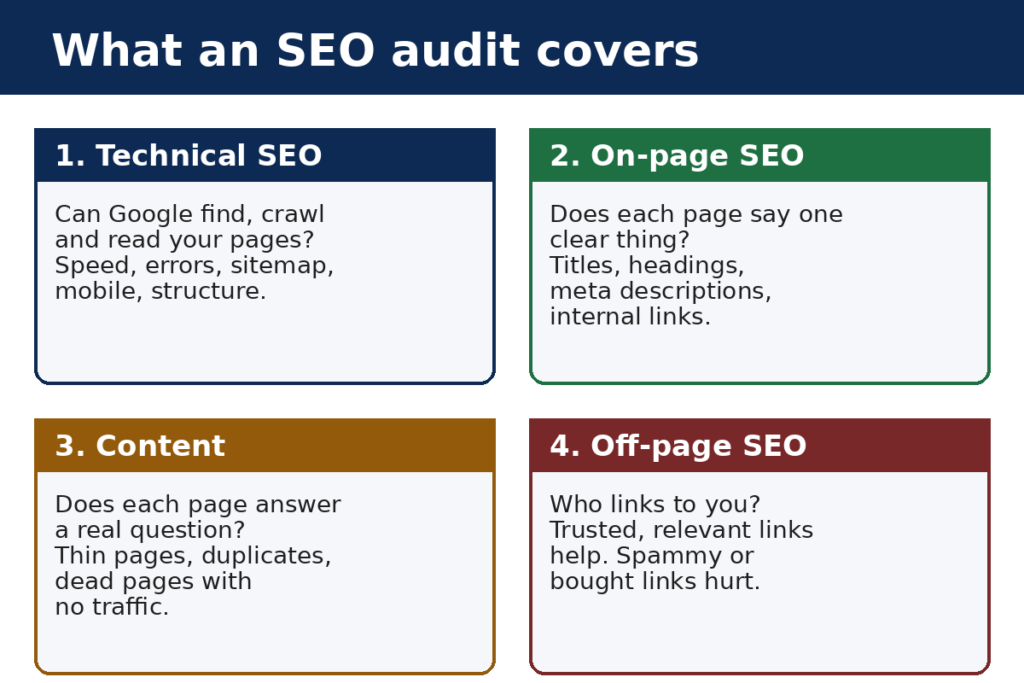
A full audit covers four areas. A page can fail in one area and still rank, but a site that is weak in all four will struggle against competitors that are not.
Technical SEO
Technical SEO is about whether Google can find, read and understand your pages. The audit checks that your pages return a 200 status code instead of errors, that your sitemap lists the pages you want indexed, that your robots.txt file is not blocking anything important, and that your site loads quickly on a phone. It also checks your site structure: can a visitor reach any page in three clicks or fewer, and can Google follow the same path?
Two technical problems cause most of the damage. The first is pages Google cannot reach at all — blocked by robots.txt, hidden behind broken links, or only reachable through a form. The second is duplicate content: the same page served at two or more addresses, which splits ranking signals between copies of the same page.
On-page SEO
On-page SEO is about what each page says and how it says it. The audit checks that every important page has one clear title tag, one H1 heading, and a meta description that describes the page honestly. It checks that the page targets one main topic, that the topic appears in the title and the first paragraph, and that headings are used in a sensible order instead of a jumble of H2s and H3s.
It also checks internal links. Every important page should receive links from other pages on your own site, with anchor text that says what the page is about. Pages with no internal links pointing to them are called orphan pages, and Google often treats them as unimportant — because the site itself has given no sign that they matter.
Content
Content is the part most audits spend the most time on. The audit asks whether each page answers a real question, whether the answer is complete, and whether the page is better than the pages already ranking for the same topic. It looks for thin pages with a few lines of text, pages that repeat each other, and pages that target keywords nobody searches for.
It also looks for pages that attract no traffic at all. Many sites have hundreds of pages that have never brought in a single visit from Google, and each one costs crawl budget and dilutes the site’s authority. An audit marks those pages for improvement, merging or removal.
Off-page SEO and backlinks
Off-page SEO is mostly about backlinks: the links other websites point at yours. The audit checks how many sites link to you, whether those sites are relevant and trusted, and whether any of the links look manipulative. A handful of links from respected sites in your field is worth far more than hundreds of links from sites nobody reads.
The audit also checks your anchor text — the clickable words of your links. If every link to your site uses the exact same sales phrase, that is a warning sign. Natural link profiles use a mix of brand names, page titles and plain web addresses.
Why an SEO audit matters: what the numbers say
An audit is worth doing because the gap between sites that rank and sites that do not is wide, and most of it comes down to problems an audit finds. The figures below come from large, named studies — not from guesswork.
| Finding | Source and sample |
|---|---|
| 96.55% of all pages get zero traffic from Google | Ahrefs, around 14 billion pages, 2023 |
| Organic search drives 53% of all trackable website traffic | BrightEdge, 2019 |
| The #1 result in Google takes 27.6% of clicks; the top three take 54.4% between them | Backlinko, 4 million Google search results |
| Only 0.63% of searchers click anything on Google’s second page | Backlinko, 4 million Google search results |
| 15% of the searches Google sees each day are brand new — queries it has never seen before | Google, 2019, confirmed by Google’s John Mueller in 2024 |
| Google handles more than 8.5 billion searches every day | Google, 2025 |
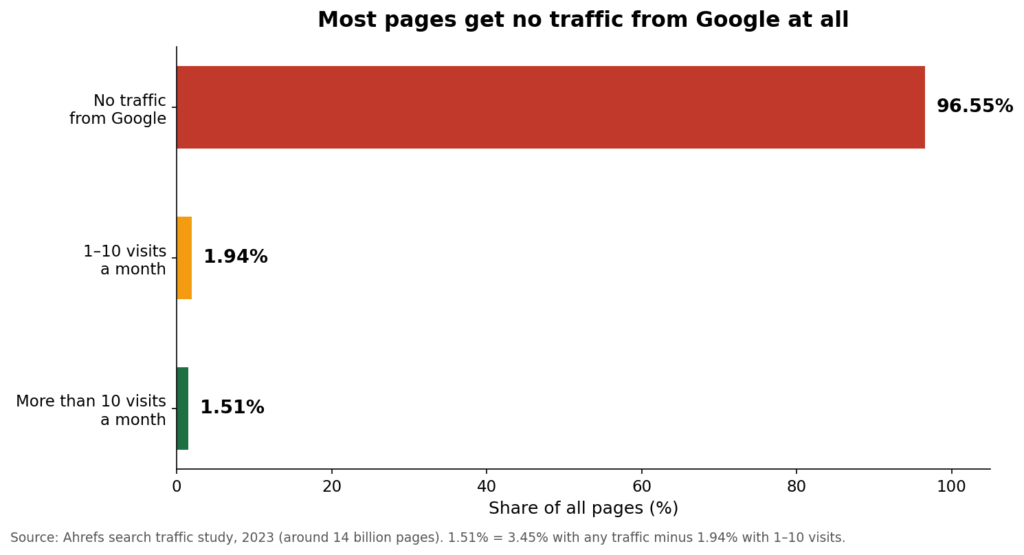
Read those numbers together and the case for an audit is plain. More than half of all website traffic comes from organic search, yet almost no pages get any of it. The pages that do get traffic are the ones with no serious technical faults, clear content and real links. An audit is how you find out which side of that line your site is on — and the second page of Google, where only 0.63% of searchers ever click, is where unaudited sites end up.
How to do an SEO audit step by step
You can run a useful audit yourself with free tools. Work through these steps in order, and write down every problem you find before you start fixing anything.
Step 1: Check Google Search Console
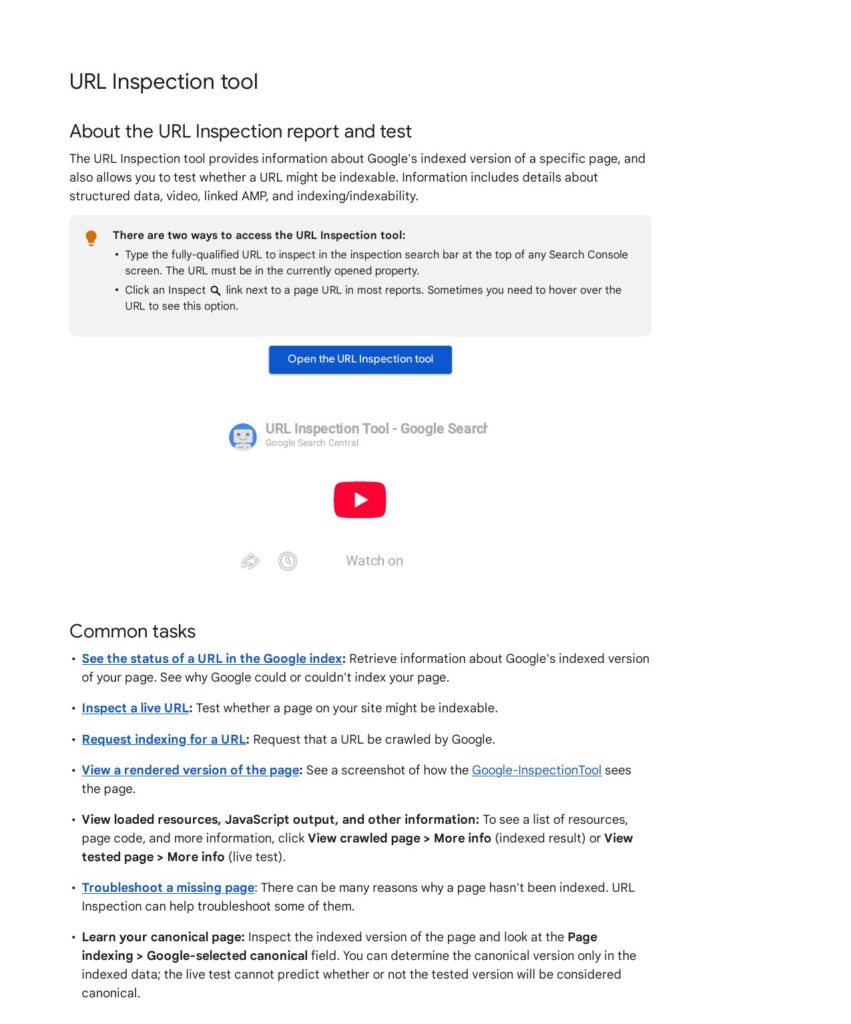
Start in Google Search Console, which is free and shows your site the way Google sees it. Open the Pages report under Indexing to see which of your pages Google has indexed and which it has left out — and why. Pages marked “Crawled — currently not indexed” or “Discovered — currently not indexed” are the first things to look at. Then open the Links report to see who links to you and which of your pages attract the most links.
Step 2: Crawl your site
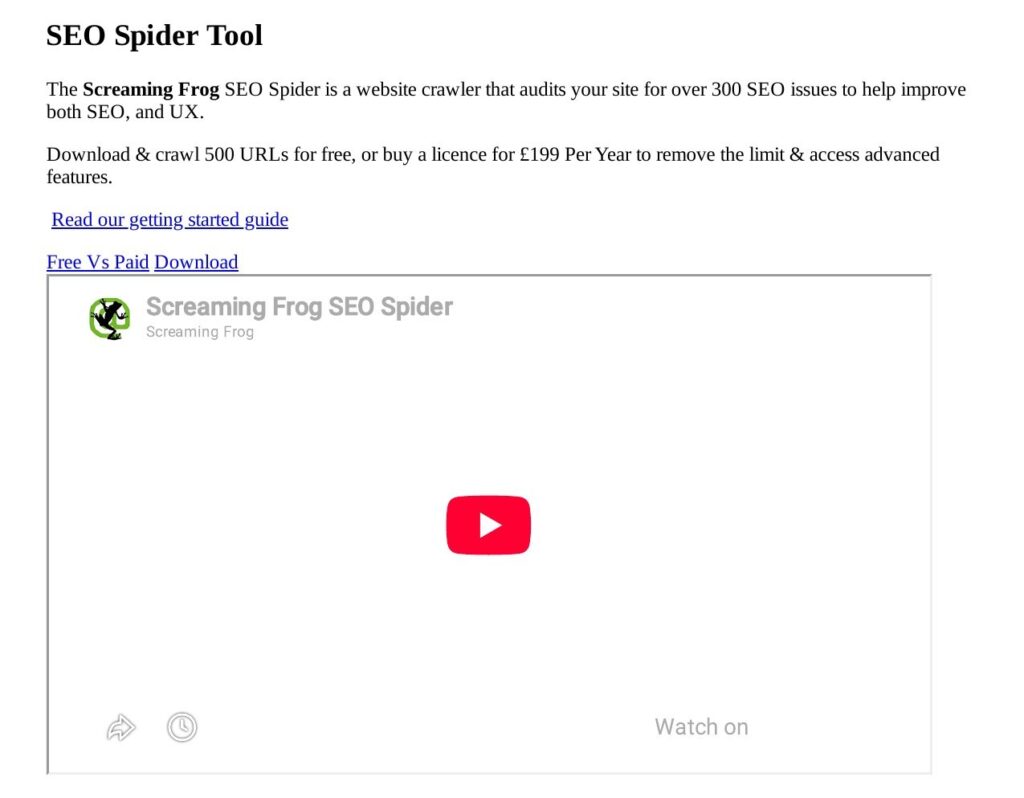
Run a crawler over your site to see what Google’s crawler sees. Screaming Frog SEO Spider is the standard tool for this: the free version crawls up to 500 URLs. The crawl will list every broken link, every redirect chain, every page with a missing title tag, and every page that returns an error. Export the list and sort it by problem, not by page — fix all the broken links first, then all the missing titles, and so on.
Step 3: Test your site speed
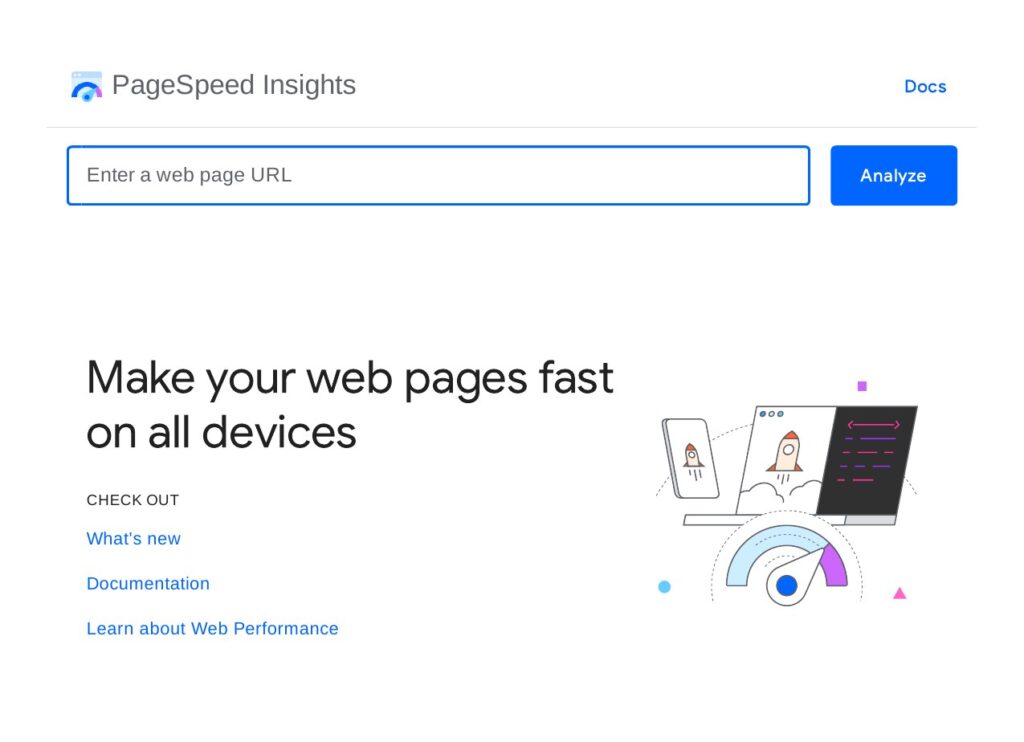
Open Google’s PageSpeed Insights and test your homepage and your three most important pages. The tool reports Core Web Vitals — the loading, interactivity and layout-shift scores Google uses as ranking signals — and lists exactly what is slowing each page down, such as images that are too large or scripts that block the page from showing. Fix the problems on your most visited pages first.
Step 4: Review your content
List your pages by traffic in Google Search Console or your analytics tool. For each page that gets little or no traffic, ask three questions: does it answer a real question, is the answer complete, and is it better than the page currently ranking first for the same topic? Pages that fail all three are candidates for rewriting, merging into a stronger page, or removing. Check for duplicate pages at the same time — two pages on nearly the same topic will fight each other for the same ranking.
Step 5: Check your backlinks
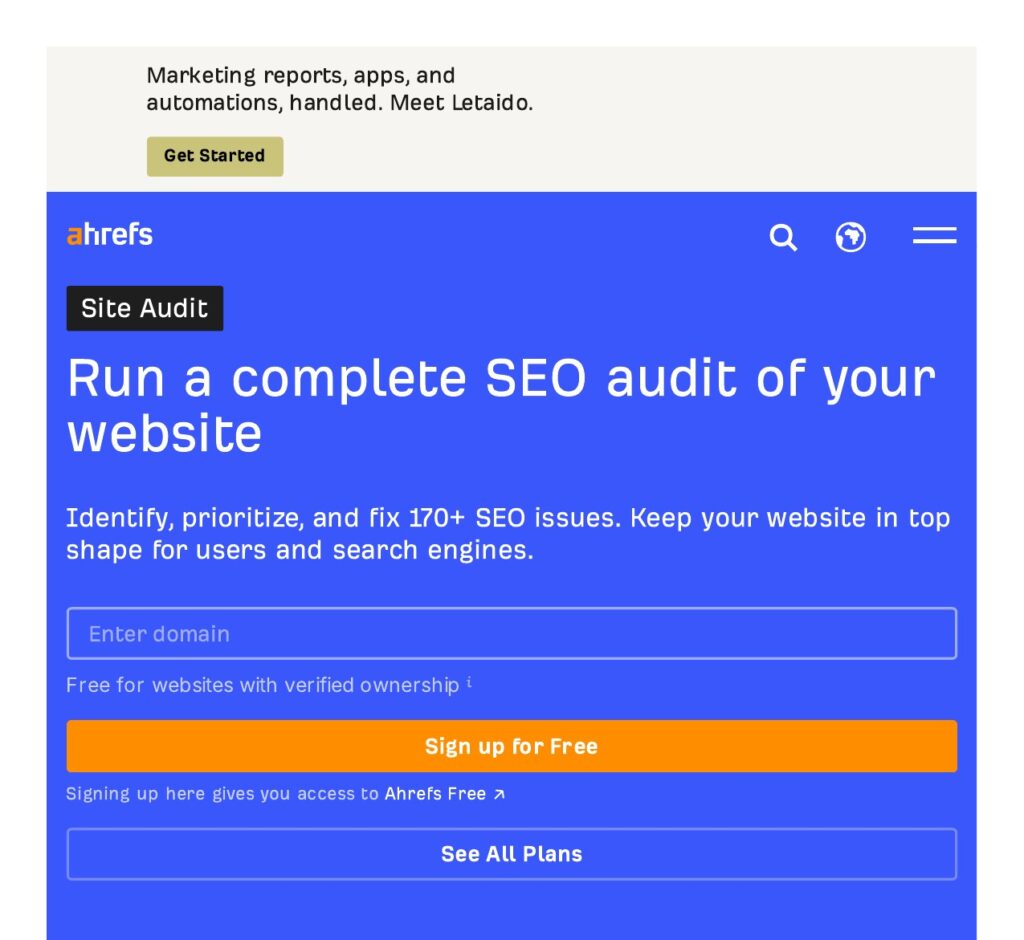
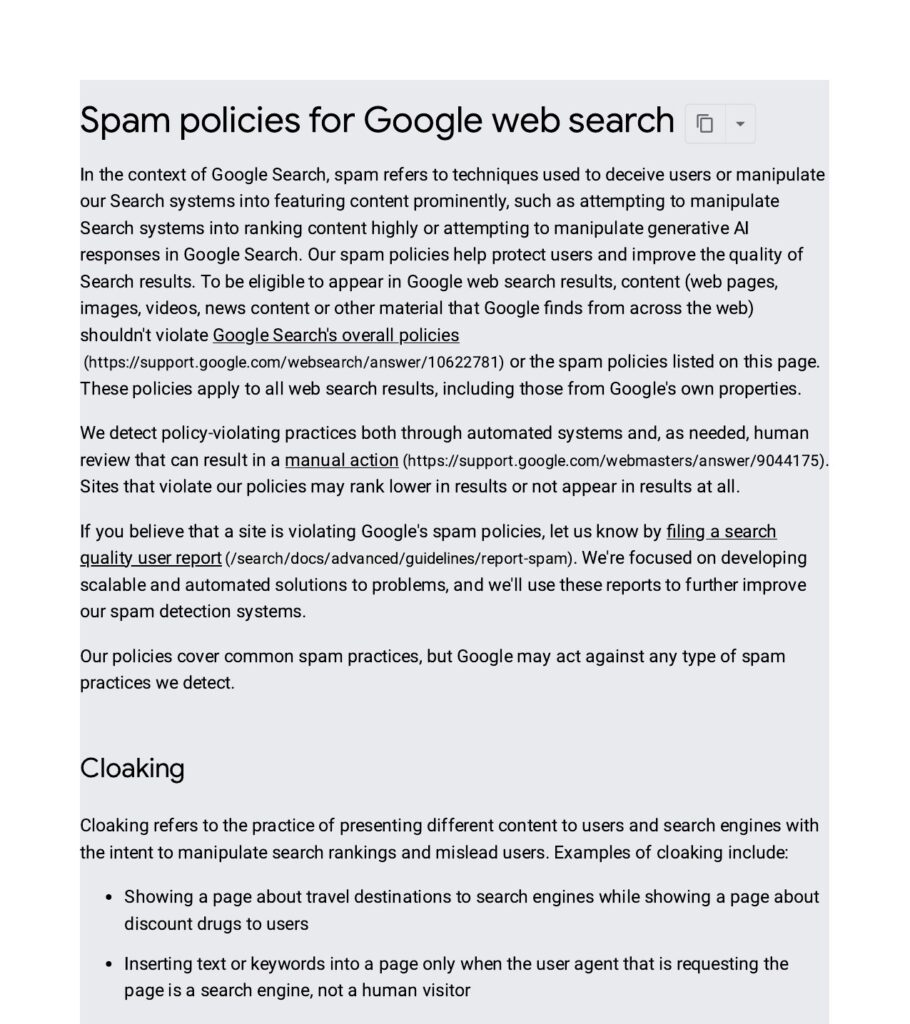
Use a backlink checker to list the sites linking to you. Ahrefs’ Site Audit and backlink tools will show your referring domains, your strongest links and your weakest ones. Look for links from sites that have nothing to do with your topic, links from sites that exist only to sell links, and sudden spikes in new links you did not earn. Links like these are the ones Google’s spam systems watch for, and its spam policies explain what counts as link spam.
Step 6: Check your pages on a phone
Open your site on a real phone, not just a desktop browser. Tap through the menu, fill in a form, and read a long article. Check that text is readable without zooming, that buttons are far enough apart to tap, and that nothing overlaps. Google indexes the mobile version of your site first, so a page that works on desktop and breaks on mobile is a page that ranks badly.
Step 7: Write the report
Put every problem you found into one list, with three columns: the problem, the pages affected, and the fix. Then sort the list by impact. Indexing problems and broken pages come first, because a page Google cannot reach cannot rank at all. Speed and content come next. Small on-page fixes, such as missing meta descriptions, come last. A report sorted this way is a work plan, not just a list of complaints.
How often should you run an SEO audit?
A full audit once or twice a year is enough for most small sites. Run one when you launch a new site, after a redesign or a move to a new platform, and after any sharp drop in traffic. If your site changes often — a shop adding products every week, or a blog publishing daily — check the basics monthly in Search Console: new indexing errors, new broken links, and pages losing traffic. The monthly check takes an hour and catches most problems while they are still small.
You should also run a short audit after any big Google update. Google changes its search systems constantly, and an update can turn a page that ranked well into one that does not. When that happens, the first step is always the same: check Search Console, crawl the site, and compare the pages that lost traffic with the ones that did not.
What happens after the audit?
An audit is only useful if the fixes happen. Agree on who fixes what, and in what order, before the report is filed away. Fix the indexing and crawling problems first, then the content problems, then the links. Re-crawl the site after each round of fixes to confirm the problems are actually gone — a fix that was never checked is a fix that may not have worked.
Then measure. Give the changes four to six weeks, then compare your traffic and rankings with the month before the audit. Some fixes, such as removing a robots.txt block, show results in days. Content rewrites and new links take longer. If a fix made no difference after two months, look at it again: either the problem was misdiagnosed, or the fix was not applied properly.
If you would rather have a team run the audit and the fixes for you, take a look at our SEO audit services.
Frequently asked questions
What is an SEO audit in simple terms?
An SEO audit is a full health check of your website. It looks at the technical setup, the content and the backlinks to find out what is stopping your pages from ranking in Google. The result is a list of problems, sorted by importance, with a fix for each one. It does not fix anything by itself — it tells you exactly what to fix and in what order.
How long does an SEO audit take?
It depends on the size of the site. A small site with under 50 pages can be audited in a day. A large shop or a site with thousands of pages can take a week or more, because every section needs crawling, every important page needs reading, and the backlink profile needs checking by hand. Automated tools can scan a site in minutes, but the judgement — which problems matter and which do not — takes a person.
How much does an SEO audit cost?
The cost depends on the size of your site and how deep the audit goes. Free tools such as Google Search Console and PageSpeed Insights will check the basics for nothing. A manual audit by an agency costs more, because a person crawls the site, reads the pages, checks the links and writes a fix list. Ask what the audit covers before you pay: a cheap audit that only runs an automated scan is not the same as a full one.
What tools do I need for an SEO audit?
Google Search Console and PageSpeed Insights are free and cover the essentials: indexing, links, speed and mobile usability. A crawler such as Screaming Frog finds broken links, missing titles and redirect problems across the whole site. A backlink tool such as Ahrefs shows who links to you and how strong those links are. Those four tools cover most of what a full audit needs.
Can I do an SEO audit myself?
Yes, for a small site. The steps in this guide use free tools and take a day or two. You will find the big problems — pages Google cannot index, broken links, slow pages and thin content. For a large site, or if traffic has dropped sharply and you cannot see why, a professional audit is worth it, because an experienced auditor spots patterns a first-timer misses.
Does an SEO audit improve rankings by itself?
No. An audit finds the problems; fixing them improves rankings. A site that is audited and then left unchanged will rank exactly where it did before. The value of the audit is the fix list: it stops you guessing, tells you which problems cost you the most traffic, and gives you a clear order to work in. Measure again four to six weeks after the fixes to see the result.

Abdullah Zulfiqar is Co-founder and Client Success Manager at RankWithLinks, an SEO agency helping businesses grow online. He specializes in client relations and SEO strategy, driving measurable results and maximizing ROI through effective link-building and digital marketing solutions.