
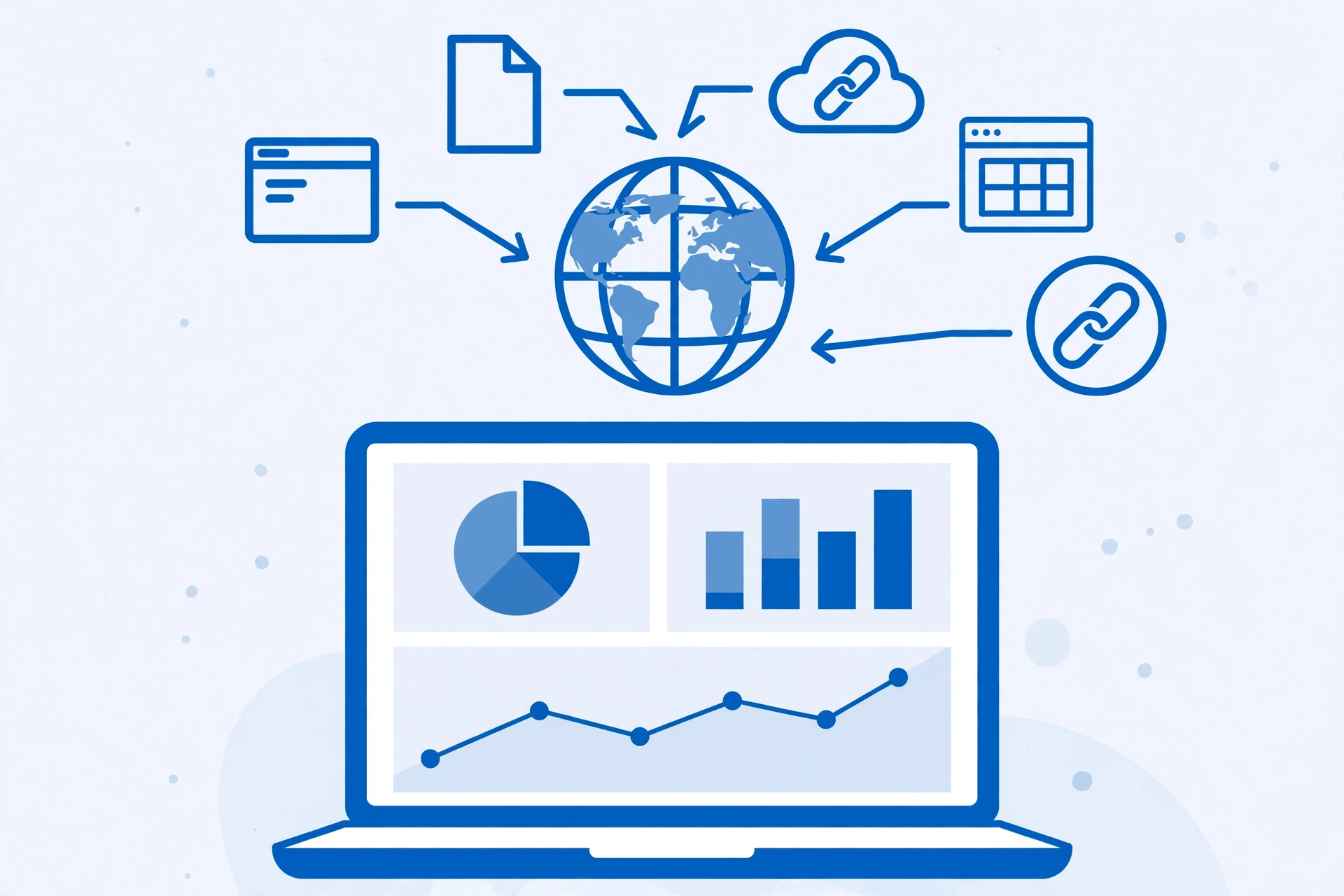
If you are wondering how to check if your website has backlinks, you are asking one of the most useful questions in SEO. Backlinks — links from other websites pointing to yours — remain one of the strongest signals Google uses to judge whether your content is worth ranking. Before you try to build more of them, you need to know exactly where your site stands today. This guide shows you six reliable ways to check your backlinks, from free tools to professional checkers, and explains what the numbers actually mean.
Why it pays to know your backlink count
A backlink profile is like a report card for your site’s reputation. Every link from a relevant, trusted site acts as a vote of confidence. The scale of the problem for most sites is bigger than owners expect:
| Fact | Source |
|---|---|
| 66.31% of pages have zero backlinks at all (1 billion pages studied, 2020) | Ahrefs study, reported by SEO Mad Man (https://seomadman.com/reports/backlinkless-pages-search-traffic-ahrefs-14b) |
| 96.55% of all pages get zero organic traffic from Google (~14 billion pages) | Ahrefs study, reported by SEO Mad Man (https://seomadman.com/reports/backlinkless-pages-search-traffic-ahrefs-14b) |
| Of ~20 million pages with no referring domains, only 2,997 get more than 1,000 monthly visits — about 1 in 6,671 | Ahrefs study, reported by SEO Mad Man (https://seomadman.com/reports/backlinkless-pages-search-traffic-ahrefs-14b) |
| Google’s Gary Illyes said links “are not a top 3 ranking factor, and have not been for some time” (PubCon Pro 2023) | Reported by Userp (https://userp.io/link-building/link-building-statistics/) |
Those numbers tell a clear story: most pages have no backlinks, and most pages get no traffic. Links are not the only ranking factor, but a page with no links pointing to it is a poor place to earn search traffic from. Knowing your current count is the first step to fixing it.
Method 1: Google Search Console (free, best starting point)
Google Search Console is the only backlink data source that comes straight from Google itself, and it costs nothing. The catch: it only works for sites you own and have verified.
- Sign in at search.google.com/search-console and select your property.
- In the left sidebar, click Links.
- The report has two halves. Under External links you will find:
- Top linked pages — the pages on your site with the most external backlinks. The count is unique referring sites, not raw links.
- Top linking sites — the domains that link to you most often.
- Top linking text — the anchor text used most often in links pointing at your site.
- Click any row to drill down: which pages on their site link to you, and which of your pages they point to.
- Use the Export button to download the data as a CSV so you can track changes over time.
Know its limits: the report is capped at roughly 1,000 referring domains and shows a filtered sample of what Google has indexed, not every link. It also will not tell you whether a link is dofollow or nofollow. For a free baseline straight from Google, though, nothing beats it.
Method 2: Ahrefs free backlink checker
Ahrefs runs a free backlink checker that anyone can use without an account. Paste your domain and you will see the top 100 backlinks pointing to your site, plus the total number of backlinks and referring domains, and the anchor text used. It will not give you the full historical picture that a paid plan provides, but for a quick snapshot it is excellent. The paid plans start at around $99/month and unlock the full link index, lost-and-new link tracking, and competitor comparison.
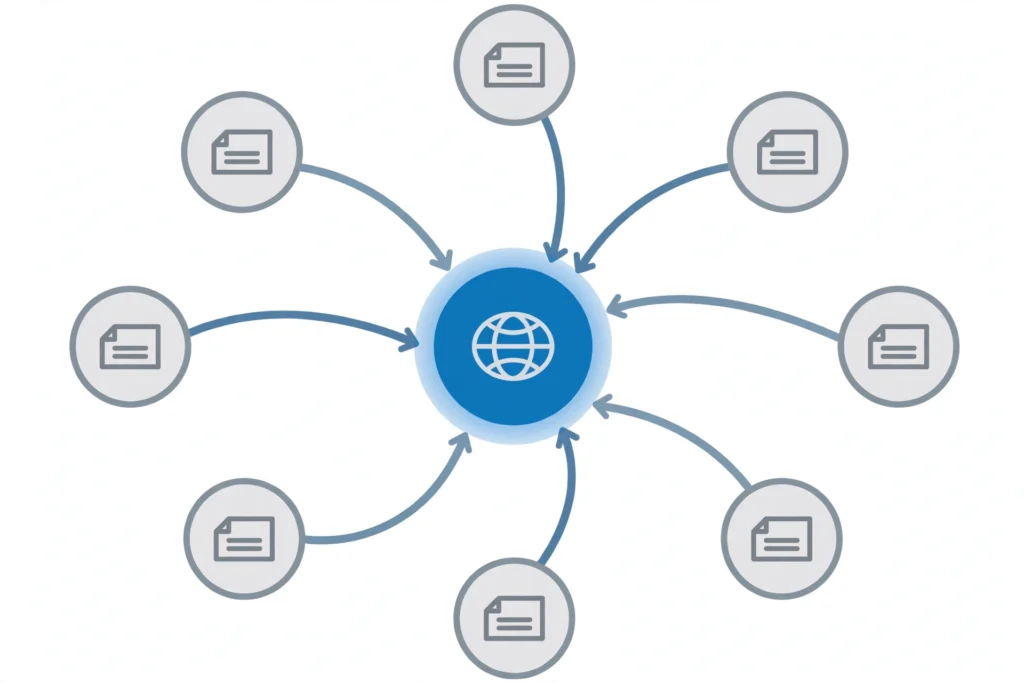
Method 3: Semrush backlink analytics
Semrush’s backlink tools take a similar approach with a free look-up option and a deeper paid product. Enter your domain to see referring domains, backlink types (text, image, form, frame), and an authority score for your site. What sets Semrush apart for this task is the toxicity check: it flags links from spammy or low-quality domains that could be dragging your profile down, and lets you build a disavow file if you find links you want Google to ignore.
Method 4: Moz Link Explorer and Majestic
Two more trusted names in link data:
- Moz Link Explorer (free with limits) shows your inbound links alongside Domain Authority and Page Authority scores — handy when you want one number that sums up a linking site’s strength.
- Majestic offers Trust Flow and Citation Flow metrics, which separate link quality from link quantity. A profile with high Citation Flow but low Trust Flow is a red flag: lots of links, little trust.
Both are useful second opinions after you have your free Google Search Console baseline.
Method 5: Bing Webmaster Tools (free)
Most site owners forget Bing. Its free Webmaster Tools includes its own backlinks report for verified sites, showing who links to you according to Bing’s index. Bing’s crawl can surface links Google has not shown you yet, so it is worth the few minutes of setup — especially since the report is free.
Method 6: Check competitors’ backlinks for comparison
Here is something Google Search Console can never do: show you someone else’s links. Third-party checkers like Ahrefs, Semrush, and Majestic all let you run the same backlink check on a competitor’s domain. Compare their referring domain count with yours. If a competitor ranks above you with 200 referring domains and you have 12, you have found a concrete gap to close. Look at which sites link to them — those are your outreach targets.
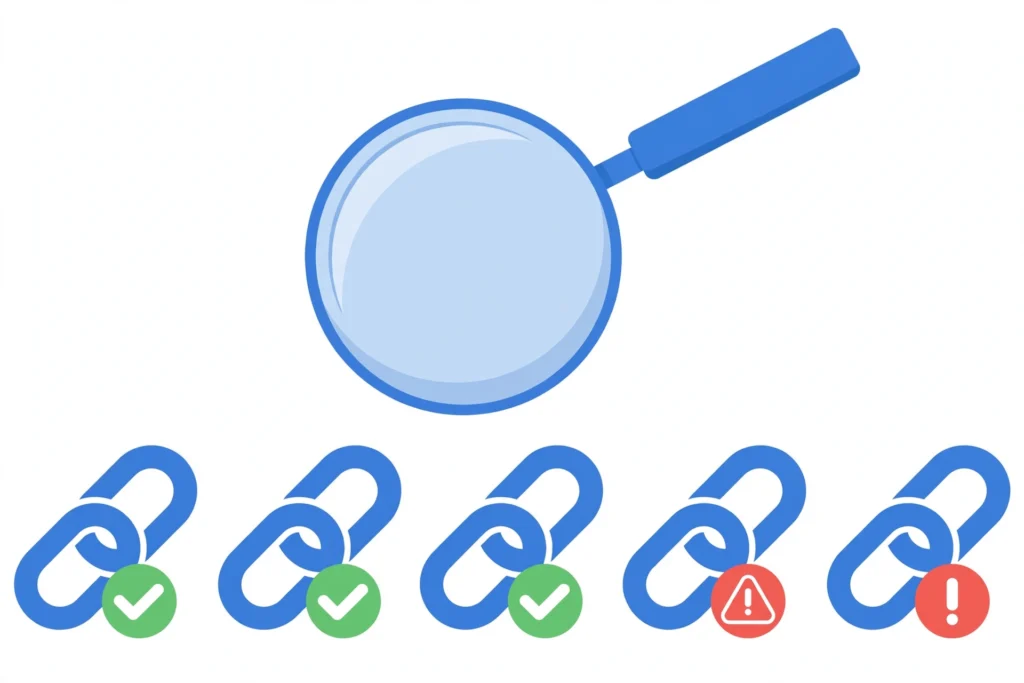
What the numbers actually mean
Raw link counts can mislead. Here is how to read your results like an SEO:
- Referring domains beat total backlinks. Fifty links from one domain count as one vote of confidence; fifty links from fifty domains is a far stronger signal.
- Relevance matters. A link from a site in your industry helps more than a random directory listing.
- Anchor text tells a story. Natural profiles show brand names and plain URLs. A flood of exact-match commercial keywords (“best cheap SEO services”) suggests artificial links.
- Lost links are normal. Studies show a large share of web links decay over the years, so a gradual drop in old links is expected. Sudden, sharp drops deserve investigation.
What to do after you check
Checking is only useful if you act on it. If your count is low, the honest fix is earning more links through better content and outreach — not shortcuts. If you spot spammy links from irrelevant sites, Google’s disavow tool exists for that exact situation, but use it carefully and only when you are confident the links are harmful.
If you want expert help, our professional link building services (https://rankwithlinks.com/link-building-services/) use manual outreach to earn editorial links from real sites in your niche — no PBNs, no link farms, no shortcuts that risk a penalty.
FAQ
How do I check my backlinks for free?
The best free method is Google Search Console: verify your site, open the Links report, and review top linking sites, top linked pages, and anchor text. Ahrefs’ free backlink checker shows your top 100 backlinks without an account, and Bing Webmaster Tools has its own free backlink report. Between the three, you get a solid picture without spending anything.
Can I check backlinks for a website I don’t own?
Yes, but not in Google Search Console — that only works for verified sites you control. For competitor or client sites, use third-party tools like Ahrefs, Semrush, or Majestic, which let you enter any domain and see its backlinks, referring domains, and anchor text. Free plans usually cap how many results you see per report.
Why does Google Search Console show fewer backlinks than Ahrefs?
The two tools measure different things. Google Search Console shows a sampled, filtered subset of the links Google has indexed for your site, capped at roughly 1,000 referring domains. Ahrefs crawls the web with its own bot and reports everything it finds. Neither is a perfect count — treat each as a useful sample and look at the trends, not just the totals.
What is a good number of backlinks to have?
There is no magic number. Ten links from respected, relevant sites in your niche will usually beat a thousand links from spammy directories. What matters more is referring domain diversity, link relevance, and steady growth over time. Compare your count against the competitors who rank for your target keywords — your goal is to beat them, not to hit an arbitrary total.
Should I buy backlinks to increase my count quickly?
No. Buying links violates Google’s spam policies, and sites caught doing it risk losing rankings or receiving a manual penalty. Paid link schemes are easy for Google to detect through unnatural anchor text patterns and irrelevant linking sites. Earn links instead through useful content, digital PR, and genuine outreach — it takes longer, but the results last.
How often should I check my backlinks?
For most small sites, once a month is plenty. Export your Google Search Console links report each time and save it with the date, so you can compare snapshots and spot new or lost links. If you run active outreach campaigns, check every couple of weeks so you can see new links landing and thank the site owners who added them.

Abdullah Zulfiqar is Co-founder and Client Success Manager at RankWithLinks, an SEO agency helping businesses grow online. He specializes in client relations and SEO strategy, driving measurable results and maximizing ROI through effective link-building and digital marketing solutions.