
Freelancing offers freedom, flexibility, and the opportunity to work with multiple clients at the same time. However, managing several short-term clients, projects, invoices, and follow-ups can quickly become overwhelming without the right tools.
This is where a CRM (Customer Relationship Management) system becomes essential.
A CRM helps freelancers organize client information, track communication, manage proposals, automate follow-ups, and keep projects running smoothly. Instead of relying on spreadsheets or scattered notes, a CRM gives you a central dashboard to manage your freelance business efficiently.
In this detailed guide, we’ll explore the best CRM for freelancers managing multiple short-term clients, including:
- Features
- Pricing
- Pros and cons
- Best use cases
By the end of this article, you’ll know which CRM fits your freelance workflow best.
Why Freelancers Need a CRM
Many freelancers believe CRM tools are only for large companies or sales teams. In reality, freelancers benefit from CRMs even more because they usually manage sales, client communication, project management, and invoicing alone.
Here are some key reasons freelancers should use a CRM.
1. Centralized Client Management
When working with multiple short-term clients, information can easily get lost in emails or chat messages.
A CRM stores everything in one place:
- Client contact details
- Project history
- Communication logs
- Payment records
This allows freelancers to quickly find information whenever they need it.
2. Better Lead Tracking
Freelancers often receive inquiries through:
- Freelance platforms
- Website forms
A CRM helps you track leads and move them through a sales pipeline, ensuring no opportunity is missed.
3. Automated Follow-Ups
Many deals are lost simply because freelancers forget to follow up.
CRM tools automate:
- Reminder emails
- Proposal follow-ups
- Payment reminders
Automation saves time and improves conversion rates.
4. Professional Client Experience
Using a CRM allows freelancers to provide a more professional service with:
- Structured onboarding
- Organized communication
- Clear project tracking
Clients appreciate freelancers who appear organized and responsive.
Key Features Freelancers Should Look for in a CRM
Before choosing a CRM, freelancers should focus on features that support short-term client management.
Contact and Client Management
The CRM should allow you to store client details, project information, and communication history.
Proposal and Contract Management
Many freelancers send proposals and contracts regularly, so built-in templates can save hours.To further streamline this process, tools that automate RFP responses help reduce manual effort and ensure faster, more consistent proposal submissions.
Invoicing and Payments
CRMs that support invoicing and payment tracking reduce the need for extra tools.
Sales Pipeline Tracking
Freelancers benefit from visual pipelines to track potential clients.
Automation
Automation features like email reminders, workflow automation, and scheduling help reduce manual work.
Using free workflow software can help further streamline tasks without adding costs, especially for small teams or individual projects.
1. HoneyBook — Best CRM for Freelancers and Creatives
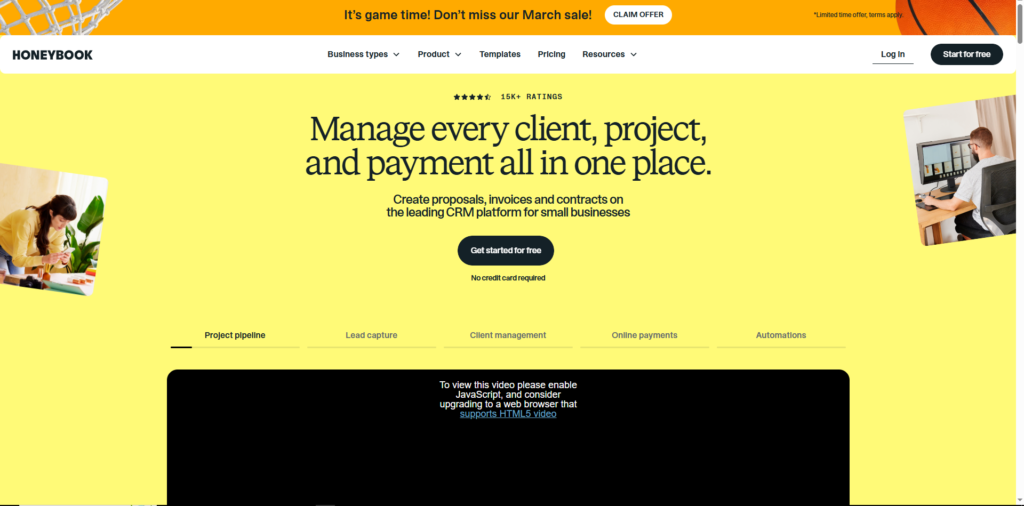
HoneyBook is one of the most popular CRM tools built specifically for freelancers, agencies, and service providers.
It combines client management, invoicing, contracts, and project tracking in a single platform.
Pricing
- Starter Plan: $29/month
- Essentials Plan: $39/month
- Premium Plan: $79/month
Key Features
- Client onboarding automation
- Proposal and contract templates
- Online invoices and payments
- Project tracking dashboard
- Automated workflows
Pros
- Designed specifically for freelancers
- Combines CRM, invoicing, and project management
- Simple and intuitive interface
- Strong automation features
Cons
- Limited customization compared to enterprise CRMs
- Higher pricing for beginners
Best For
Creative freelancers such as:
- Designers
- Photographers
- Marketing consultants
- Social media managers
HoneyBook works well for freelancers who want an all-in-one solution without managing multiple tools.
2. Bonsai — Best CRM for Freelancers with Contracts and Invoicing
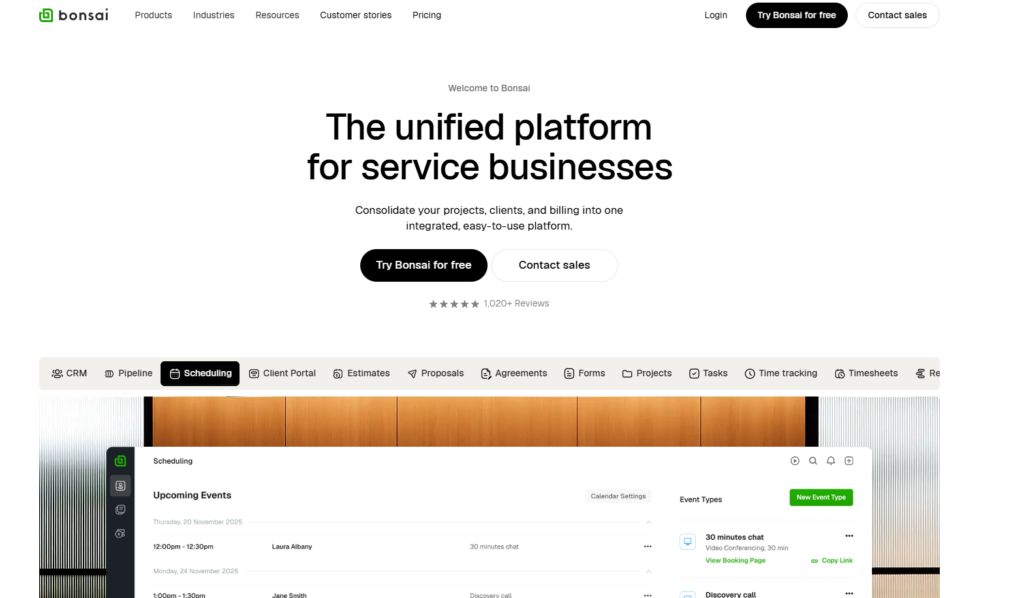
Bonsai is another powerful platform designed specifically for freelancers. It focuses heavily on contracts, invoicing, and financial management.
Freelancers who want both CRM and accounting tools often prefer Bonsai.
Pricing
- Starter Plan: $24/month
- Professional Plan: $39/month
- Business Plan: $79/month
Key Features
- Contract templates
- Time tracking tools
- Automated invoicing
- Client management dashboard
- Expense tracking
Pros
- Excellent financial tools for freelancers
- Built-in contract templates
- Supports global payments
- Includes time tracking
Cons
- CRM features are simpler than dedicated CRM tools
- Some advanced tools require higher plans
Best For
Freelancers who handle contracts and invoices frequently, such as:
- Developers
- Consultants
- Writers
- Marketing professionals
Bonsai is perfect if you want a CRM combined with freelance business management tools.
3. HubSpot CRM — Best Free CRM for Freelancers
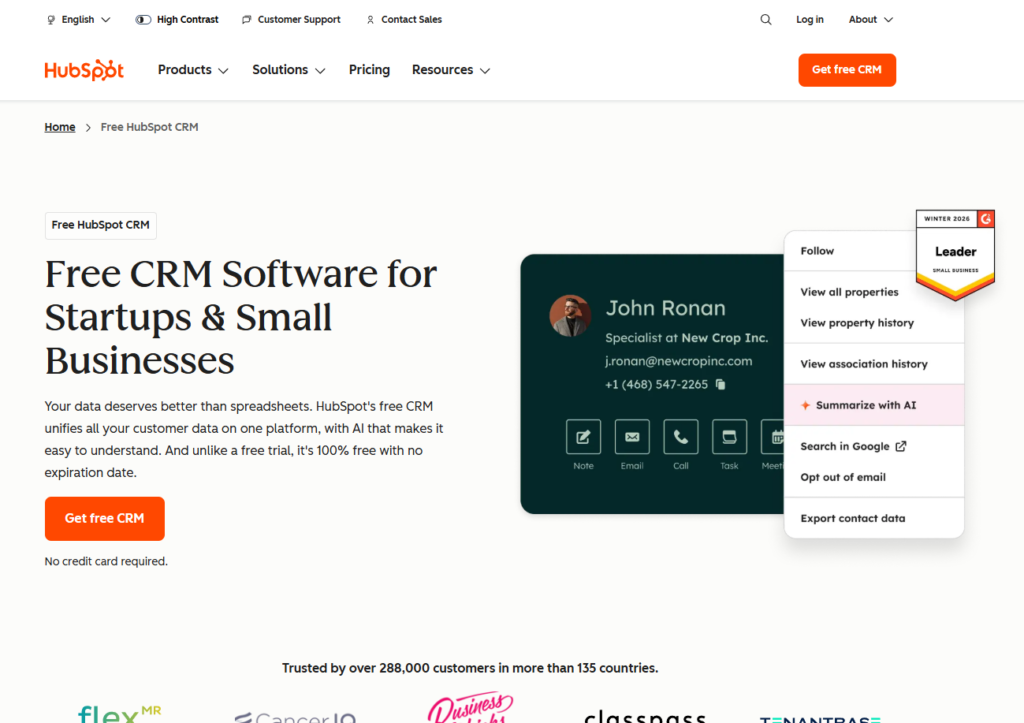
HubSpot CRM is one of the most widely used CRM platforms in the world. It offers an extremely powerful free plan, making it attractive for freelancers starting their businesses.
Pricing
- Free Plan Available
- Starter Plan: around $18/month
- Professional plans available for advanced features
Key Features
- Contact and lead management
- Email tracking and notifications
- Sales pipeline management
- Marketing automation tools
- Reporting and analytics
Pros
- Generous free plan
- Easy integration with Gmail and Outlook
- Scalable for growing businesses
- Powerful marketing tools
Cons
- Advanced features become expensive
- Some freelancers may find it complex
Best For
Freelancers who want to track leads and manage sales pipelines without paying for software initially.
HubSpot is particularly useful for freelancers who generate leads through:
- Content marketing
- Websites
- Email campaigns
4. Zoho CRM — Best Customizable CRM for Freelancers
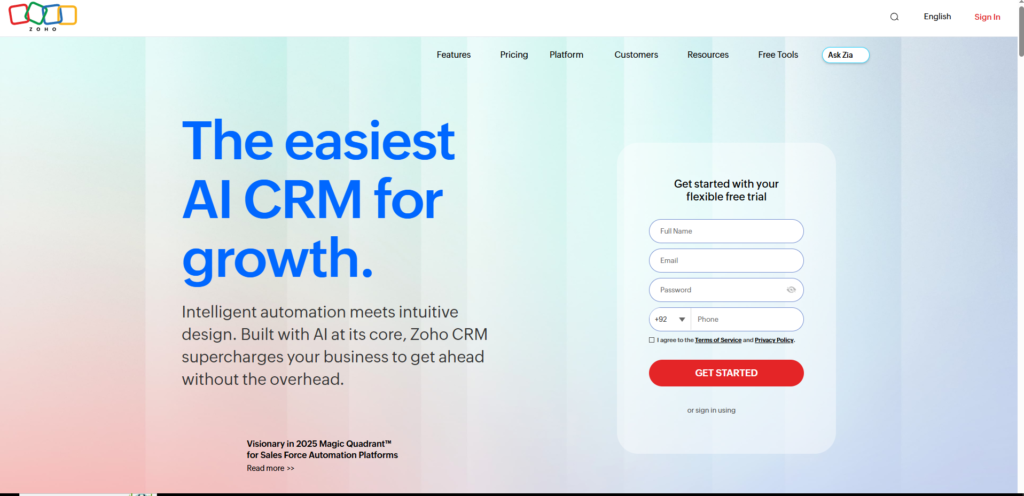
Zoho CRM is a powerful and affordable platform that offers extensive customization and automation.
It works well for freelancers who want a CRM that can grow with their business.
Pricing
- Free Plan (limited users)
- Standard Plan: $14/user/month
- Professional Plan: $35/user/month
- Enterprise Plan available
Key Features
- Contact and deal management
- Workflow automation
- AI assistant (Zia)
- Sales forecasting
- Integration with Zoho ecosystem
Pros
- Highly customizable platform
- Affordable pricing
- Strong automation tools
- Large ecosystem of integrations
Cons
- Slight learning curve for beginners
- Interface may feel overwhelming initially
Best For
Freelancers planning to scale into agencies or teams in the future.
Zoho is ideal if you want a powerful CRM with long-term flexibility.
5. Pipedrive — Best CRM for Sales Pipeline Management
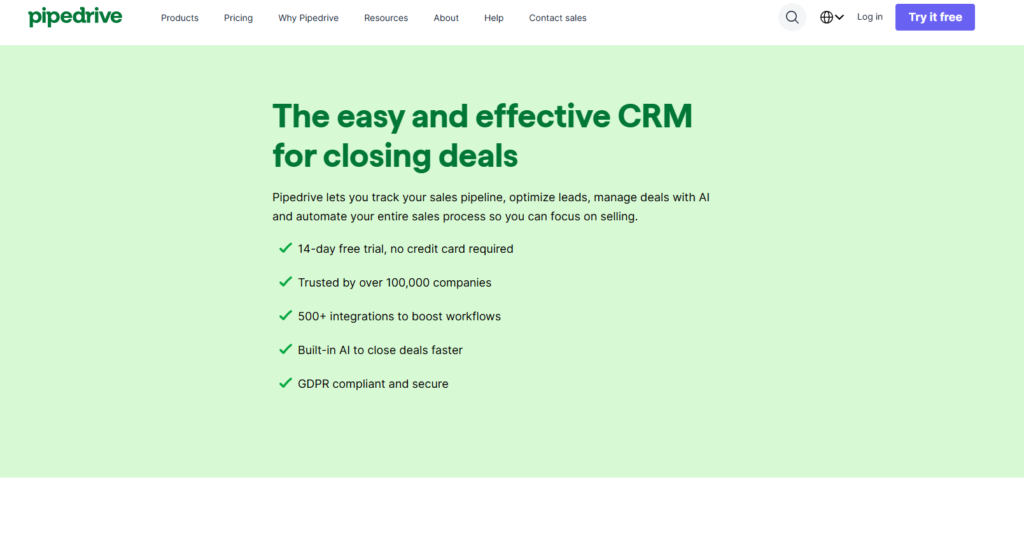
Pipedrive is known for its visual sales pipeline that helps users track deals and client relationships easily.
Freelancers who rely heavily on lead generation and sales processes often prefer Pipedrive.
Pricing
- Essential Plan: $14.90/month
- Advanced Plan: $24.90/month
- Professional Plan: $49.90/month
Key Features
- Visual deal pipeline
- Email integration
- Workflow automation
- Activity reminders
- Reporting tools
Pros
- Extremely easy to use
- Strong pipeline management
- Excellent deal tracking
Cons
- No free plan
- Limited project management tools
Best For
Freelancers who focus heavily on client acquisition and sales tracking.
It’s especially helpful for:
- Sales consultants
- Marketing freelancers
- Business development professionals
Comparison Table of the Best CRM for Freelancers
| CRM | Starting Price | Free Plan | Best Feature |
|---|---|---|---|
| HoneyBook | $29/month | No | Client onboarding & automation |
| Bonsai | $24/month | No | Contracts and invoicing |
| HubSpot CRM | Free | Yes | Lead tracking and marketing |
| Zoho CRM | $14/month | Yes | Customization and automation |
| Pipedrive | $14.90/month | No | Sales pipeline tracking |
How to Choose the Best CRM for Your Freelance Business
Not every freelancer needs the same CRM. The best choice depends on your workflow and priorities.
Choose HoneyBook if
You want a complete client management platform with contracts, proposals, and invoices.
Choose Bonsai if
You want a freelancer business management tool with contracts and financial tracking.
Choose HubSpot if
You want a powerful free CRM for managing leads and marketing.
Choose Zoho CRM if
You want customization and scalability as your freelance business grows.
Choose Pipedrive if
You focus heavily on sales pipelines and converting leads into clients.
Tips for Managing Multiple Short-Term Clients with CRM
Even the best CRM will only help if used effectively.
Here are some tips freelancers should follow.
Use a Sales Pipeline
Track your leads through stages such as:
- New inquiry
- Proposal sent
- Negotiation
- Won client
This ensures no potential client is forgotten.
Automate Follow-Ups
Set automatic reminders for:
- Proposal follow-ups
- Payment reminders
- Client check-ins
Automation saves hours each week.
Store All Communication
Keep emails, notes, and messages inside the CRM so you always have a full record of client interactions.
Track Client History
Knowing a client’s previous projects and preferences helps build stronger relationships.
Final Thoughts
Managing multiple short-term clients is one of the biggest challenges freelancers face. Without the right system, it’s easy to lose track of leads, deadlines, and payments.
Using the right CRM helps freelancers:
- Stay organized
- Improve client communication
- Track leads and deals
- Automate repetitive tasks
- Deliver a more professional experience
Here’s a quick summary of the best CRM options:
- HoneyBook – Best all-in-one CRM for freelancers
- Bonsai – Best for contracts and invoicing
- HubSpot CRM – Best free CRM
- Zoho CRM – Best customizable platform
- Pipedrive – Best for sales pipelines
Choosing the right CRM will help freelancers manage multiple clients efficiently and scale their business with confidence.

Abdullah Zulfiqar is Co-founder and Client Success Manager at RankWithLinks, an SEO agency helping businesses grow online. He specializes in client relations and SEO strategy, driving measurable results and maximizing ROI through effective link-building and digital marketing solutions.