
Intro
Learning how to check toxic backlinks in Google Search Console step by step will save you from two common mistakes: ignoring a real link problem, and deleting good links in a panic. A toxic backlink is not simply a link you do not like. It is a link that looks built to manipulate rankings, rather than earned because a real editor wanted to point readers to your page. Google Search Console gives you the raw list for free, but it does not score links as toxic for you. You have to read the list, check the pattern, and then decide what, if anything, needs action.
This guide walks through that process in order. You will export your links, spot the warning signs, test them against Google’s own link spam rules, check for a manual action, and only then consider a disavow file. Most sites, as you will see, do not need one at all.
What “toxic” really means — and what it does not
Google does not use “toxic backlink” as an official category. That label comes from SEO tools, which score links with their own formulas. A high toxicity score from a tool is a prompt to look closer, not proof that Google has penalised you. A link from a small, unfamiliar site is not automatically harmful. A link in another language is not automatically harmful either. What matters is the pattern: was the link placed to pass ranking credit in a way that breaks Google’s spam policies?
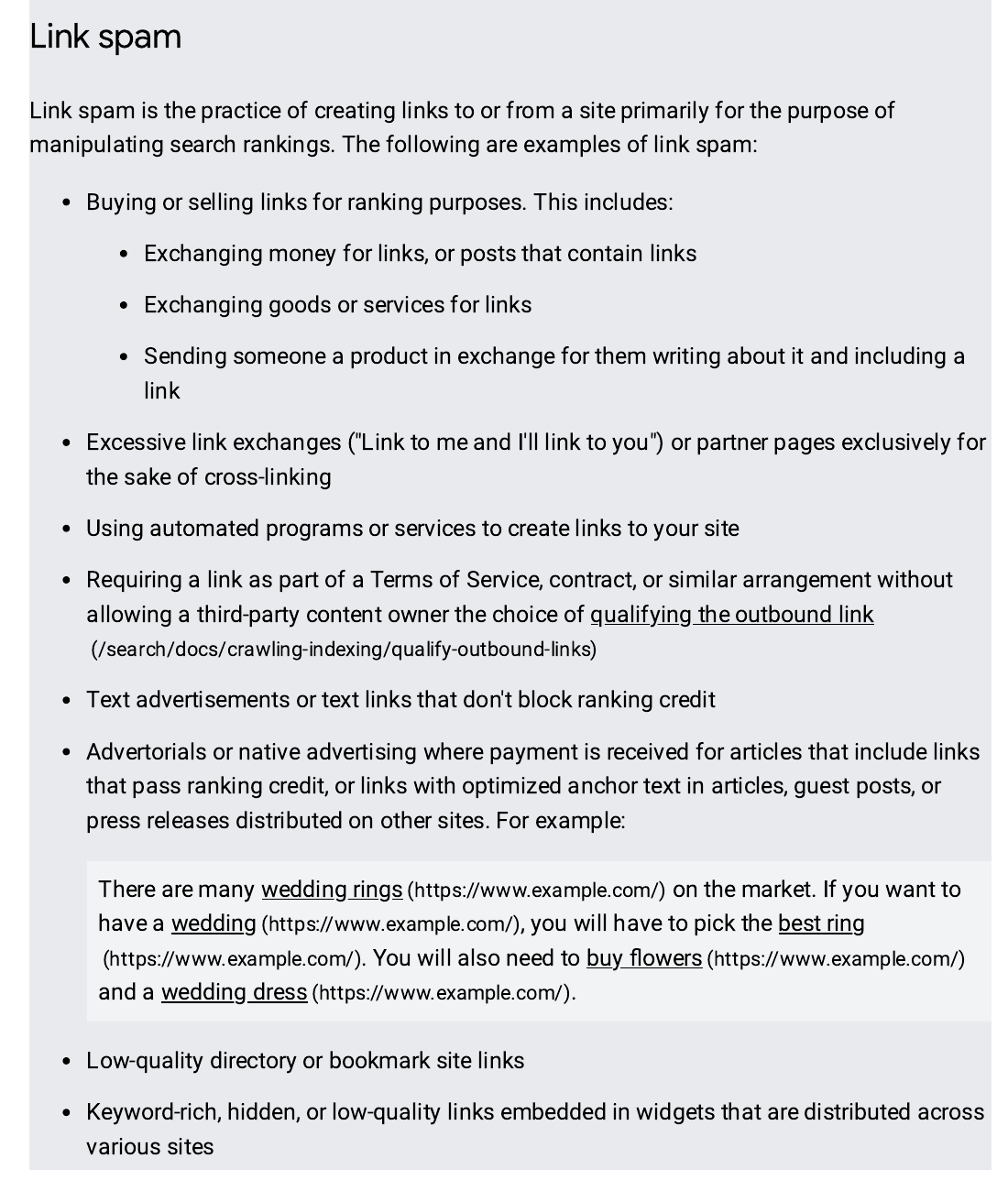
Google defines link spam as creating links mainly to manipulate search rankings. Its examples include exchanging money for links, excessive link exchanges, automated link creation, low-quality directory links, and keyword-rich links hidden in widgets or footers. If a link fits that pattern, and there are many of them, it deserves a closer look. If it is a single odd link from a scraper site or a directory you never asked for, Google’s spam systems will usually ignore it on their own.
The numbers that frame this check
| Fact | What it means for your check |
|---|---|
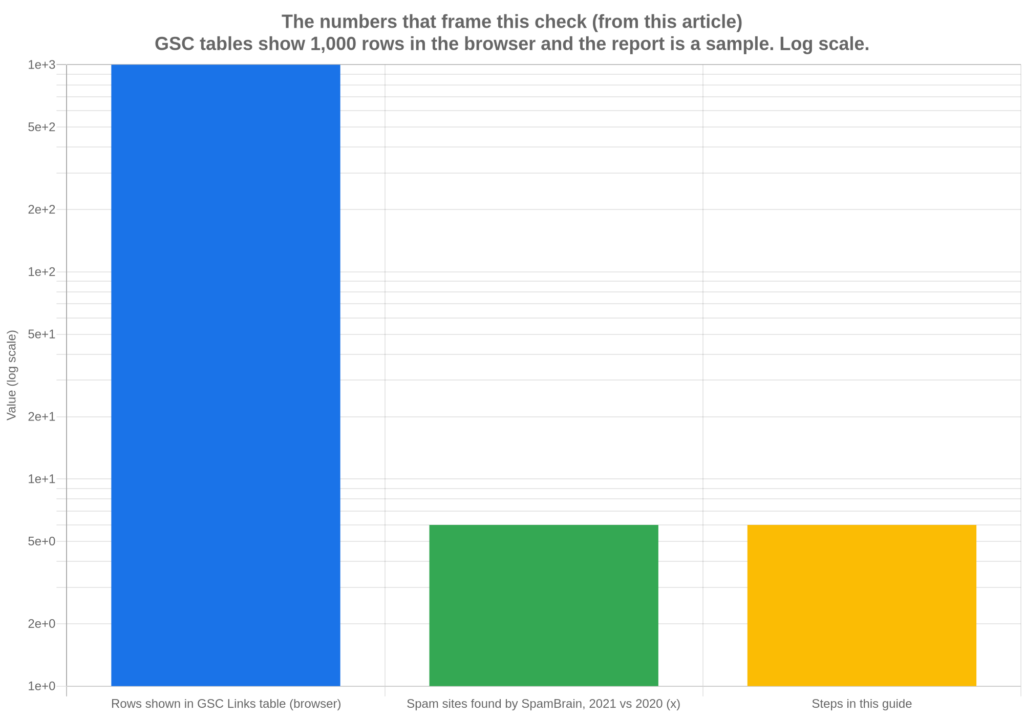
| Google Search Console tables are limited to 1,000 rows in the browser, and the report is a sample, not every link ever found. Source: Google Search Console Help, Links report | Export the data. Do not judge your whole profile from the first screen alone. |
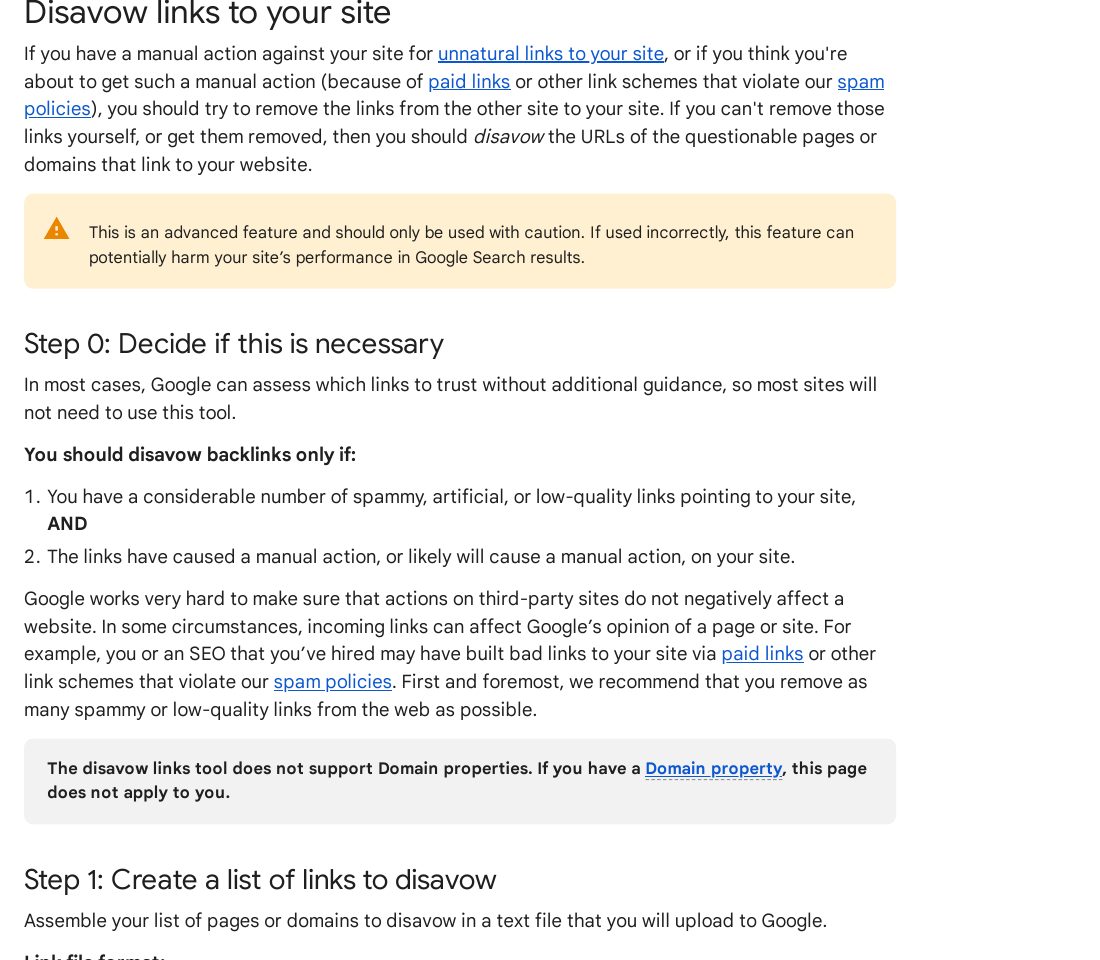
| Google says you should disavow only if you have a considerable number of spammy, artificial or low-quality links AND they have caused, or are likely to cause, a manual action. Source: Google Search Console Help, Disavow links | Both conditions matter. A scary-looking list alone is not enough. |
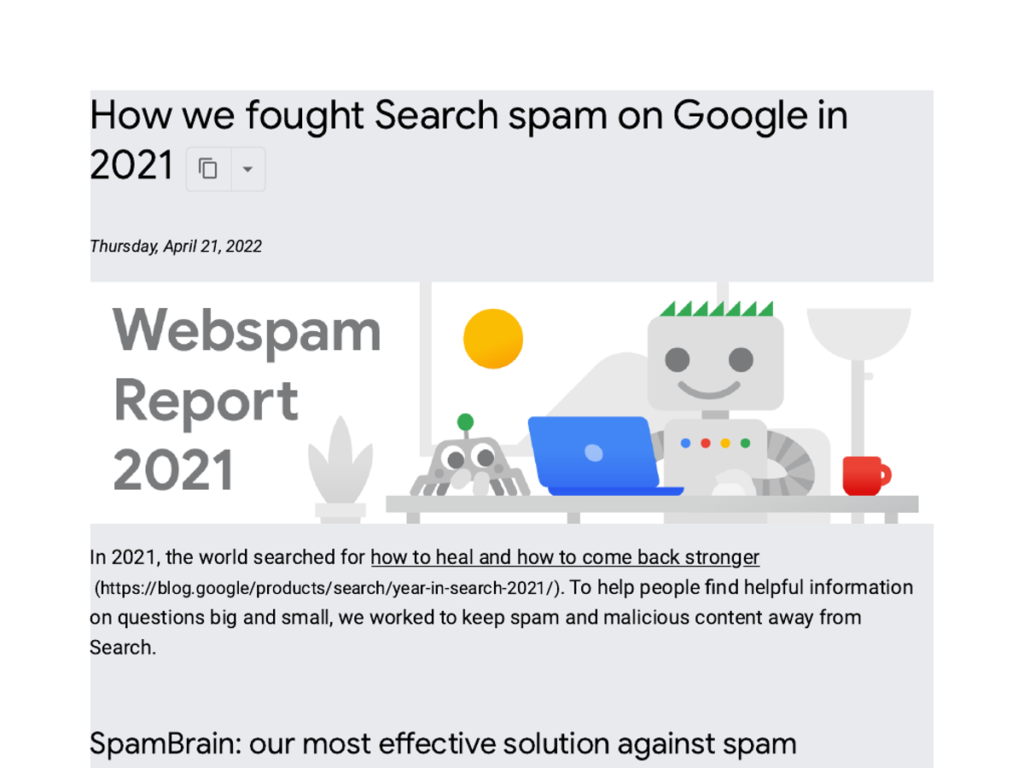
| In its 2021 web spam report, Google said SpamBrain found about six times more spam sites than in 2020. Its 2022 report put that at five times more than in 2021, and about 200 times more than at launch, with 99% of visits from Search described as spam-free. Source: Search Engine Land, Google SpamBrain | Much spam is now filtered out automatically. That is why most sites should not rush to disavow. |
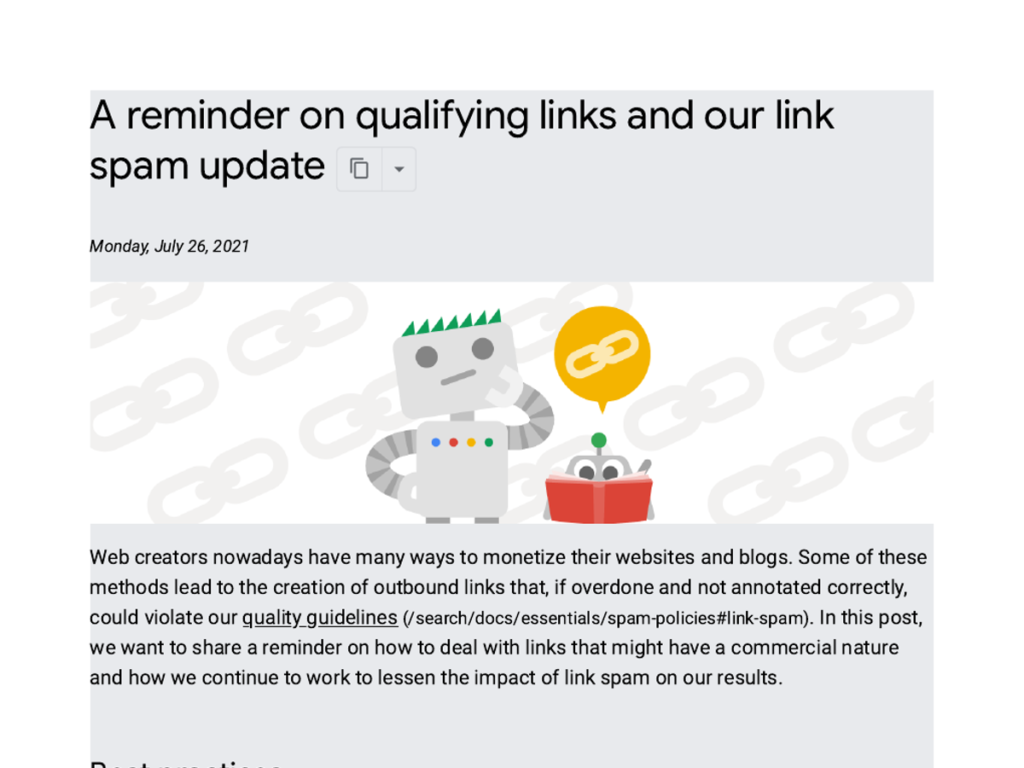
| Google’s July 2021 link spam update was described as identifying and nullifying link spam more broadly, across languages. Source: Search Engine Land, Google link spam update | “Nullifying” means ignoring the links, not always punishing the site they point to. |
Keep that last point in mind throughout. A disavow file is a last resort for a serious, documented problem — not routine housekeeping.
Step 1: Open the Links report and export your links
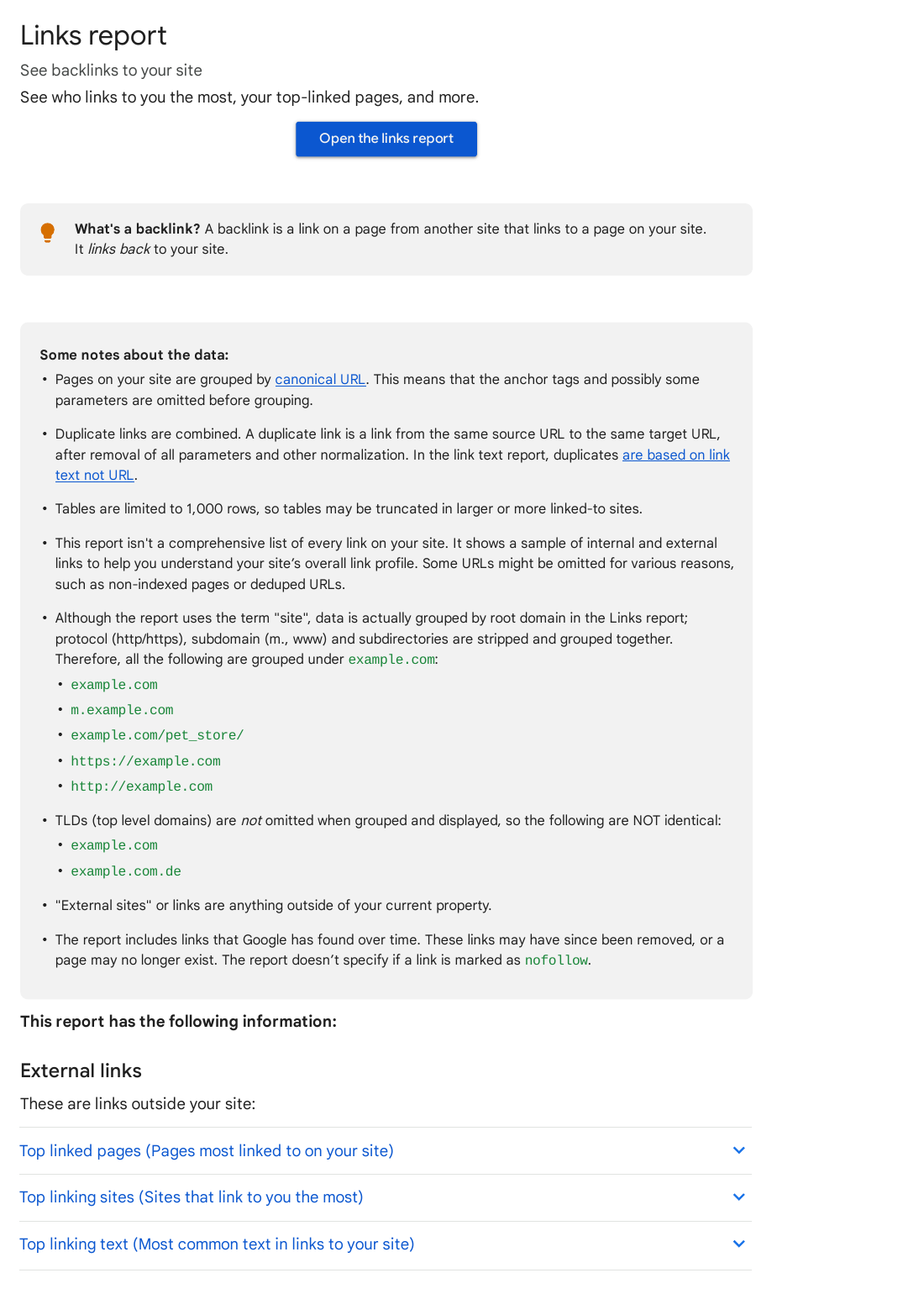
Sign in to Google Search Console and choose the correct property for your site. In the left-hand menu, click Links. You will see two sides: External links and Internal links. For this check, you only need External links. It has three tables: Top linked pages, Top linking sites, and Top linking text.
Click through each table and use the export option to download the data. Working in a spreadsheet is far easier than scrolling in the browser, and it gives you a dated copy to compare against next month. Note that the report groups links by root domain, so many pages on one site still count as one linking site, and it does not tell you whether a link is marked nofollow. Treat the export as Google’s view of your links, not a complete history of every link ever placed.
Step 2: Sort the list and look for warning patterns
Open your export and sort by linking site first. You are looking for patterns, not single links. Read each unfamiliar domain with these questions in mind:
- Does the site look real? Real sites have real content, an author or owner, and a clear topic. Link farms, auto-generated pages, and sites with hundreds of unrelated outbound links do not.
- Is the link relevant? A plumbing firm linking to a bakery is odd. A local news site linking to a local bakery is normal. Relevance is a clue, not a verdict on its own.
- Is the anchor text over-optimised? One exact-match money keyword is normal. Dozens of identical commercial anchors from unrelated sites, all pointing at the same page, are a pattern.
- Did links arrive in a sudden spike? A sharp jump from domains you do not recognise, all at once, is worth checking. It may be a spam attack, a scraper run, or a past campaign you forgot about.
- Does the linking page exist for any reason other than links? Pages stuffed with links, hidden text, or content copied from elsewhere are classic warning signs.
Mark each suspect domain as “check”, “remove” or “leave” — but do not disavow anything yet. At this stage you are building a shortlist, and most shortlists shrink a lot on a second look.
Step 3: Test the shortlist against Google’s link spam rules
Now compare your shortlist with Google’s own examples of link spam. Paid links for ranking purposes, excessive link exchanges, automated link creation, low-quality directory links, and keyword-rich links in footers, widgets or forum signatures all count. A link that was bought and left to pass ranking credit is different from a sponsored link properly marked with rel=”sponsored” or rel=”nofollow”, which tells Google not to treat it as an editorial vote.
This step stops you from disavowing links that are merely weak. A weak link — from a small blog, a directory with real editorial standards, or a site in another niche that mentioned you once — is not link spam. Removing it from Google’s view gains you nothing and can cost you a genuine vote if you get it wrong.
Step 4: Check for a manual action before you act
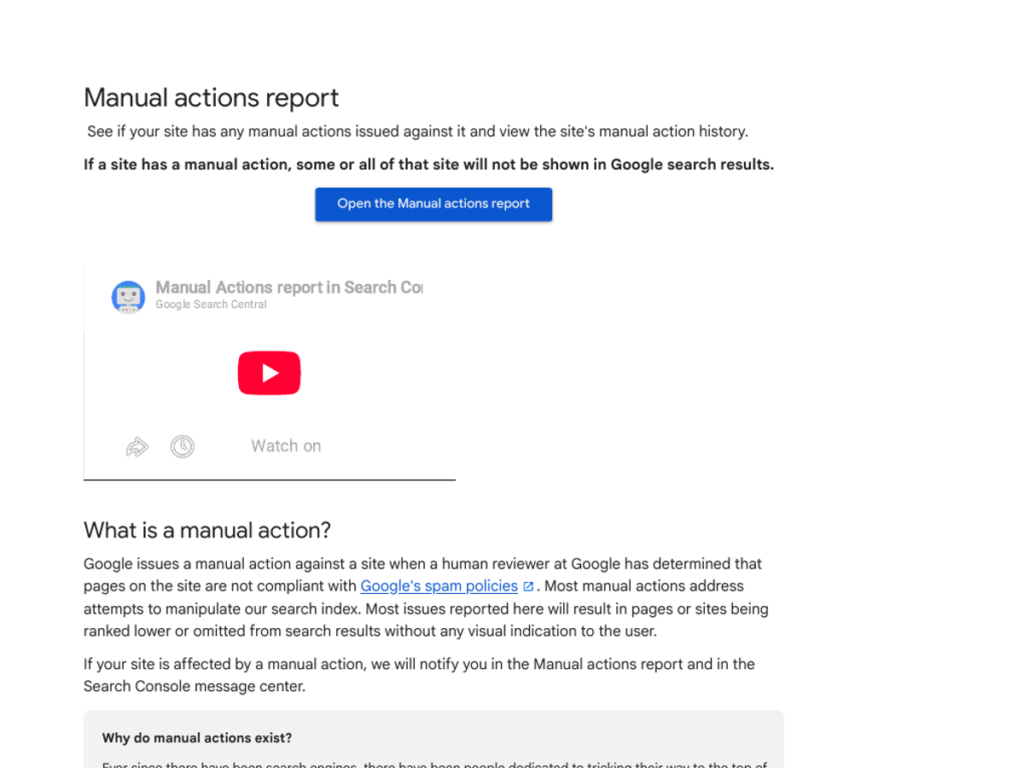
In Search Console, open Security and Manual Actions, then Manual actions. If there is no manual action for unnatural links, that changes your decision. It does not prove every link is fine, but it does mean Google has not taken direct action against your site for its links.
If there IS a manual action for unnatural links, note exactly what it says and which pages it mentions. That message, not a tool score, is the strongest reason to build a disavow file. Keep a screenshot or a written note of it with the date, because you will need it if you later submit a reconsideration request.
Step 5: Try removal first, then disavow only if both tests are met
Google’s order is clear: try to remove the links first, and disavow only what you cannot get removed. Contact the site owner where a real contact exists and ask for the link to be removed or qualified with nofollow or sponsored. For links you control — for example, a directory listing you submitted years ago — remove or change them yourself.
Only build a disavow file if both of Google’s conditions are true: you have a considerable number of spammy, artificial or low-quality links, AND they have caused a manual action or are likely to cause one. The file itself is plain text, one URL or domain per line, with domains written as domain:example.com. It must end in .txt, use UTF-8 or 7-bit ASCII, and stay within 100,000 lines and 2 MB, with no URL longer than 2,048 characters. Lines starting with # are comments and are ignored.
Upload the file through the disavow tool for the correct property — note that the tool does not support Domain properties — and keep a copy of exactly what you uploaded. Disavowing is not instant, and it does not delete the links from the web. It only asks Google to ignore them when it assesses your site.
Step 6: Re-check, record, and keep building good links
After any disavow, log the date, the domains you listed, and why each one was included. Re-check the Links report and the Manual actions report over the following weeks. If you submitted a reconsideration request after a manual action, include what you removed, what you disavowed, and what you have changed so the problem does not return.
Then return to the work that actually protects a profile: earning links that a real editor would place. That is where our manual link building services fit — outreach to real sites, with no private blog networks and no link schemes. A profile built that way does not need constant clean-up, because there is nothing in it that needs hiding.
Common mistakes to avoid
- Disavowing on a tool score alone. Scores differ between tools and none of them is Google’s verdict.
- Disavowing whole domains for one bad page, or good pages because they sit on a mixed-quality site. Check the actual linking pages first.
- Disavowing nofollow or sponsored links. They already tell Google not to pass ranking credit, so disavowing them adds nothing.
- Filing a disavow file every month as routine maintenance. Google says most sites will not need this tool at all.
- Forgetting to check whether the links came from your own past work. If a former provider built them, note that honestly in your log — it matters for a reconsideration request.
FAQ
Can I check a competitor’s toxic backlinks in Google Search Console?
No. Search Console only shows data for properties you have verified, so you cannot see a competitor’s Links report there. You can use a third-party backlink tool for a competitor estimate, but treat it as an estimate. Its crawl, its index and its toxicity score are not Google’s data, and a high score there does not mean the competitor has a penalty or will be penalised.
How often should I check my backlinks for toxic links?
For most small sites, a check every three to six months is enough, plus an extra check after a sudden traffic drop or a manual action message. Checking every week usually creates noise rather than insight, because Search Console data updates slowly and many new links are harmless. Keep each export dated, so you can compare like with like and spot real spikes instead of reacting to one odd domain.
Will one toxic backlink hurt my rankings?
Almost never on its own. Google’s spam systems are built to ignore isolated spammy links, and one link rarely changes how a whole site is assessed. Harm comes from a pattern: many manipulative links, built at scale, pointing at the same pages with the same commercial anchors. If you find one strange link, note it and move on. If you find hundreds following the same pattern, work through the steps in this guide.
Should I pay for links to replace the ones I disavow?
No. Paying for links that pass ranking credit is itself link spam under Google’s policies, so replacing disavowed links with paid ones repeats the original problem. If a placement is genuinely advertising or sponsorship, it must be marked with rel=”sponsored” or rel=”nofollow” so it does not pass ranking credit. Earn replacements through useful content, genuine outreach and real relationships with publishers instead.
How long does a disavow take to work?
Allow several weeks at least. Google has to re-crawl and re-process the affected pages before a disavow is fully reflected, and there is no fixed timetable it publishes for this. If a manual action was involved, the reconsideration request is a separate step after the disavow, and its outcome depends on whether the underlying problem has been fixed. Do not file repeated disavow files while waiting — keep one clean, documented version.
What if I disavow a good link by mistake?
You can fix it by uploading a new disavow file without that link, or an empty file to remove all disavowals. The change is not instant, and rankings may not return to exactly where they were, because Google re-assesses the link in its current context. This is why the review in Steps 2 and 3 matters: a careful shortlist, checked page by page, prevents most accidental disavows before they happen.
Sources: Google Search Console Help — Links report, Disavow links to your site; Google Search Central — Spam policies for Google web search; Search Engine Land — Google SpamBrain, Google link spam update.

Abdullah Zulfiqar is Co-founder and Client Success Manager at RankWithLinks, an SEO agency helping businesses grow online. He specializes in client relations and SEO strategy, driving measurable results and maximizing ROI through effective link-building and digital marketing solutions.