

If you want to know how to check backlinks of competitors, you are asking one of the most practical questions in SEO. A competitor’s backlink profile is a public record of what already works in your niche: every site that links to them is a site that might link to you. Backlinko’s analysis of 11.8 million Google search results found that the #1 result has an average of 3.8x more backlinks than positions #2–#10 — so learning how rivals earned their links is how you close the gap. (serpreach.com)
This guide walks you through finding your real SEO competitors, checking their backlinks with free and paid tools, reading the data correctly, and turning what you learn into links of your own.
Why check your competitors’ backlinks
Your competitors have already spent time and money testing which sites link to businesses like yours. Their backlink profile shows you which websites in your niche link out, which content formats attract the most links, and — most valuable of all — where the gaps are: sites linking to them but not to you.
According to the AIRA and Editorial.link 2026 link building report, 54% of businesses actively generate links through competitor analysis and “link gap” targeting — pitching sites that have already shown they link to content like yours. (linkbuildinghq.com)
Step 1: find your real SEO competitors
Before you check any backlinks, make sure you are checking the right sites. Your business competitors and your SEO competitors are often different things — a blog, directory, or affiliate site can outrank you without selling anything you sell.
Google your 5–10 most important keywords and note the domains that appear in the top 10 repeatedly. If you have Ahrefs or Semrush, enter your domain and open the “Organic competitors” or “Competing domains” report. Pick 5–10 competitors: a mix of big names and the smaller sites that keep outranking you. Smaller sites are often more useful targets — you cannot replicate a Wikipedia link, but you can absolutely replicate a guest post on a niche blog.
Step 2: check their backlinks with free tools
You do not need a paid subscription to get started. These free methods show you a solid slice of any competitor’s backlink profile.
1. Ahrefs free backlink checker
Enter your competitor’s domain into Ahrefs’ free backlink checker and you will see their total backlink count, referring domains, and the top 100 backlinks — the linking page, anchor text, and target URL. The top 100 is usually enough to spot their strongest and most replicable links.
2. Google search operators
Google retired the old link: operator years ago, but search operators still surface a competitor’s links and mentions:
- “competitor brand” -site:competitor.com — finds pages mentioning them (many mentions are links or can become links)
- “competitor brand” + “guest post by” — finds their guest posts
- intitle:”competitor’s article title” — finds sites that shared or covered their content
- “your keyword” + “write for us” or “your keyword” + “resources” — finds niche sites that accept contributions or list resources
This is slower than a crawler-based tool, but it shows you the real page, the real anchor text, and the real context — exactly what you need for outreach.
3. Moz Link Explorer (free tier)
Moz’s Link Explorer gives you a limited number of free queries each month, each showing the top backlinks, referring domains, and spam metrics for any URL.
4. Ubersuggest, SEO SpyGlass and OpenLinkProfiler
Ubersuggest offers a generous free daily limit and is friendly for beginners. SEO SpyGlass has a free desktop version, and OpenLinkProfiler gives a decent free overview for smaller sites. None shows everything, so cross-check between two or three.
5. Bing Webmaster Tools
Bing’s free console includes a backlink report. Different crawlers see different corners of the web, so Bing’s index captures links Google does not always surface — a useful second dataset at zero cost.
| Tool | What you get free | Best for |
|---|---|---|
| Ahrefs free backlink checker | Top 100 backlinks, referring domains | Quick snapshot of strongest links |
| Google search operators | Mentions, guest posts, resource pages | Finding context and link prospects |
| Moz Link Explorer | Limited monthly queries, spam metrics | Checking link quality fast |
| Ubersuggest | Free daily backlink checks | Beginners and small sites |
| Bing Webmaster Tools | Backlink report from Bing’s index | Cross-checking links Google misses |
Step 3: use paid tools for the full picture
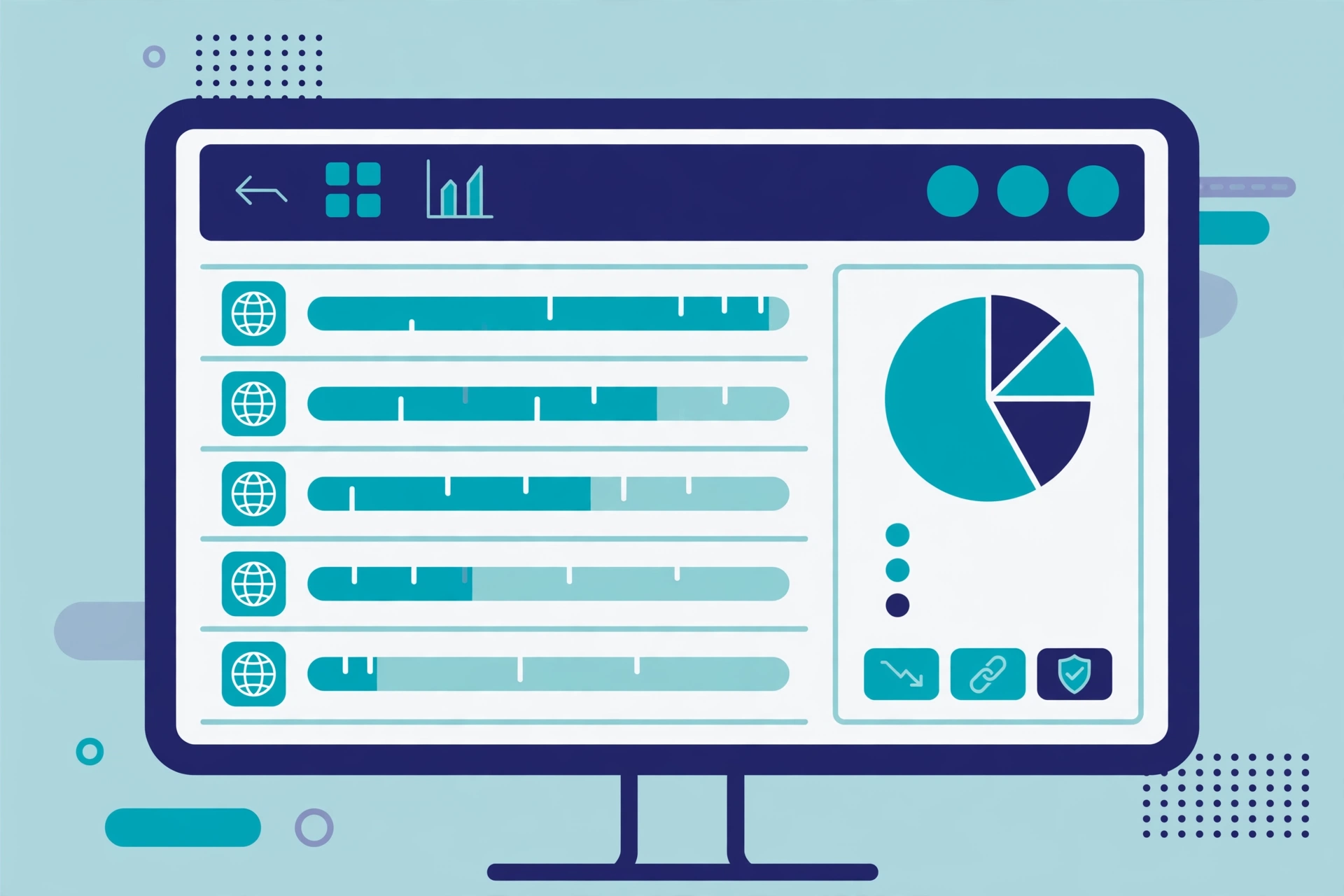
Free tools show you the surface. For the complete profile — every backlink, every referring domain, historical data — use:
- Ahrefs Site Explorer — open Backlinks or Referring domains, filter to dofollow with one link per domain, and sort by Domain Rating to build your hit list.
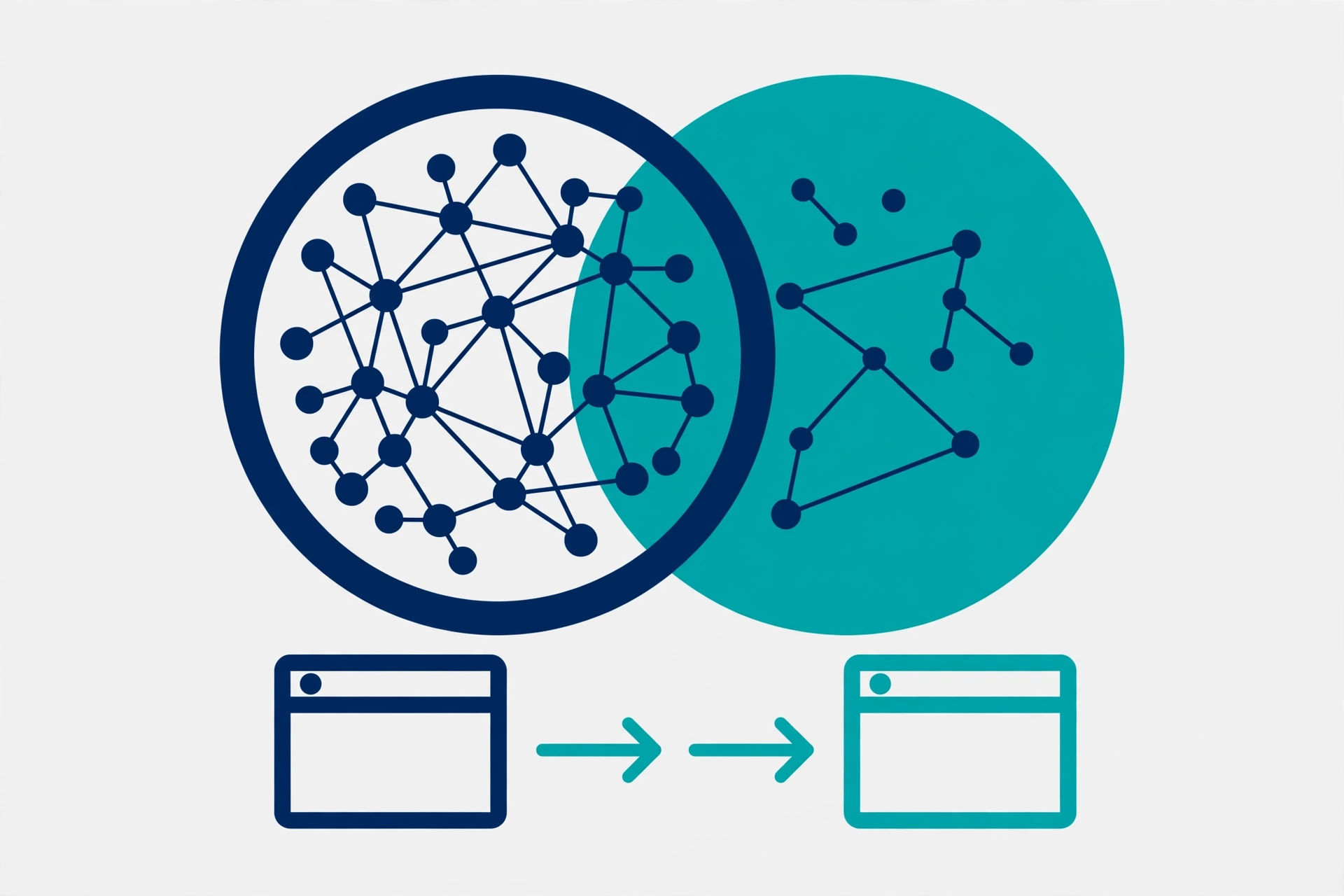
- Semrush Backlink Gap — enter your domain plus up to four competitors to see which sites link to them but not to you: the single most actionable output of competitor analysis.
- Moz Link Intersect — similar gap analysis for finding shared and missing linking domains.
The paid view matters because the gap between winners and everyone else is wide: Ahrefs reports that 90.63% of pages get zero organic search traffic, largely through lack of authority and inbound links. (eliteseoconsulting.com)
What to look for in the data
For each linking domain, check five things:
- Referring domains, not raw backlink counts. One link from 50 different sites beats 50 links from one site. This is the number that tracks most closely with rankings.
- Relevance. A link from a site in your industry is worth far more than one from an unrelated directory. Relevance is the first filter; authority is the second.
- Link type. Editorial links earned in content carry the most weight. Resource pages, guest posts, and digital PR placements are replicable; footer and sidebar links are weaker.
- Anchor text. Natural profiles mix branded anchors, URL anchors, and descriptive phrases. All exact-match anchors is a red flag, not a model to copy.
- Traffic of the linking page. A link from a page real people visit sends referral traffic as well as ranking value — the best links do both.
For context on scale: the Ahrefs Industry Benchmark Study 2025 found the average top-10 site in Technology and SaaS has 143 referring domains. You do not need to match that on day one, but it tells you what “competitive” looks like. (searchlab.nl)
Step 4: turn findings into your own links
Three ways to convert a competitor’s backlinks into yours:
- Replicate the easy wins. Directories, resource pages, podcasts, and listings that link to your competitor will usually link to you too if you ask. These are the fastest links you will ever earn.
- Copy the tactics, not just the links. If their best links come from data studies, publish your own data. If they come from guest posts, pitch those same blogs with a better article. The tactic is the pattern; the link is one instance of it.
- Pitch the linking sites directly. Offer something better: a more current guide, an original statistic, a tool they can embed. MentioHunt’s 2026 outreach data shows competitor-backlink prospects reply at 13.1%, while guest post pitches reply at 27.4% — so lead with a strong angle, not a generic “link to me too” email. (mentiohunt.com)
If you would rather have a team run this process, our link-building services include competitor backlink analysis and manual outreach as standard — every link built by hand, no PBNs, no automation.
Mistakes to avoid
- Copying everything. Competitors have toxic links too. Never replicate links from spammy directories or link farms — audit before you copy.
- Chasing counts over relevance. Ten links from sites in your niche beat a hundred from random blogs.
- Ignoring anchor text. Mirroring an over-optimised anchor profile means inheriting their risk as well as their rankings.
- Checking once and stopping. Re-run your competitor checks monthly so you spot new links — and new opportunities — as they appear.
FAQ
Can I check a competitor’s backlinks for free?
Yes. Ahrefs’ free backlink checker shows the top 100 backlinks of any domain, Moz Link Explorer offers free monthly queries, Ubersuggest has a free daily limit, Bing Webmaster Tools has a free backlink report, and Google search operators surface mentions and guest posts at no cost. Free tools will not show every link or historical data, but they are enough to identify a competitor’s strongest and most replicable links.
How often should I check competitor backlinks?
Monthly is a good rhythm for most sites. Competitors earn new links every week, and each new link is a fresh outreach target. If you are in a fast-moving niche or running an active campaign, check every two weeks.
Should I copy every link my competitor has?
No. Audit first. Some of their links will be low quality, irrelevant, or risky if copied. Focus on editorial links from relevant, real websites — resource pages, guest posts, digital PR coverage, and industry directories.
What is a backlink gap analysis?
A backlink gap analysis compares your backlink profile against your competitors’ and lists the domains that link to them but not to you. Tools like Semrush Backlink Gap and Moz Link Intersect generate these reports automatically — the result is a ready-made outreach list of sites already proven willing to link to businesses like yours.
Is it OK to buy backlinks that my competitor bought?
No — this is one of the riskiest things you can do in SEO. Buying backlinks violates Google’s spam policies, and paid link networks are exactly what Google’s algorithms are built to detect. If a competitor is buying links, do not copy them. Build your own links through genuine outreach instead: earned links are slower, but they last.
Which metric matters more: backlinks or referring domains?
Referring domains. Ten links from one website count far less than ten links from ten different websites. When you compare your profile against a competitor’s, compare referring domains — that is the number that tracks most closely with rankings.

Abdullah Zulfiqar is Co-founder and Client Success Manager at RankWithLinks, an SEO agency helping businesses grow online. He specializes in client relations and SEO strategy, driving measurable results and maximizing ROI through effective link-building and digital marketing solutions.