

In today’s fast-paced digital world, social media video campaigns have become the backbone of modern marketing. Whether you are a small business owner, a content creator, or part of a large marketing team, having the right software to collaborate on video campaigns can make or break your success. With so many tools available in the market, choosing the best one can feel overwhelming. This guide breaks down the best software for collaborative social media video campaigns in 2026, helping you make the right decision for your team.
Why Collaboration Software Matters for Video Campaigns
Social media video campaigns rarely happen in isolation. They involve designers, video editors, copywriters, social media managers, and clients all working together. Without the right collaboration tool, communication breaks down, deadlines are missed, and the final content suffers. The right software brings everyone onto one platform, streamlines the workflow, and ensures the campaign goes live on time and at its best quality.
1. Frame.io
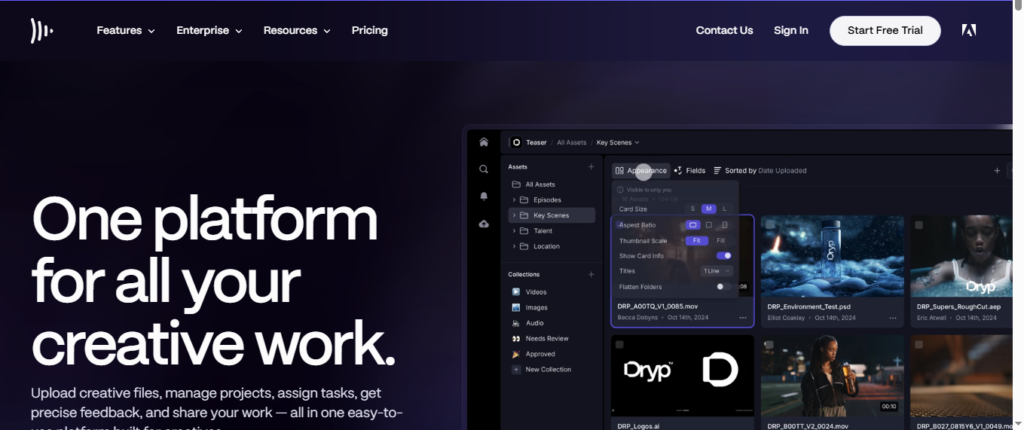
Frame.io is one of the most powerful tools available for collaborative video production. It allows teams to upload video content and receive frame-accurate comments directly on the footage. This means reviewers can click on an exact moment in a video and leave their feedback right there, eliminating confusion caused by vague email feedback like “fix the part around the middle.”
Frame.io integrates seamlessly with Adobe Premiere Pro, After Effects, and Final Cut Pro, making it a favorite among professional video editors. For social media teams handling multiple campaigns at once, its version control feature ensures nobody is working on an outdated file. It also supports real-time collaboration, so team members in different time zones can stay on the same page.
Frame.io is best suited for mid-size to large teams that need a professional-grade review and approval process.
2. Canva for Teams
Canva has evolved far beyond a simple graphic design tool. Its Teams plan offers robust collaborative features that make it ideal for social media video campaigns. Multiple team members can work on the same video project simultaneously, leave comments, and suggest edits without overwriting each other’s work.
Canva’s built-in video editor allows users to create short-form videos optimized for platforms like Instagram Reels, TikTok, YouTube Shorts, and Facebook. It offers thousands of ready-made templates, animated elements, and brand kit features that ensure visual consistency across all your campaign content.
For small businesses and startups that do not have a dedicated video editing team, Canva for Teams is a game changer. It lowers the barrier to entry and allows non-designers to produce professional-looking video content collaboratively.
3. Adobe Express
Adobe Express is Adobe’s answer to simple yet powerful collaborative content creation. It bridges the gap between professional-grade design and ease of use. Teams can collaborate on video projects, share branded templates, and maintain a consistent look and feel across all social media platforms.Adobe Express
Adobe Express
Adobe Express connects directly with Adobe Creative Cloud, which means professional designers on your team can create master templates in Photoshop or Illustrator and share them with the wider team for easy customization. This is a huge advantage for brands that care deeply about visual identity.
Its scheduling feature also allows teams to plan and publish content directly to social media platforms without switching between tools. For marketing teams already within the Adobe ecosystem, Adobe Express is a natural and powerful choice.
4. Notion + Loom Integration
While Notion itself is a project management and documentation tool, its integration with Loom creates a powerful collaborative environment for social media video campaigns. Teams can plan their entire campaign strategy inside Notion, assign tasks, set deadlines, and embed Loom video recordings directly into project pages.
Loom allows team members to record quick video walkthroughs, feedback videos, and creative briefs, making async communication far more effective than long email threads. When combined with Notion, this setup gives teams a central hub where every piece of the campaign, from the initial concept to the final approval, lives in one place.
This combination is particularly popular with remote and distributed teams that need flexibility without sacrificing organization.
5. Hootsuite
Hootsuite is primarily known as a social media scheduling and management platform, but its collaborative features make it an essential tool for video campaign teams. Multiple team members can draft, review, and approve social media video posts before they go live. Its approval workflow ensures that no content is published without the right sign-off, which is critical for brands with strict content guidelines.
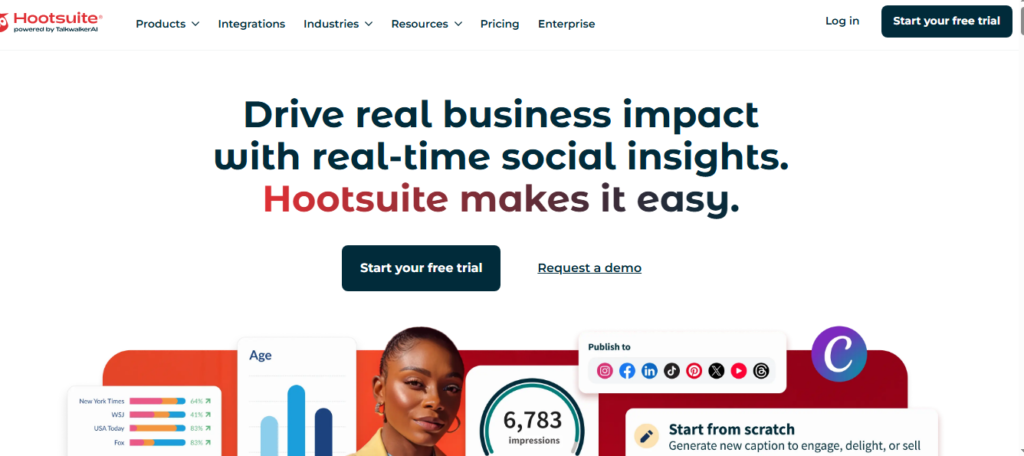
Hootsuite’s analytics dashboard also allows teams to measure the performance of their video campaigns in real time, so they can make data-driven adjustments mid-campaign. For teams that need both collaboration and publishing power in one tool, Hootsuite is a top-tier choice.
6. ClickUp
ClickUp is a versatile project management platform that many marketing teams use to manage their social media video campaigns from start to finish. It offers task management, timelines, Gantt charts, and built-in video recording through its Clip feature.
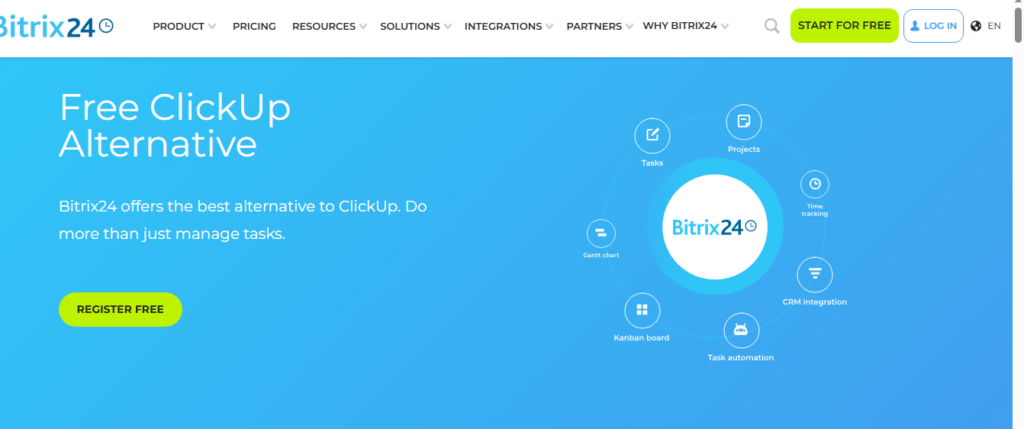
What makes ClickUp stand out for collaborative video campaigns is its ability to bring creative briefs, task assignments, deadlines, asset storage, and communication all under one roof. Teams do not need to jump between five different apps to manage one campaign. ClickUp’s flexibility means it can be customized to fit the exact workflow of any team, whether you are running a weekly content calendar or a major brand campaign.
7. Wipster
Wipster is a dedicated video review and collaboration platform designed specifically for video teams. Like Frame.io, it allows stakeholders to leave time-coded comments directly on videos. However, Wipster places a stronger emphasis on simplicity, making it easier for clients and non-technical team members to participate in the review process without any learning curve.
Wipster also integrates with tools like Dropbox, Adobe Premiere Pro, and Slack, fitting naturally into existing workflows. For agencies that frequently collaborate with external clients on social media video campaigns, Wipster offers a clean and professional review experience.
8. Slack with Video Integrations
Slack remains one of the most widely used team communication platforms in the world. On its own, it serves as the central nervous system of many marketing teams. When combined with integrations like Loom, Frame.io, or Canva, Slack becomes a powerful hub for collaborative video campaign work.
Teams can share video drafts, leave feedback in dedicated channels, tag specific team members for approvals, and track campaign progress all in real time. Slack’s Huddle feature also allows quick audio and video calls to align the team before major campaign launches.
How to Choose the Right Software for Your Team
Choosing the best software depends on several factors. First, consider the size of your team. A two-person startup has very different needs than a fifty-person agency. Second, think about your workflow. Do you need heavy video editing capabilities or just a review and approval process? Third, consider your budget. Tools like Canva for Teams are affordable for small businesses, while Frame.io and Adobe Creative Cloud come with higher price points suited for professional studios.
Finally, look at integration. The best software is one that fits naturally into the tools your team already uses, reducing friction and speeding up your workflow.
Final Thoughts
The demand for high-quality social media video content is only growing in 2026, and collaboration is at the heart of every successful campaign. Whether you choose Frame.io for its professional review process, Canva for Teams for its ease of use, or ClickUp for its all-in-one project management, the key is to find a tool that your entire team will actually use.
Investing in the right collaborative video campaign software saves time, reduces miscommunication, and ultimately leads to better content that resonates with your audience and delivers real results. Start with a free trial of any of the tools above and see which one fits your team’s creative process best.

Usman Hakim is an SEO specialist at RankWithLinks, focusing on link building and organic growth. He helps brands improve search rankings through white-hat strategies, including guest posting and authority backlinks.