A backlinks websites list is only useful if the websites on it are real, still live, and worth a link from. Plenty of lists on the internet are not. They repeat the same dead directories, link farms and “free backlink generator” pages that Google has ignored for years, and they never tell you which entries are safe and which ones can hurt you. This list is different. Every site below is a real website with real readers, grouped by how the link is earned, with honest notes on what each one is good for — and a second list of the places to avoid.
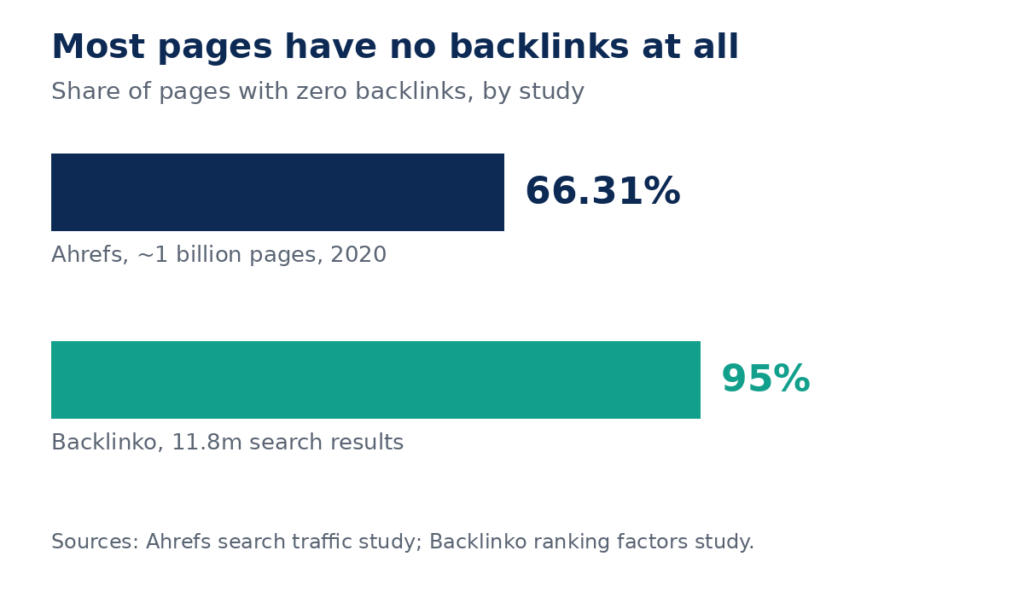
The reason a good list matters is simple. Most pages on the web have no backlinks at all, and pages with no backlinks almost never get search traffic.
Why most pages never earn a single link
The numbers behind this are stark, and they come from the largest studies in the industry — not from guesswork.
| Finding | Figure | Source |
|---|---|---|
| Pages with zero backlinks | 66.31% | Ahrefs, study of around 1 billion pages, 2020 |
| Pages with zero traffic from Google | 96.55% | Ahrefs, study of around 14 billion pages, Dec 2023 |
| Pages getting only 1–10 monthly visits from Google | 1.94% | Ahrefs, study of around 14 billion pages, Dec 2023 |
| Pages with no referring domains that get 1,000+ monthly visits | 1 in 6,671 | Ahrefs, around 20 million pages with no referring domains |
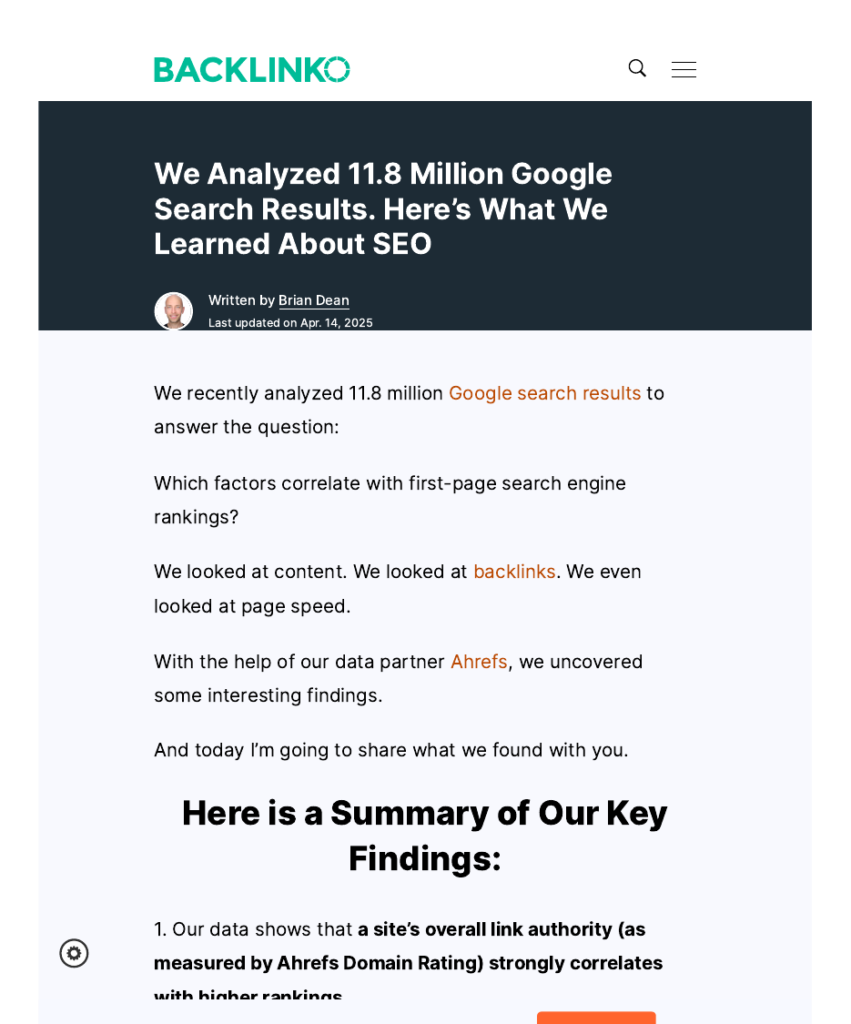
| More backlinks for the #1 Google result vs positions 2–10 | 3.8x | Backlinko, study of 11.8 million Google search results |
| Pages in Backlinko’s study with zero backlinks | 95% | Backlinko, study of 11.8 million Google search results |
Two things stand out. First, the gap at the top is large: the page in position one on Google has, on average, 3.8 times more backlinks than the pages in positions two to ten, in Backlinko’s analysis of 11.8 million search results. That is a correlation, not proof that links alone caused the ranking, but the pattern is strong. Second, most pages have almost nothing. Two-thirds of pages have no backlinks at all, and only about 1 in 6,671 pages with no referring domains earns more than 1,000 search visits a month, according to Ahrefs.
That is the case for working through a list like this one. A handful of real links from real sites puts a page ahead of most of the web. The work is in choosing the right sites, not in submitting to as many as possible.
How to judge a website before you chase a link
Not every site on a backlinks websites list deserves your time. Run each one through these five checks first:
- Relevance. A link from a site in your field counts for more than a link from a random directory.
- Real readers. Ask whether anyone visits the site for its own sake. If the only traffic is from people hunting for links, the link is worth little.
- Editorial standards. If anyone can post anything with no review, the link carries no trust. Sites that check what they publish pass on more value.
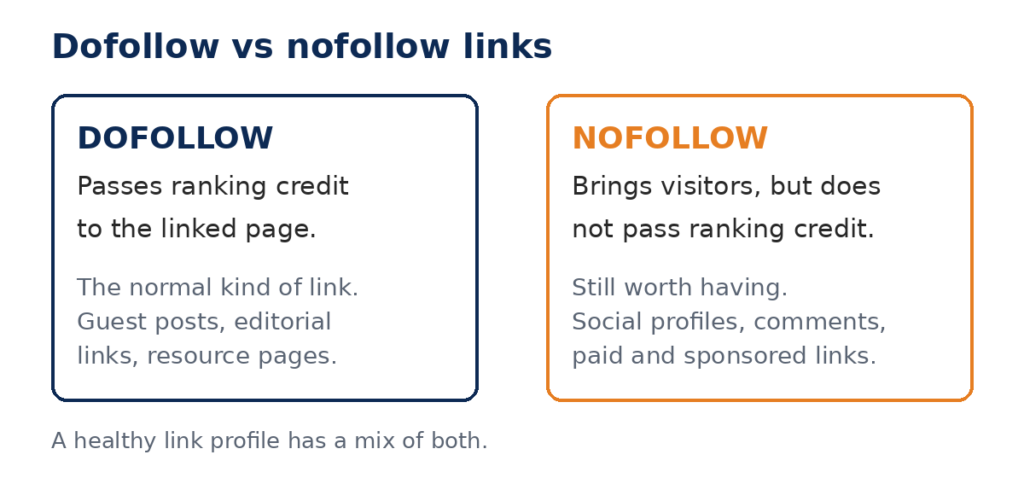
- Link type. Some links are “dofollow” and some are “nofollow” (or “sponsored”). A nofollow link can still bring visitors and build your name, but it does not pass ranking credit in the same way. Both kinds have a place — just know which one you are getting.
- Your own time. A profile that takes ten minutes and lasts for years is good value. A directory that wants payment, wants a reciprocal link, or hides its pages from Google is not.
1. Business profiles and local citations (10 sites)
These are the easiest links on this list. You already have a business; these sites let you state that fact in public, with a link back to your site. They are also the links Google expects a real business to have, so missing them looks odd.
- Google Business Profile — https://business.google.com/us/business-profile/ — the profile behind your Google Maps listing. It is free, and the link to your site is the one Google itself displays.
- Bing Places — https://www.bing.com/forbusiness/ — the same idea for Bing and Bing Maps. Many businesses never claim theirs, so it takes five minutes and puts you ahead of them.
- Yelp — https://www.yelp.com/ — a business listing with reviews. The profile link is nofollow, but the listing itself can rank and send customers.
- Trustpilot — https://www.trustpilot.com/ — a review profile. Useful for any business that sells online; the profile page itself often ranks for your brand name.
- Better Business Bureau (BBB) — https://www.bbb.org/ — a US business directory with accreditation. The listing is a trust signal as much as a link.
- Crunchbase — https://www.crunchbase.com/ — a company profile for startups and growing businesses. Good for B2B and tech companies, and journalists use it to check companies out.
- LinkedIn company page — https://www.linkedin.com/ — a company page on LinkedIn. It gives you a branded profile, a link, and a place to publish updates that can earn links of their own.
- Facebook Business Page — a business page on Facebook. The link is nofollow, but the page ranks for your brand name and gives customers somewhere to check you.
- Apple Business Connect — Apple’s free listing for Maps and Siri. If customers find you on an iPhone, this is where they find you.
- Yell — the UK business directory. If you serve UK customers, a Yell listing is one of the standard local citations.
2. Content platforms where you can publish (7 sites)
These sites let you publish your own work and link back to your site from it. The link is usually nofollow, so the value is in readers, reputation, and the chance that someone else picks your work up and links to it from their own site.
- Medium — publish articles on your own profile or in a Medium publication. Good writing gets picked up, and a strong Medium post can earn links from other sites.
- LinkedIn articles — long-form posts on your personal profile. They reach your professional network and show up in LinkedIn search.
- Quora — https://www.quora.com/ — answer questions in your field and link to a page that answers the question properly. Only link where the link genuinely helps the reader; answers that exist only to drop a link get removed.
- Reddit — https://www.reddit.com/ — share useful content in the right subreddit. Reddit users are quick to call out self-promotion, so post only where your page truly answers the question, and follow each subreddit’s rules.
- Substack — start a newsletter. The archive pages are public and indexed, and a good newsletter earns subscribers who link to it.
- Behance — for designers and creative businesses. A portfolio with project pages that link back to your site.
- GitHub — for developers and software companies. A public repository with a README that links to your site is a real link from a site Google trusts.
3. Guest posting and editorial sites (5 approaches)
Guest posting means writing an article for another site, with a link back to yours in the author bio or the body. It is one of the strongest ways to earn links, because the link sits inside a real article on a real site. These are the places to start:
- Medium publications — many publications on Medium accept outside writers. Pitch the editor with a finished idea, not a finished article.
- Business2Community — a business news site that accepts contributor articles. It suits B2B topics, marketing, and small business advice.
- Social Media Today — accepts outside contributors on social media and marketing topics.
- Industry blogs in your niche — search Google for your topic plus “write for us” or “contribute”. A niche blog with a small but real audience is worth more than a big general site that accepts anything.
- Forbes Councils and similar paid networks — these charge a fee to join. The link is real, but the cost is high, and the link is usually nofollow. Treat it as a branding spend, not a link-building shortcut.
The test for any guest post opportunity is the same: would you be proud to show the article to a customer? If the answer is yes, the link is worth having. If the site would publish anything for anyone, it is not.
4. PR and journalist platforms (4 sites)
Journalists need expert quotes every day, and these platforms connect them with people who can give one. A quote in a news article often comes with a link, and a link from a news site is one of the strongest kinds there is.
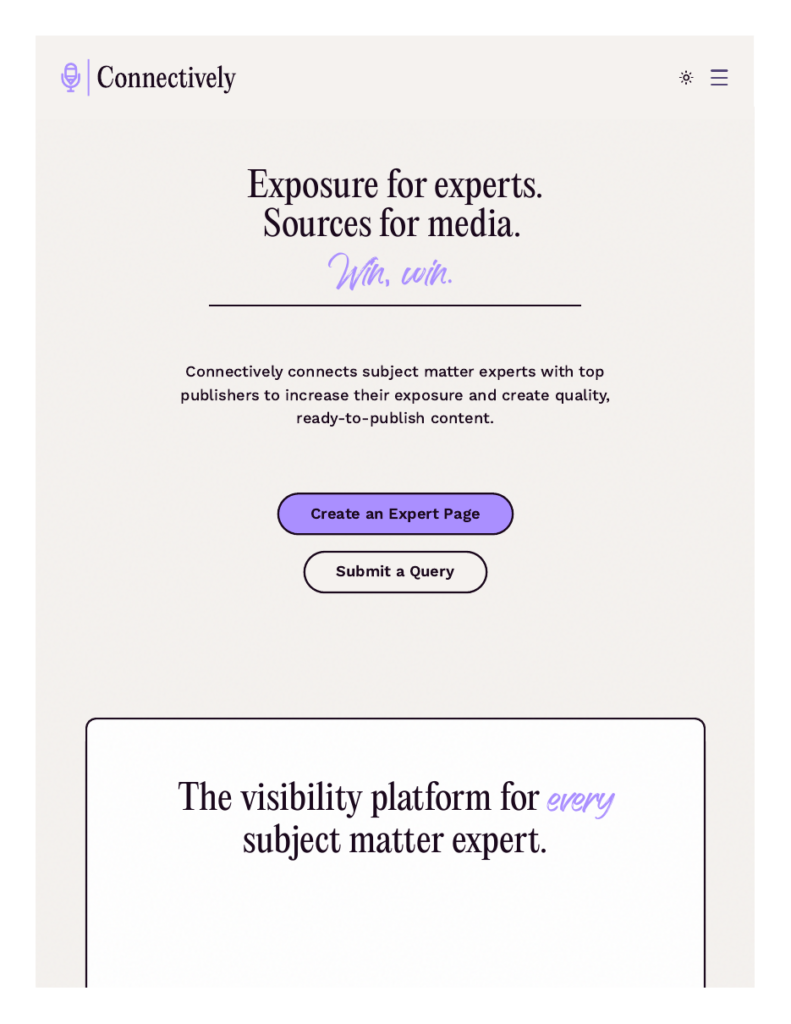
- Connectively (formerly HARO) — https://www.connectively.us/ — the best-known service. Journalists post requests, you reply with a short expert answer, and if they use it they usually link to your site. Free to start.
- Qwoted — https://www.qwoted.com/ — a free network where journalists and experts match directly. Similar idea to HARO, with a cleaner interface.
- Featured — https://featured.com/ — answer questions from journalists and publishers; answers that get picked up are published with a link back to you.
- ProfNet — a long-running service from PR Newswire that connects journalists with expert sources. It is paid, so it suits agencies and larger businesses.
5. Directories and resource pages (4 approaches)
Directories still work when they are real and selective. A directory that lists every site that asks is worth nothing. A directory that checks its listings is a genuine citation.
- Curlie — https://www.curlie.org/ — the volunteer-run successor to DMOZ, the old Open Directory. Listings are reviewed by editors, and the directory is picky. That is exactly why a listing is worth having.
- Niche directories — every industry has one or two directories that practitioners actually use: trade associations, professional bodies, and specialist listings. Find them by searching for your industry plus “directory”.
- Local chamber and trade directories — your local chamber of commerce, trade association, or professional body usually lists members with a link. Membership is the price, and the link is the bonus.
- Resource pages — universities, colleges, and local councils keep pages of useful links for their students or residents. If you have a genuinely useful free guide or tool, email the page owner and ask to be added. This is slow, manual work — and that is why it works.
6. Free tools to check the links you earn (3 tools)
Earning links is only half the job. You need to see what you have earned, and whether the links are still live. These three free tools show you that:
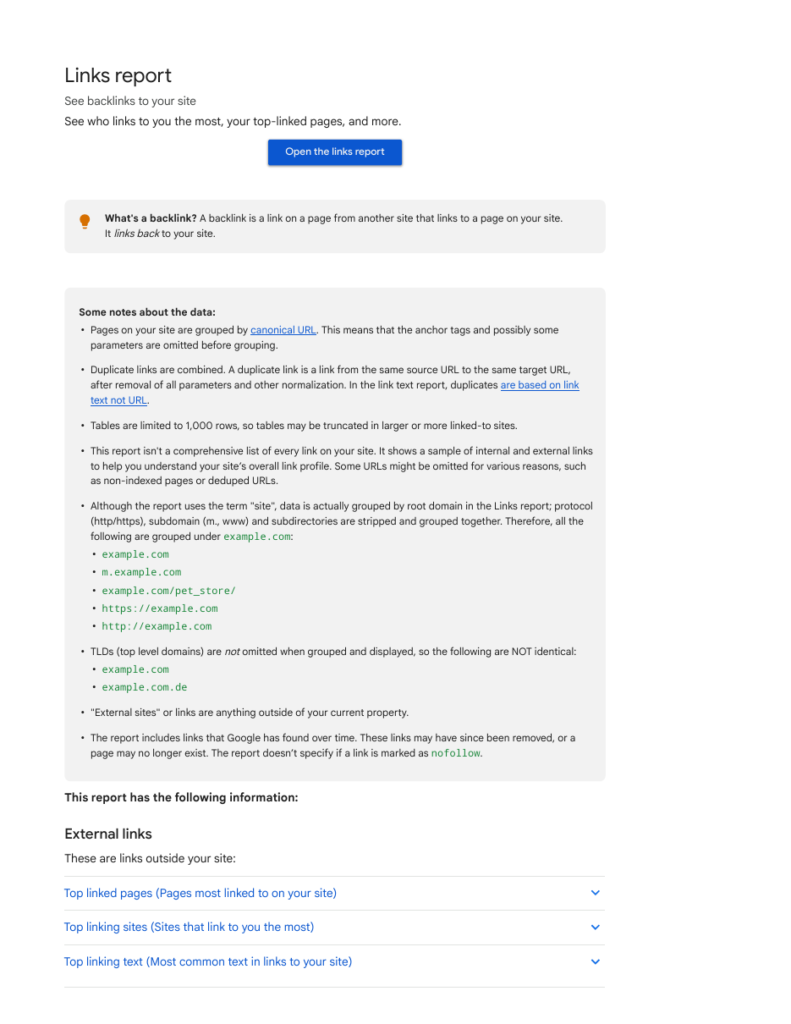
- Google Search Console Links report — Google’s own free report shows the sites linking to you, your most-linked pages, and your most common link text. It is a sample rather than a full list, and it does not say whether a link is nofollow, but it is Google’s own data, so it is the first place to look.
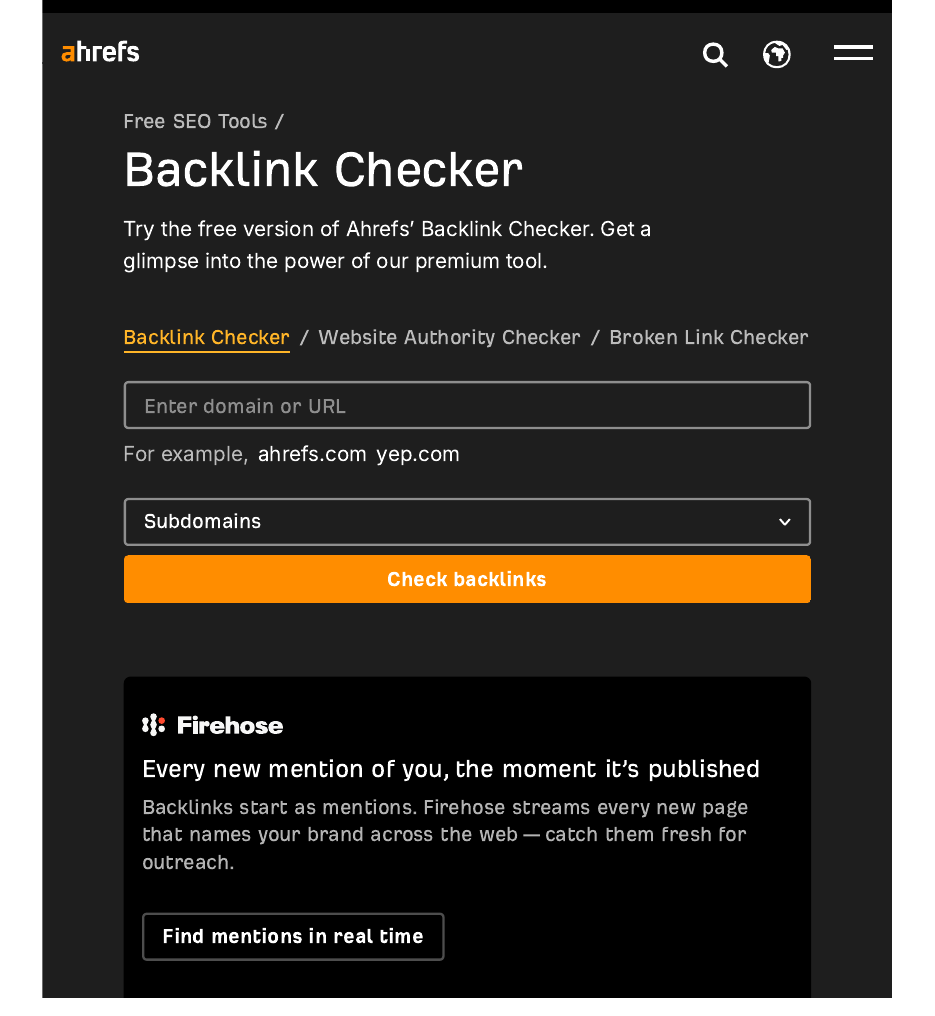
- Ahrefs free backlink checker — https://ahrefs.com/backlink-checker — enter any domain and see its top 100 backlinks, with the referring domain and anchor text. Free, no account needed, and the fastest way to check a competitor’s links.
- Moz Link Explorer — the free version shows the top links to any site, with Domain Authority for each linking domain. A useful second opinion when you want to compare two sites.
Websites to avoid
Some sites look like they belong on a backlinks websites list but do the opposite of helping. Avoid all of these:
- “Free backlink generator” sites — pages that promise hundreds of links for pasting your URL. The links they create are on junk pages Google ignores, and the pattern is easy for Google to spot.
- Link farms and private blog networks (PBNs) — sites built only to host links, with thin content and no real readers. Google’s spam policies name link schemes like these directly, and links from them can lead to a manual action against your site.
- Fiverr gigs and marketplaces selling links — anyone selling “100 backlinks for $5” is selling links from sites nobody reads. The price tells you the quality.
- Auto-approve blog comment lists — comments dropped on thousands of blogs by software. Most are nofollow, most get deleted, and the pattern looks like spam.
- Paid link networks — services that place your link on a network of sites for a monthly fee. These are exactly the link schemes Google’s spam policies describe.
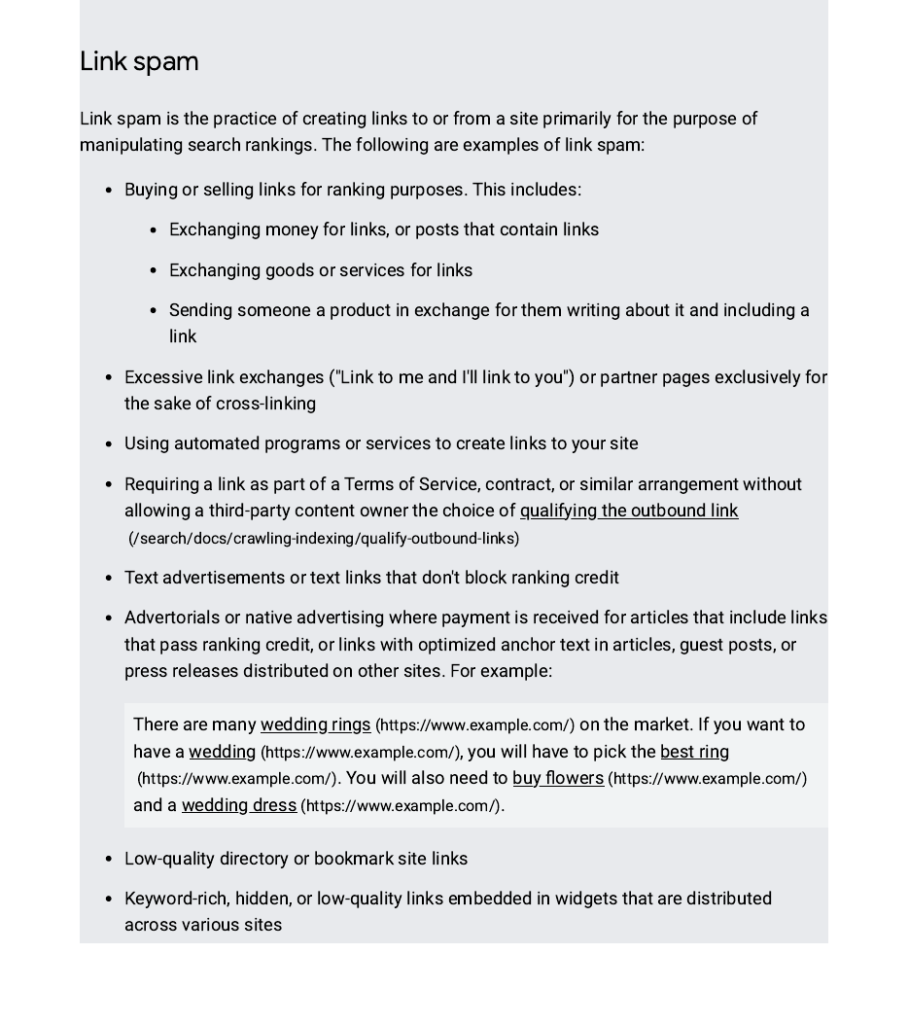
Google’s own spam policies are the line to stay on the right side of. They describe buying or selling links, large-scale article marketing with keyword-rich anchor text, and link exchanges done to manipulate rankings as spam. If a site’s business model depends on selling links, stay away from it. A link you earn is worth more than a hundred links you buy, because the earned one survives the next update and the bought one does not.
How to use this list, step by step
- Claim the profiles first. Start with section 1. Google Business Profile, Bing Places, and your social profiles take an afternoon and give you the baseline links every real business has.
- Check what you already have. Open Google Search Console’s Links report and run your domain through Ahrefs’ free backlink checker. Note which sites already link to you, so you do not chase the same link twice.
- Pick one content platform. Choose the platform in section 2 where your customers actually spend time, and publish there regularly. One good article a month beats ten thin posts.
- Pitch one guest post a month. Find a site in your niche that accepts contributors, and pitch an article that helps its readers. A single guest post on a real site is worth more than a month of directory submissions.
- Answer one journalist request a week. Sign up for Connectively or Qwoted, scan the daily emails, and reply only where you have genuine expertise. A short, useful answer with a clear credential gets picked up.
That is the whole plan. It is slow, and that is the point. Links earned slowly from real sites stay live, and they are the ones that move rankings. If you want help with the outreach part — finding the sites, writing the pitches, and following up — that is what our manual link building services (https://rankwithlinks.com/link-building-services/) do, by hand, with no link schemes and no private blog networks.
FAQ
Is there a free backlinks websites list that actually works?
Yes, and this article is one. The free sites that work are the ones with real readers: Google Business Profile, Bing Places, Yelp, Crunchbase, LinkedIn, Medium, Quora, Reddit, Connectively, and Curlie. They work because the link sits on a real page that real people visit. Free lists fail when they are full of auto-approve directories and link generators that exist only to host links.
How many backlinks do I need to rank?
There is no fixed number. Backlinko’s study of 11.8 million Google results found the top result has 3.8 times more backlinks than positions two to ten, but the number that matters is the number your competitors have for the same keyword. Check the top ten pages for your keyword in a free tool, count their referring domains, and aim to beat the weakest page there — not to hit an arbitrary total.
Are links from this list dofollow or nofollow?
Both. Business profiles and social platforms are usually nofollow, while guest posts, resource pages, and journalist links are often dofollow. A healthy link profile has a mix of both. Nofollow links still bring visitors and build your name, and Google has said since 2019 that it treats nofollow as a hint rather than a strict rule, so they are not wasted effort.
Should I buy backlinks from a website that sells them?
No. Google’s spam policies describe buying or selling links to manipulate rankings as spam, and sites caught doing it can lose rankings or receive a manual action. A bought link is also usually placed on a page with no readers, so it brings no visitors either. Spend the money on content worth linking to, or on manual outreach to real sites, instead.
How do I check which websites link to my site?
Use Google Search Console’s Links report first — it is free and it is Google’s own data. Open your property, click Links in the left menu, and read the external links section. For a fuller picture, run your domain through Ahrefs’ free backlink checker, which shows your top 100 backlinks with the linking domain and anchor text. Check both once a month.
How long does it take for a new backlink to help rankings?
Usually weeks, not days. Google has to find the linking page, crawl it, and count the link, and the linking page itself has to be indexed. Ahrefs found that only about 6% of newly published pages rank in the top ten within their first year, so patience matters. Keep earning links steadily rather than chasing a quick result, and check your Links report monthly to see what is landing.

Abdullah Zulfiqar is Co-founder and Client Success Manager at RankWithLinks, an SEO agency helping businesses grow online. He specializes in client relations and SEO strategy, driving measurable results and maximizing ROI through effective link-building and digital marketing solutions.