
Technical SEO is the part of SEO nobody sees — until it breaks. If Google cannot crawl your pages, read them properly, or load them fast enough on a phone, even good content and strong links will not save your rankings. That is why this technical SEO checklist exists: 25 checks, in six groups, covering crawl and indexation, speed, mobile, security, structured data and site structure. Work through it with free tools, note what fails, and fix the failures in order of impact.
Why this checklist matters
Most pages on the web never get found at all. Ahrefs studied around 14 billion pages and found that 96.55% of them get no traffic from Google, and 66.31% of pages have no backlinks pointing at them. Only about 1 page in 6,671 with no backlinks earns more than 1,000 search visits a month. Technical problems are often the reason: pages Google cannot reach, pages that load too slowly, or pages that carry a stray noindex tag.
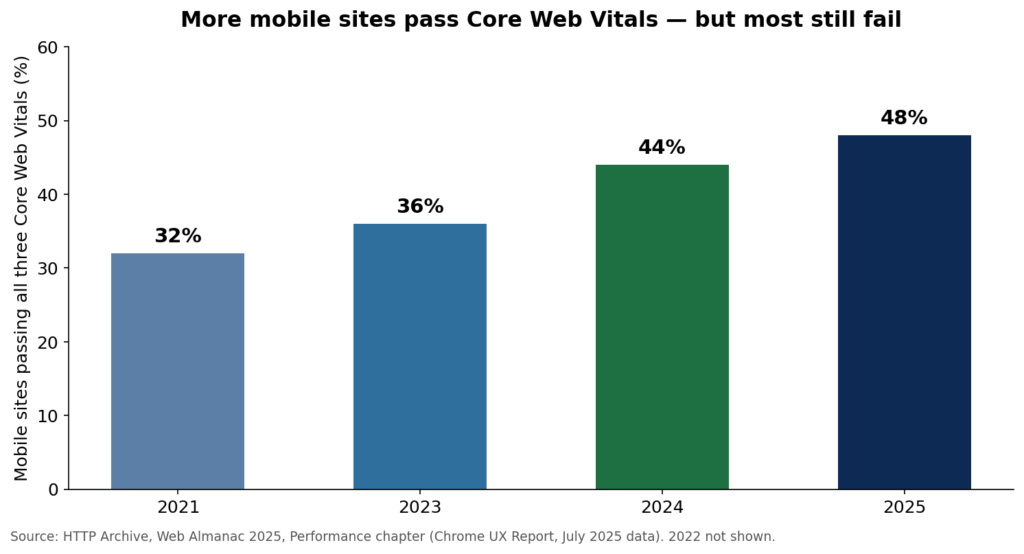
Speed is the clearest example. Google’s research found that 53% of mobile visits are abandoned if a page takes longer than 3 seconds to load. Yet the HTTP Archive’s Web Almanac 2025, built on Chrome UX Report data from July 2025, found that only 48% of mobile sites pass all three Core Web Vitals, against 56% on desktop. And mobile is where the visitors are: mobile phones accounted for about 59% of worldwide web page views in September 2026, according to StatCounter.
| What the data shows | Number | Source |
|---|---|---|
| Pages that get no traffic from Google | 96.55% | Ahrefs, around 14 billion pages (2023) |
| Pages with no backlinks at all | 66.31% | Ahrefs |
| Mobile sites passing all three Core Web Vitals | 48% | HTTP Archive Web Almanac 2025 |
| Desktop sites passing all three Core Web Vitals | 56% | HTTP Archive Web Almanac 2025 |
| Mobile visits abandoned after 3 seconds | 53% | Google, “The Need for Mobile Speed” (2016) |
| Worldwide web page views from mobile phones | About 59% | StatCounter, September 2026 |
1. Crawl and indexation
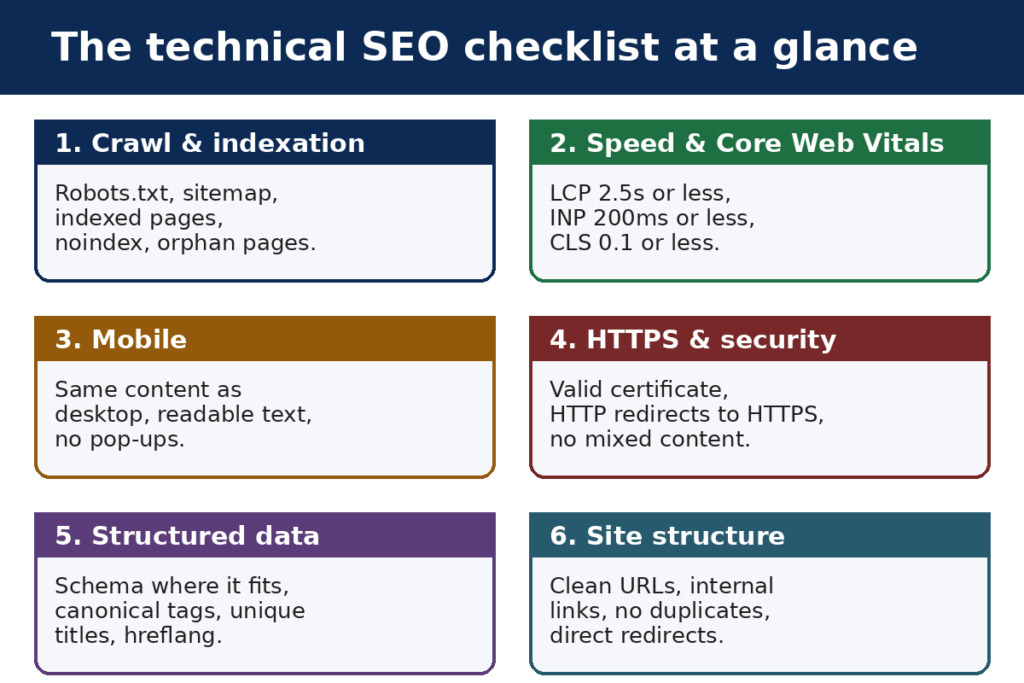
These five checks answer one question: can Google find your pages and put them in its index?
1. Robots.txt allows the pages that matter. Open your robots.txt file and check it does not block important sections by mistake. One wrong disallow line can hide a whole part of your site.
2. An XML sitemap exists and is submitted in Google Search Console. The sitemap should list only pages you want indexed: live pages, with a 200 status, that are the canonical version. Remove old, redirected and noindexed URLs from it.
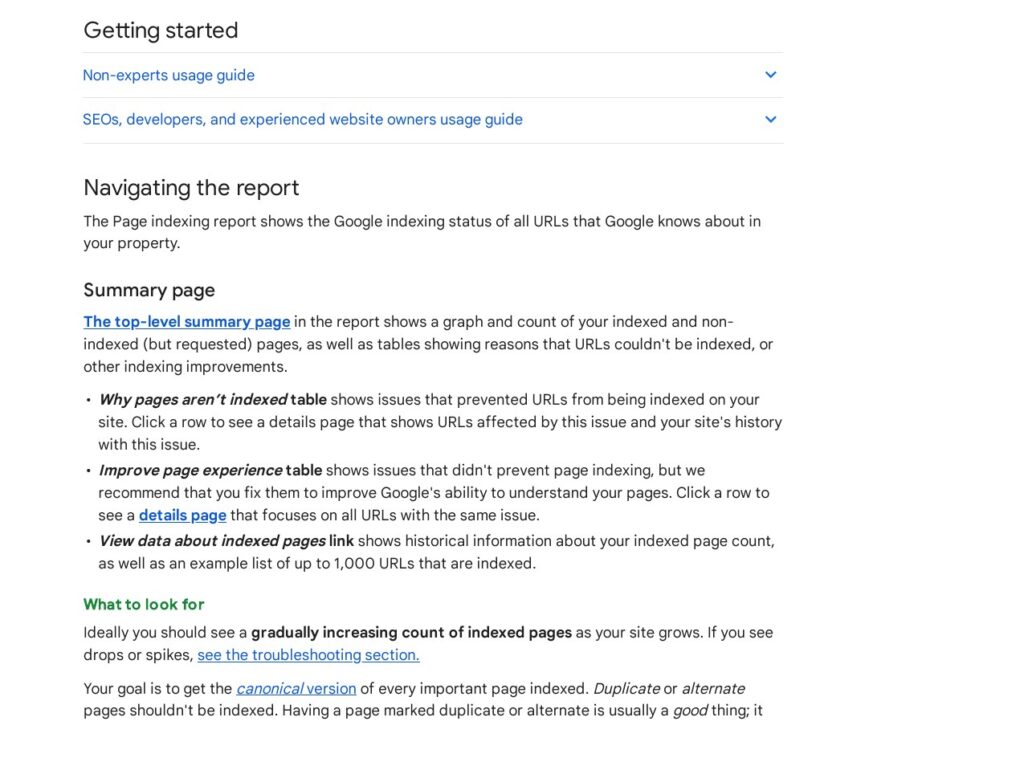
3. Your key pages are actually indexed. Check the Page indexing report in Search Console, or search site:yourdomain.com for a page you expect to find. Investigate any important page marked “Discovered — currently not indexed” or “Crawled — currently not indexed” instead of assuming Google will get to it.
4. No important page carries a noindex tag by mistake. A single stray noindex in a template can remove a whole section from Google’s index. Check the templates for your main page types, not just one page.
5. No important page is orphaned. Every page worth ranking should have at least one internal link pointing to it. Pages with no links in are hard for Google to find and hard for visitors to reach.
2. Speed and Core Web Vitals
Google measures how a page feels to real visitors with three Core Web Vitals. A page passes when at least 75% of real visits are “good” on all three: Largest Contentful Paint (LCP) within 2.5 seconds, Interaction to Next Paint (INP) within 200 milliseconds, and Cumulative Layout Shift (CLS) at or below 0.1.
6. Largest Contentful Paint (LCP) is 2.5 seconds or less. LCP measures when the main content appears. It is the weakest of the three vitals on mobile: only 62% of mobile sites score “good” on it.
7. Interaction to Next Paint (INP) is 200 milliseconds or less. INP measures how fast the page responds when someone taps or clicks. Slow scripts and heavy pages are the usual cause of a poor score.
8. Cumulative Layout Shift (CLS) is 0.1 or less. CLS measures how much content jumps around while the page loads. Set width and height on images and ad slots so nothing shifts after it appears.
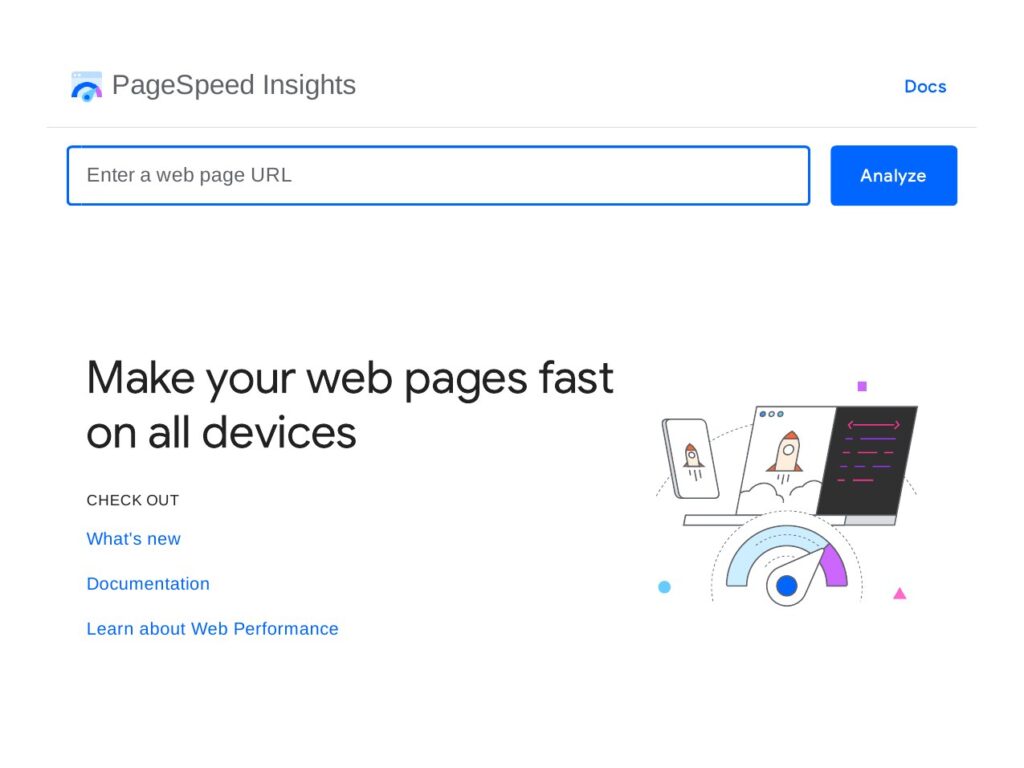
9. Test your key pages in PageSpeed Insights, mobile first. Work from its field data, which comes from real Chrome users, rather than the lab score alone. Test your homepage, your main service pages and your most visited blog posts.
10. Images are compressed and sized correctly. HTTP Archive’s 2025 Web Almanac puts the median mobile home page at 2,559 KB, with 911 KB of that in images. Oversized images are the most common cause of a slow LCP, and the easiest to fix: compress them, serve them at the size they display, and use a modern format.
3. Mobile
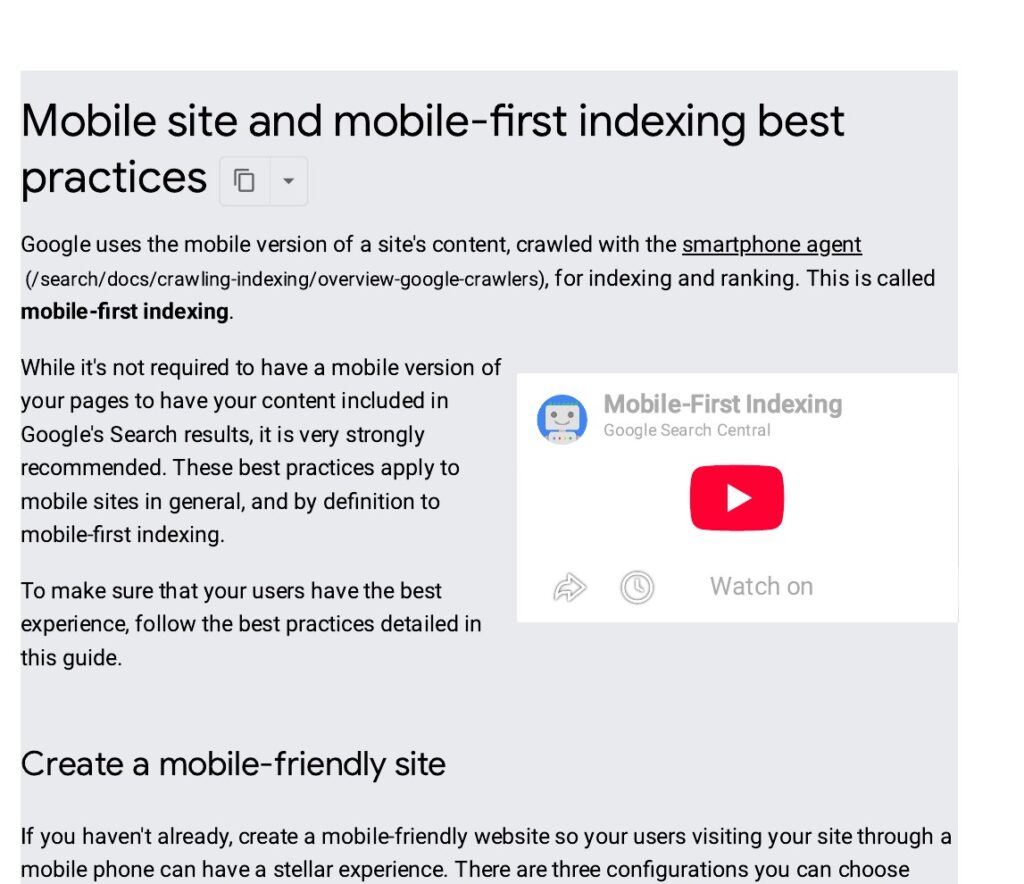
Google indexes the mobile version of your site first, so the mobile checks are not optional extras.
11. The mobile version shows the same content as desktop. Content that only exists on desktop may never be seen by Google. Check headings, text, images and internal links on a phone, not just on a desktop screen.
12. Text is readable without zooming, and tap targets are spaced apart. If visitors have to pinch to read or keep tapping the wrong link, the page fails a basic usability check.
13. No pop-up covers the content on mobile. An interstitial that hides the page on a phone will push visitors away before they read a word.
4. HTTPS and security
14. Every page loads over HTTPS with a valid certificate, and HTTP URLs redirect to HTTPS. Mixed signals here confuse both browsers and search engines.
15. No mixed content and no security issues. Check that no images, scripts or stylesheets still load over HTTP, and check the Security issues report in Search Console. A hacked or flagged site loses traffic fast.
5. Structured data and on-page technical checks
16. Structured data is used where it fits, and it validates without errors. FAQ, product, article and local business markup can all help Google understand a page. Test it in the Schema.org validator and fix errors rather than leaving warnings to pile up.
17. Every page has one canonical tag pointing to its preferred URL. The canonical should be self-referencing on the main version of the page, and should never point at a 404 or a redirected URL.
18. Titles and meta descriptions are unique per page. Each page should have its own title and description, written for people, describing what that page covers. Duplicated titles across dozens of pages tell Google the pages are interchangeable.
19. Hreflang is in place if the site serves more than one language or region. The tags must point at each other correctly, and each language version must link back to the others, or Google may ignore them.
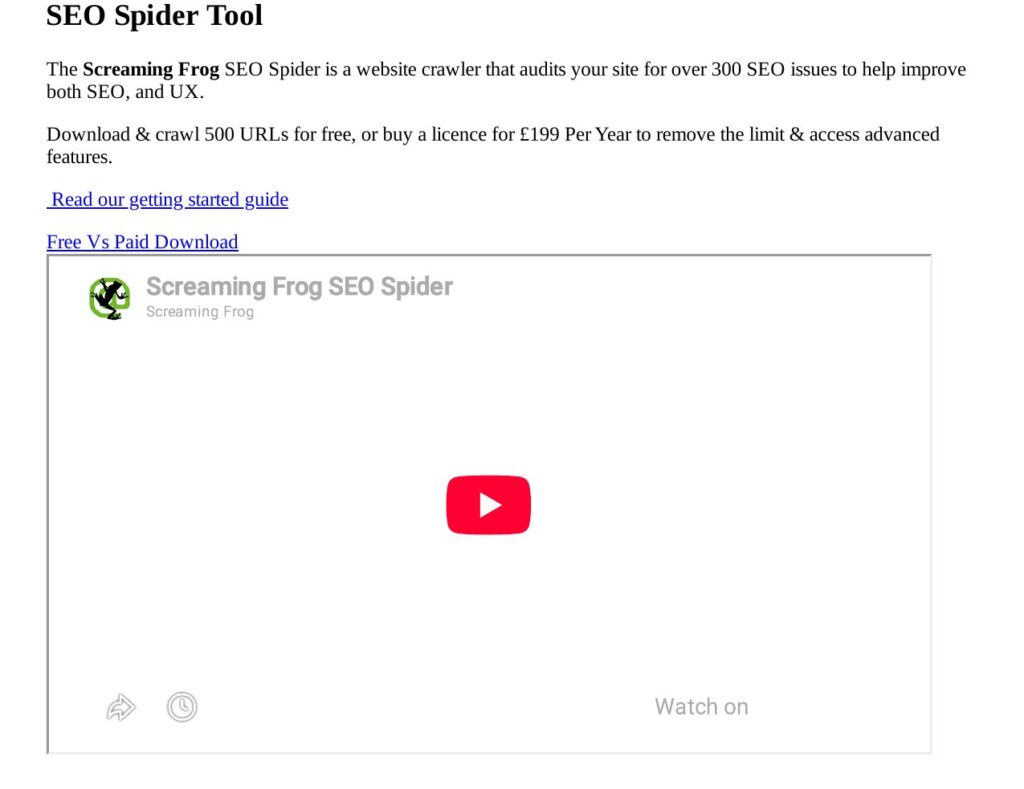
20. Broken internal links and 404s are fixed or redirected. A crawl with Screaming Frog or a similar tool finds them in minutes. Fix the link at its source where you can, and redirect the broken URL to the closest live page where you cannot.
6. Site structure and content health
21. URLs are short, readable and stable. Avoid long strings of parameters where a clean URL will do, and do not change URLs without a redirect in place.
22. Internal links use clear, descriptive anchor text. Link from relevant pages to the pages you most want to rank, using words that describe what the linked page covers.
23. Duplicate content is handled. One canonical version should exist for each piece of content. Near-identical pages competing with each other split ranking signals and confuse Google about which page to show.
24. Redirects are direct, not chained. A redirect should go straight to the live page in one hop. Chains of two or three redirects slow crawlers down and leak value at each step.
25. Faceted, filtered and paginated URLs are controlled. Filters and sort options can create thousands of thin, near-duplicate pages. Use canonical tags, robots rules or noindex on the combinations that should never rank.
How to run this checklist
Run the full checklist once a quarter, and run a quick pass after any redesign, migration or template change. Check Search Console weekly for new crawl errors and indexation changes between full passes.
You need no paid tools to start. Google Search Console and PageSpeed Insights are free, the Schema.org validator is free, and Screaming Frog’s free version crawls up to 500 URLs. Work in order: fix indexation first, because a page Google cannot index cannot rank; then speed, because it affects every visitor; then the rest.
If the list turns up problems you do not have time to fix, our professional SEO audit covers every check above and gives you the fixes in order of impact.
Frequently asked questions
How often should I run a technical SEO checklist?
Run the full checklist once every three months, and run a shorter pass after any redesign, site move or template change. In between, check Google Search Console weekly for new crawl errors, pages dropping out of the index, and Core Web Vitals warnings. Small problems caught early take minutes to fix; the same problems found a year later can take weeks.
What is the single most important technical SEO check?
Indexation. If a page is not in Google’s index, it cannot rank for anything, no matter how good its content or links are. Check that your key pages are indexed first, and that nothing important is blocked by robots.txt or a stray noindex tag. Only then move on to speed, mobile and the other checks.
Do I need paid tools to run a technical SEO checklist?
No. Google Search Console, PageSpeed Insights and the Schema.org validator are all free, and Screaming Frog’s free version crawls up to 500 URLs, which covers most small business sites. Paid tools help on large sites and save time, but the checks themselves are the same. Start free and pay only when the free tools slow you down.
Can technical SEO alone improve my rankings?
It can, when a technical problem is what holds a page back. Fixing indexation, a slow LCP or a broken canonical can lift a page that was already good but invisible. But technical SEO cannot make weak content rank, and it cannot replace links. Think of it as removing the brakes: the page still needs content worth ranking and links worth following.
Can paid links make up for technical problems?
No. Paying for links will not fix pages Google cannot crawl, cannot index, or loads too slowly for visitors to stay. Buying backlinks also breaks Google’s spam policies and can earn a manual action that removes pages from search altogether. Fix the technical problems first, then earn links to pages that deserve them.
The short version
Technical SEO is maintenance, not a one-off project. Run this technical SEO checklist every quarter, fix what fails in order of impact, and keep an eye on Search Console between passes. A site Google can crawl, read and load quickly gives every other part of your SEO — content and links included — a fair chance to work.

Abdullah Zulfiqar is Co-founder and Client Success Manager at RankWithLinks, an SEO agency helping businesses grow online. He specializes in client relations and SEO strategy, driving measurable results and maximizing ROI through effective link-building and digital marketing solutions.