
Intro
This step-by-step guide to rank a Google Business Profile for dentists covers the work that actually moves a practice into the local map results. When a patient searches “dentist near me”, Google usually shows a map and three listings before any ordinary website result. Those three spots get most of the calls. A half-finished profile, a wrong category, or a review profile that has not changed in a year will all hold a practice back, even if the website itself is good.
The good news is that none of this needs tricks. It needs a complete, accurate profile, steady patient reviews, honest photos, and consistent business details across the web. Work through the steps below in order, and give each one time to take effect before you judge it.
How Google decides which dentists to show
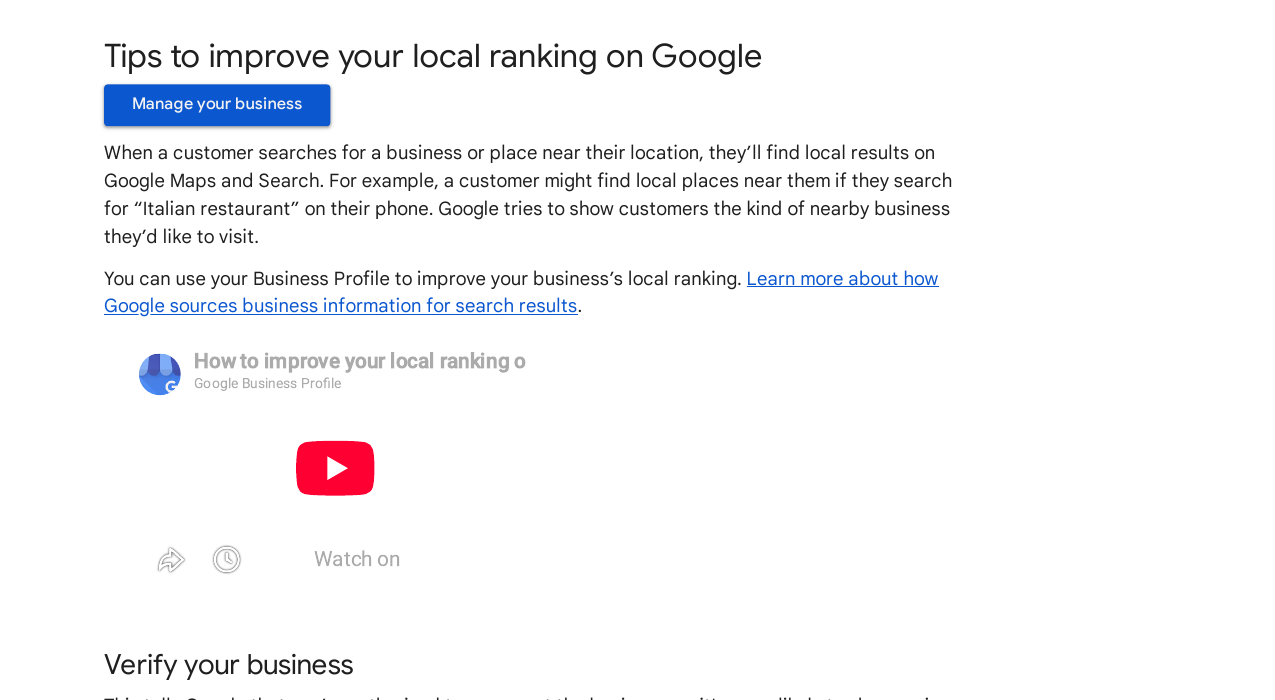
Google’s own help page says local results are mainly based on three factors: relevance, distance, and prominence. Relevance is how well a profile matches the search. Distance is how far the practice is from the searcher, or from the place named in the search. Prominence is how well known the practice is, including how many websites link to it and how many reviews it has. Google also states plainly that there is no way to request or pay for a better local ranking.
| Factor | What it means for a dentist | Can you improve it? |
|---|---|---|
| Relevance | The right category, services, and description for the treatment searched | Yes — complete the profile properly |
| Distance | How close the practice is to the patient | No — but an accurate address stops you losing nearby searches |
| Prominence | Reviews, links, and mentions that show the practice is trusted | Yes — slowly, with reviews and local links |
You cannot move your practice closer to every patient. You can control relevance and prominence, and that is where this guide focuses.
The numbers behind local dental searches
Local search intent is strong, and patients act fast. The figures below explain why the map results matter more than a high organic position alone.
| Finding | Source |
|---|---|
| 76% of people who search for something nearby on a smartphone visit a related business within a day | Google research |
| 83% of consumers used Google to find local business reviews in 2025 | BrightLocal Local Consumer Review Survey 2025 |
| 97% of consumers read reviews for local businesses, according to BrightLocal’s 2026 survey | BrightLocal Local Consumer Review Survey 2026 |
| Only 35% of small businesses have a Google Business Profile, according to the same 2026 survey | BrightLocal Local Consumer Review Survey 2026 |
| 42% of searchers click on map pack results | Backlinko, 2024 study |
The last two figures together are the opportunity: many practices still have no profile at all, or a thin one, so a practice that does the work properly stands out quickly.
Step 1: Claim, verify, and complete the profile
Search for your practice on Google or Maps. If a profile already exists, claim it. If not, create one. Then complete verification in whatever way Google offers — video, phone, email, or postcard. Until the profile is verified, photos and some features will not show properly, so do not skip this step.
Fill in every field, using the exact business name used in the real world. Do not add keywords to the name; that breaks Google’s rules and can lead to suspension. Add the correct address, the main phone number, the website address, and opening hours, including holiday hours. Write a plain description of up to 750 characters that says what the practice does and who it helps. Add attributes that apply, such as wheelchair access.
Check the details twice. A wrong phone number or an old address does not just lose one patient; it also creates mismatches across the web that weaken trust in the listing.
Step 2: Choose the right categories and list every service
Your primary category is one of the strongest relevance signals you control. For most practices it should be “Dentist”. If the practice mainly does one type of work, use the most specific category that fits, such as “Cosmetic dentist” or “Paediatric dentist”, rather than a broad one. Add secondary categories only where they truly apply — for example, “Orthodontist” or “Emergency dental service” if the practice genuinely offers them. Three to five honest categories beat ten stretched ones.
Next, list every service in the Services section: check-ups, fillings, crowns, root canals, teeth whitening, dental implants, Invisalign, veneers, and anything else the practice offers. Google shows these on the listing and uses them to match the profile to patient searches. A patient searching for “Invisalign dentist” needs to see that service on the profile, not just on the website.
Step 3: Earn reviews steadily — and reply to all of them
Reviews feed both prominence and patient choice. A practice with a steady flow of recent reviews looks active and trusted; a practice with 200 reviews from three years ago and nothing since looks closed, even if it is not.
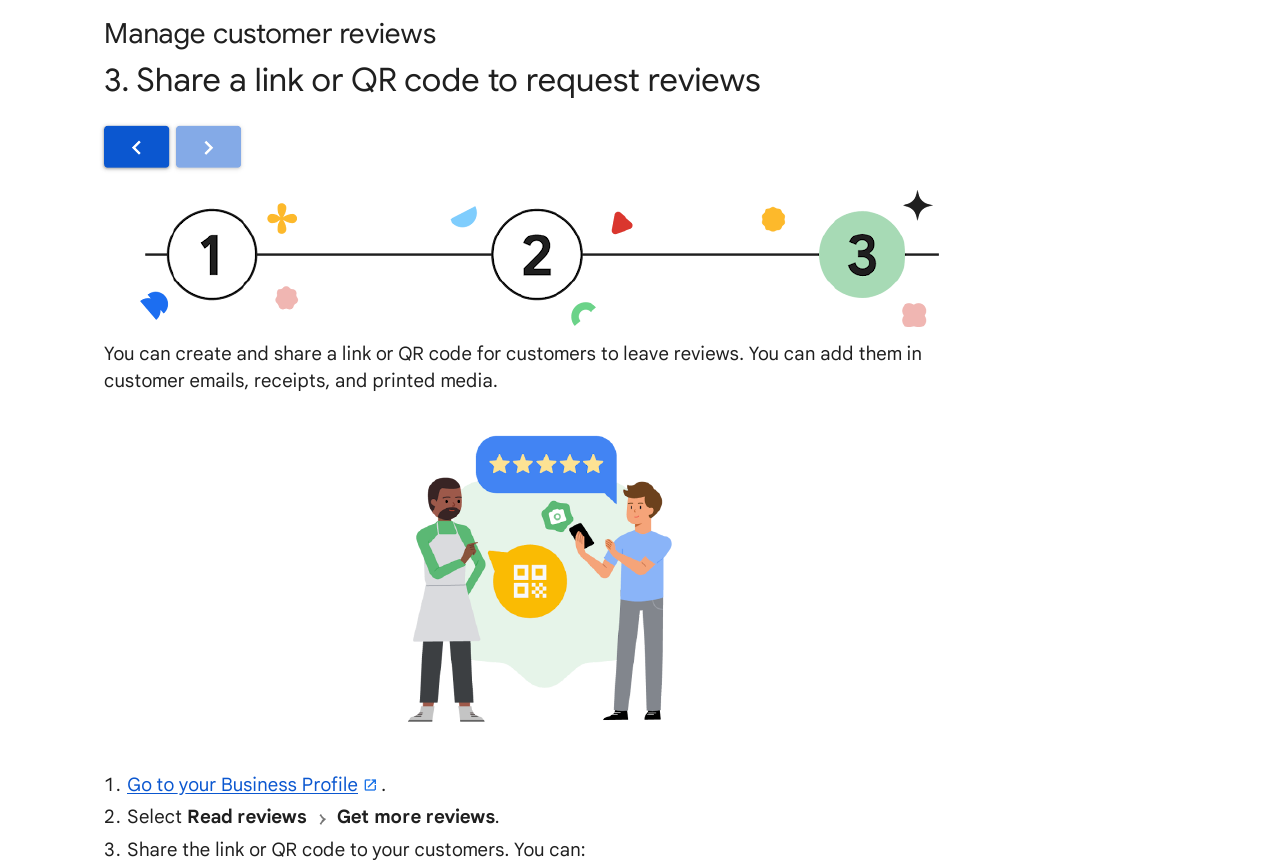
Make asking part of the routine. In your Business Profile, go to Read reviews, then Get more reviews, and copy the review link or QR code Google gives you. Put that link in follow-up messages and the QR code at reception. Ask every patient, not just the happy ones — steering only satisfied patients to Google while sending unhappy ones elsewhere is review gating, and Google treats it as a policy breach. Never offer discounts or gifts in exchange for reviews.
Reply to every review, good and bad, within a few days. Thank happy patients by name where suitable. For a poor review, stay calm, apologise for the experience, and invite the patient to contact the practice directly. Future patients read replies closely, and a thoughtful reply can matter as much as the star rating. If a review breaks Google’s rules — for example, it is clearly about a different business — report it through the profile rather than arguing in public.
Step 4: Add real photos and regular posts
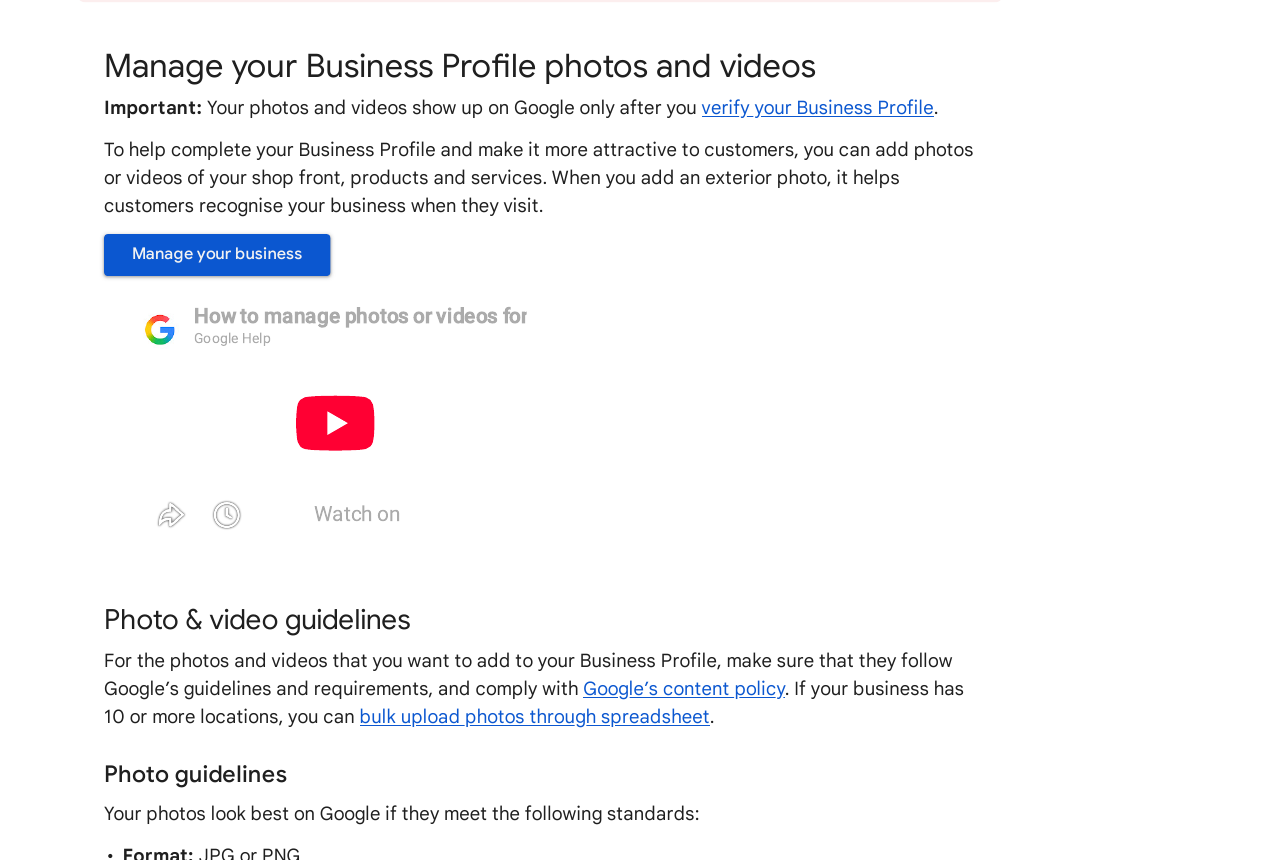
Patients choose with their eyes first. Upload clear, well-lit photos of the outside of the practice, the reception area, the treatment rooms, and the team at work. Google’s photo guidelines ask for JPG or PNG files between 10 KB and 5 MB, ideally 720 by 720 pixels or larger, in focus and free of heavy filters. The photo should show reality, not a stock image of a different clinic.
Add new photos every month or so, and use Posts for genuine news: new opening hours, a new treatment, or a seasonal reminder about check-ups. Posts do not replace reviews or categories, but a profile that changes regularly looks open and active, while a profile untouched for a year looks neglected.
Step 5: Keep details consistent and track what brings patients in
Use the same name, address, and phone number on the profile, the website, and every directory listing. Small differences — “St” on one site and “Street” on another, or an old mobile number on a directory — add up and make it harder for Google to trust that all these listings are the same practice. Fix the website first, then work through the main directories, and keep a simple note of where the practice is listed so future changes are easy.
Link the profile to the practice website, and make sure the website has a clear page for each main treatment and location. For wider help with this side of the work, see our local SEO services for dentists. Local links also help prominence: a mention from a local newspaper, a community group, or a local business association carries more weight than a random directory entry.
Finally, judge the work by actions, not by impressions. In the profile’s performance section, watch calls, direction requests, and website clicks. If calls rise after you add services and reviews, the work is paying off. If one treatment page gets clicks but no calls, check that its phone number and hours are correct. Review this once a month, fix one weak point at a time, and keep going — local rankings reward steady work over months, not a single burst of edits.
Mistakes that hold dental practices back
- Adding keywords to the business name, which risks suspension.
- Choosing a broad category when a specific one fits better.
- Asking only happy patients for reviews, or offering rewards for them.
- Using stock photos of another clinic instead of real photos of the practice.
- Letting hours, phone numbers, or addresses drift out of date across directories.
- Paying for a promised top ranking — Google says no one can sell you one.
FAQ
How long does it take to rank a Google Business Profile for dentists?
There is no fixed timeline, and anyone promising one is guessing. Most practices see early movement within a few weeks of completing the profile and adding services, but strong map positions usually build over two to six months of steady reviews, photos, and consistent details. Distance also plays a part, so a practice further from the searcher may need stronger prominence to outrank a closer rival.
Can you pay Google for a better local ranking?
No. Google states that there is no way to request or pay for a better local ranking. Paid ads can appear on the same results page, but they are labelled as ads and do not change the organic local ranking. Anyone selling a guaranteed map position is selling something Google does not offer.
Should a dental practice have one profile or one per location?
One profile per real location. Each practice address gets its own profile, with its own reviews, photos, and hours. Creating extra profiles for the same address, or profiles for places with no real practice, breaks Google’s rules and risks suspension of all of them.
How many reviews does a dental practice need?
There is no magic number. What matters more is a steady flow of recent, genuine reviews and a rating patients trust. BrightLocal’s 2026 survey found 47% of consumers would not use a business with fewer than 20 reviews, so reaching that level is a sensible early target — but 20 honest reviews beat 200 suspicious ones, and Google removes reviews that break its rules.
Is “Dentist” or “Cosmetic dentist” the better primary category?
It depends on what the practice mainly does. A general practice should use “Dentist” as its primary category and add “Cosmetic dentist” as a secondary category if it offers that work. A practice that mainly does cosmetic work may reverse that. The rule is simple: the primary category should describe the main service, not the service you wish you did most.
Do I still need a website if my profile ranks well?
Yes. The profile brings the first impression, but patients still click through to check treatments, prices, and the team before they call. A website also gives Google more pages to match to treatment searches, and it is where local links point. A strong profile plus a clear website beats either one alone.
Sources
- Google Business Profile help: Tips to improve your local ranking on Google
- Google Business Profile help: Share a link or QR code to request reviews
- Google Business Profile help: Manage your Business Profile photos and videos
- BrightLocal Local Consumer Review Survey

Abdullah Zulfiqar is Co-founder and Client Success Manager at RankWithLinks, an SEO agency helping businesses grow online. He specializes in client relations and SEO strategy, driving measurable results and maximizing ROI through effective link-building and digital marketing solutions.