
If you’re managing a growing library of video content, you already know the pain. Files scattered across hard drives, team members unable to find the latest version, inconsistent naming conventions, and hours wasted hunting for a single clip. The right video asset management software solves all of that — and more. Just as we discussed in our Glaadvoice review, selecting the right digital tools is the first step toward a more organized and productive workflow.
This guide breaks down the best platforms available today, what to look for, and how to choose the right one for your team’s specific needs.
What Is Video Asset Management Software?
Video asset management (VAM) software is a specialized system designed to store, organize, search, retrieve, and distribute video files and related media assets. Unlike general cloud storage, these platforms are purpose-built for video workflows — offering features like frame-accurate preview, metadata tagging, AI-powered search, version control, and team collaboration tools.
They sit at the intersection of digital asset management (DAM) and media production, serving marketing teams, media companies, and post-production studios.
Why You Need Dedicated Video Asset Management Software
Generic file storage tools like Google Drive or Dropbox fall short when your video library scales. Here’s where they fail:
- No frame-accurate preview or timecode support
- Limited metadata and tagging capabilities
- No version control for edits and revisions
- Poor search functionality for large libraries
- No built-in sharing portals or approval workflows
Dedicated video asset management platforms are built specifically for these challenges, reducing content retrieval time, improving team collaboration, and protecting your media investments.
Key Features to Look for in Video Asset Management Software
Before exploring specific tools, understand what separates a great platform from a mediocre one.
1. Intelligent Search and Metadata Tagging
The best platforms use AI to auto-tag content based on objects, speech, faces, scenes, and sentiment. This transforms hours of manual cataloging into an automated process. Look for support for custom metadata fields so your taxonomy fits your specific workflow.
2. Proxy Workflow Support
High-resolution video files are large. Good VAM tools generate lightweight proxy versions automatically so editors and reviewers can preview content without downloading massive files.
3. Version Control and Revision History
Creative work evolves. You need to track every version of a video, restore earlier cuts, and clearly label which version is approved, in review, or archived.
4. Permissions and Access Control
Not everyone should have access to everything. Role-based permissions let you control who can upload, edit, approve, download, or share specific assets.
5. Integrations with Creative Tools
If your editors live in Adobe Premiere Pro, Final Cut Pro, or DaVinci Resolve, your VAM should integrate directly. Panel plugins and API access allow seamless workflows without constant context-switching.
6. Distribution and Sharing Portals
A good platform lets you create branded sharing links, client portals, or embeddable players — making delivery and review fast without requiring recipients to log into your system.
7. Scalable Storage Architecture
Your needs today are smaller than they’ll be in two years. Choose a platform that scales without punishing you with sudden cost cliffs.
Best Video Asset Management Software Platforms
1. Frame.io
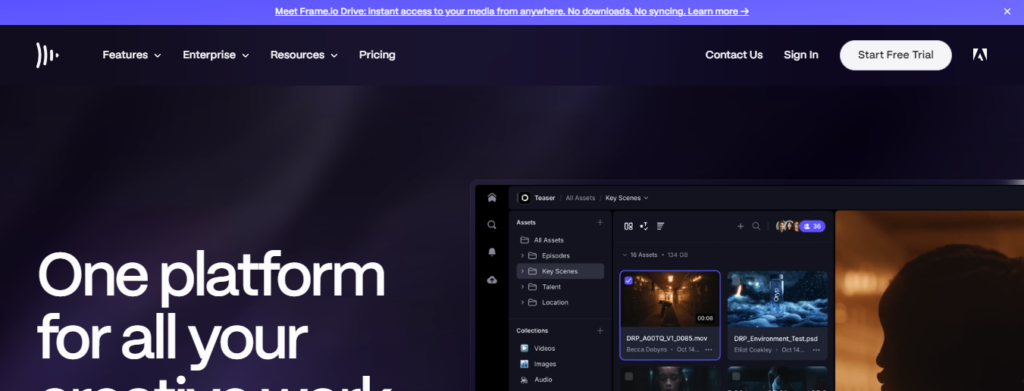
Frame.io is widely regarded as one of the gold standards for video review, collaboration, and asset management in professional post-production. It was acquired by Adobe and is now deeply integrated into Adobe Creative Cloud.
Best for: Post-production teams, ad agencies, and content studios working in Adobe ecosystems.
Standout features:
- Frame-accurate commenting directly on video timelines
- Camera to Cloud (C2C) technology for real-time upload from set
- Native Adobe Premiere Pro and After Effects panels
- Version stacking and approval workflows
- Granular permission controls for clients and collaborators
Frame.io is less of a traditional asset library and more of a collaborative review platform. It excels in the production and post-production phase but may need to be paired with a broader DAM for long-term archival storage.
2. Iconik
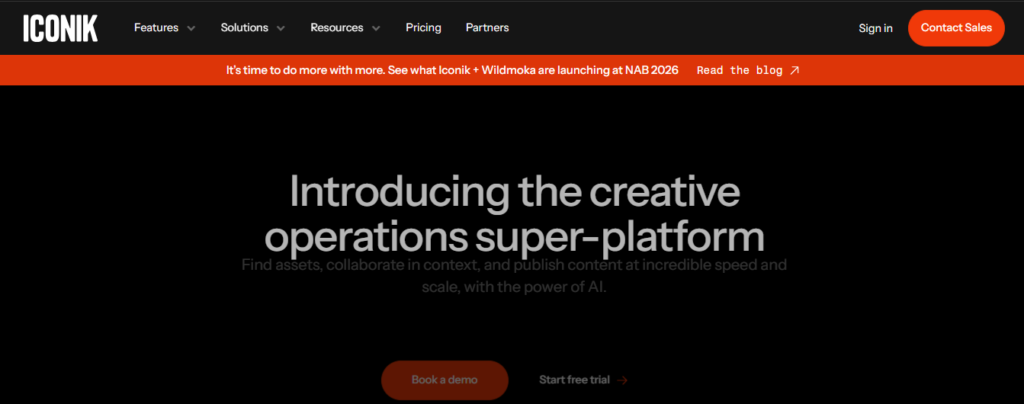
Iconik is a cloud-native media asset management platform designed for media and entertainment workflows. It offers a highly flexible architecture that supports both cloud storage and on-premise integration.
Best for: Media companies, broadcasters, and enterprise teams managing large video libraries across multiple storage locations.
Standout features:
- Multi-cloud storage support (AWS, Google Cloud, Azure)
- AI-powered auto-tagging and speech-to-text transcription
- Customizable metadata schemas
- Built-in monetization and content licensing tools
- Robust API for custom integrations
Iconik stands out for organizations that need serious scalability and flexibility. It’s highly configurable, which makes it powerful but means there’s a steeper setup curve compared to simpler tools.
3. Widen Collective (now Acquia DAM)
Widen, now operating under the Acquia brand, is a mature enterprise DAM platform with strong video support. It’s a popular choice for large marketing organizations managing brand assets across multiple product lines and markets.
Best for: Marketing teams and brand managers at mid-to-large enterprises.
Standout features:
- Centralized brand portal for internal and external distribution
- Detailed analytics on asset usage and downloads
- Workflow automation and approval routing
- Integration with CMS platforms, e-commerce systems, and marketing tools
- Configurable metadata and taxonomy management
Widen works well when video is one part of a larger mixed-media library that also includes images, documents, and design files. If your marketing team manages a broad content ecosystem, this is a strong contender.
4. Bynder
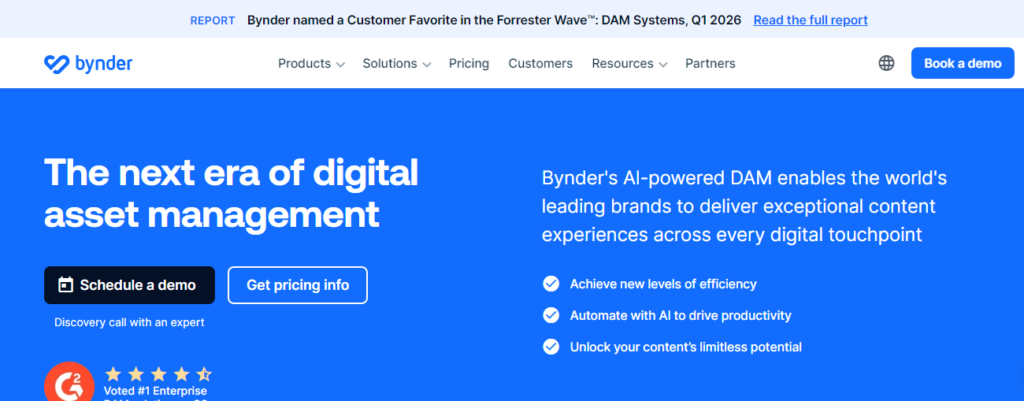
Bynder is a cloud-based DAM platform with solid video asset management capabilities and a strong emphasis on brand consistency and creative workflow automation.
Best for: Marketing and creative teams focused on brand governance and content distribution.
Standout features:
- Brand guidelines and digital brand templates
- Workflow management with task assignment and approvals
- Video conversion and format delivery on download
- Integration with popular marketing platforms (HubSpot, Salesforce, Hootsuite)
- User-friendly interface with fast onboarding
Bynder’s interface is clean and accessible, making it easier to onboard non-technical users. It performs best in marketing-driven environments where brand consistency is a top priority.
5. MediaValet
MediaValet is an enterprise DAM platform built entirely on Microsoft Azure, making it a natural choice for organizations already invested in the Microsoft ecosystem.
Best for: Large enterprises requiring high security standards, compliance, and global content distribution.
Standout features:
- Built on Microsoft Azure with 99.9% uptime SLA
- AI-powered image and video recognition
- Unlimited users on all plans (a major differentiator)
- Dedicated customer success support
- Integration with Microsoft 365, Adobe Creative Cloud, and Slack
The unlimited user model makes MediaValet particularly cost-effective for large organizations where access fees per seat would otherwise add up quickly. It also holds several compliance certifications that matter in regulated industries.
6. Canto
Canto is a DAM platform built with simplicity in mind. It targets small-to-mid-size teams that need a capable but not overwhelming asset management solution.
Best for: SMBs and growing teams that need a clean, fast, and easy-to-use platform.
Standout features:
- Intuitive drag-and-drop interface
- Smart albums and folder organization
- Facial recognition and object detection
- Shareable portals with password protection
- Integration with Slack, Google Workspace, Adobe Creative Cloud, and Hootsuite
Canto won’t overwhelm smaller teams with enterprise-level complexity. Its onboarding is fast, and users typically need minimal training to become productive. For teams with simpler workflows, it often does exactly what’s needed without unnecessary overhead.
7. Cloudinary
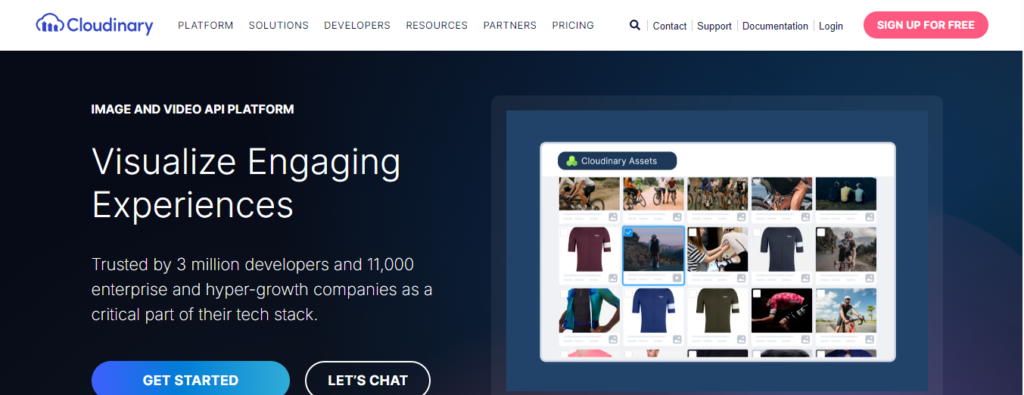
Cloudinary started as an image management platform but has evolved into a powerful video asset management and delivery solution. It’s developer-friendly and deeply focused on media transformation and optimization for web delivery.
Best for: Tech teams, e-commerce platforms, and developers who need programmatic control over video assets.
Standout features:
- Real-time video transformation (resize, crop, format conversion, quality optimization)
- AI-powered video tagging and background removal
- Fast CDN delivery across global regions
- Video player with adaptive streaming
- Extensive API and SDK library for custom integration
Cloudinary is unique in that it’s as much a delivery infrastructure as it is an asset manager. If your use case involves serving video at scale — product pages, dynamic content, UGC platforms — Cloudinary is exceptionally strong.
8. Extensis Portfolio
Extensis Portfolio is a long-standing DAM solution with a focus on creative teams and organizations with complex on-premise or hybrid storage requirements.
Best for: Creative departments, studios, and teams with existing on-premise infrastructure.
Standout features:
- On-premise, cloud, and hybrid deployment options
- Automated keyword tagging with AI assistance
- High-volume ingestion capabilities
- Support for a wide range of video formats and codecs
- Integration with Adobe Creative Cloud
For teams not ready to move entirely to the cloud, Extensis Portfolio is one of the few platforms that still takes on-premise deployments seriously while also supporting hybrid and cloud environments.
How to Choose the Right Video Asset Management Software
The right platform depends on your specific situation. Here’s how to narrow it down.
Define Your Primary Use Case
Are you managing content during production and review? Frame.io or a similar collaboration-first tool is ideal. Are you archiving and distributing a large library of finished content? Look toward Iconik, MediaValet, or Widen. Are you optimizing video for web delivery at scale? Cloudinary deserves serious consideration.
Assess Your Team Size and Technical Capacity
Larger enterprises with IT support can handle more complex deployments. Smaller teams benefit from platforms like Canto or Bynder, which prioritize ease of use and fast onboarding.
Check Integrations with Your Existing Stack
List the tools your team already uses daily — editing software, project management platforms, CMS, marketing automation tools — and verify that your shortlisted VAM platforms integrate with them natively or via API.
Understand the Pricing Model
Some platforms charge per user, which becomes expensive at scale. Others charge based on storage volume or bandwidth. MediaValet’s unlimited user model, for example, can represent significant savings for large teams compared to per-seat alternatives.
Request a Trial or Demo
No analyst report replaces hands-on experience. Most platforms offer free trials or live demos. Use them with real-world scenarios from your actual workflow — not toy examples — to get an honest sense of fit.
Video Asset Management for Specific Industries
Marketing and Advertising Teams
Marketing teams need a platform that bridges asset organization with campaign distribution. Bynder and Widen Collective perform strongly here, offering marketing-specific integrations and brand governance tools that creative and marketing operations teams value.
Media and Entertainment Companies
Broadcasters, streaming companies, and production houses require platforms that handle high-volume ingestion, complex metadata, and multi-location storage. Iconik and MediaValet are built to handle these demands at scale.
E-Commerce and Retail Brands
Product video management requires fast delivery, format flexibility, and the ability to generate multiple renditions for different channels. Cloudinary is particularly strong in this space, offering real-time transformation and optimized delivery.
Corporate and Internal Communications
HR departments, internal training teams, and corporate communications often manage large libraries of instructional and informational video. Simple, permission-controlled platforms like Canto or MediaValet work well here, especially when combined with internal intranet or LMS integrations.
Common Mistakes to Avoid When Implementing Video Asset Management
Skipping the metadata strategy. The most powerful search is only as good as the metadata behind it. Before you import a single file, define your taxonomy, naming conventions, and tagging rules. Retrofitting structure onto a messy library is painful and expensive.
Underestimating storage growth. Video libraries grow faster than expected. Plan for at least two to three times your current storage needs, and understand exactly how your chosen platform prices storage growth.
Choosing based on features alone. A platform loaded with features that your team never uses — or can’t figure out how to use — is dead weight. Prioritize adoption-friendliness alongside capability.
Ignoring migration complexity. If you’re switching from an existing system or moving files from scattered drives, migration is a significant project. Ask vendors about migration support, ingestion tools, and whether they offer professional services.
Failing to define user roles upfront. Access confusion leads to security risks and workflow breakdowns. Define your permission tiers before onboarding users, not after problems emerge.
The Future of Video Asset Management
Artificial intelligence is rapidly reshaping what video asset management software can do. Auto-transcription, scene detection, sentiment analysis, and speaker identification are becoming table stakes rather than premium additions.
The best platforms are also moving toward tighter integration with content distribution networks, making the journey from archived asset to published content faster and more automated. Expect to see deeper connections between VAM platforms and social media schedulers, CMS platforms, OTT delivery systems, and programmatic advertising pipelines.
Sustainability is also emerging as a consideration, with enterprise buyers increasingly asking about energy efficiency and carbon footprint of cloud storage infrastructure.
Final Thoughts
The best video asset management software is the one that fits your team’s specific workflow, scales with your content volume, and reduces the friction between creating and distributing video content. There is no universal winner — Frame.io is exceptional for collaborative review, Iconik shines in complex enterprise media environments, Canto works beautifully for smaller teams, and Cloudinary dominates in developer-driven delivery use cases.
Start by defining what problem is costing you the most time or money right now. Let that pain point guide your evaluation, and you’ll find the right platform far faster than shopping by feature lists alone.

I am a dedicated SEO Expert and Content Specialist with a passion for driving organic growth. With a deep understanding of link building, domain metrics, and on-page optimization, I help brands bridge the gap between technical search requirements and engaging user experiences. Whether it’s crafting SEO-optimized articles or managing complex backlink strategies, my goal is always the same: sustainable, high-ranking results.