
What Is Cloud-Based Inventory Management Software?
Cloud-based inventory management software is a web-hosted solution that allows businesses to track, control, and optimize their stock levels, orders, and supply chain activities in real time — from any device, anywhere in the world.
Unlike traditional on-premise systems that require expensive hardware and manual IT maintenance, cloud-based platforms store all your inventory data on secure remote servers. This means your warehouse staff in Karachi, your procurement team in Dubai, and your finance department in London can all access the same live data simultaneously.
For businesses in 2026, this is no longer a luxury. It is an operational necessity.
Why Cloud-Based Inventory Management Matters More Than Ever
The global supply chain landscape has changed dramatically. Businesses today deal with multi-location warehouses, cross-border e-commerce, real-time customer expectations, and tighter margins than ever before.
Cloud inventory platforms address all of these challenges in one unified system. Here is why businesses are switching away from spreadsheets and legacy software at a rapid pace:

- Real-time visibility across all stock locations
- Automatic low-stock alerts to prevent costly stockouts
- Seamless integrations with e-commerce platforms, ERPs, and accounting tools
- Scalability — grow from one warehouse to fifty without changing platforms
- Lower upfront costs through subscription-based pricing models
- Automatic software updates with no manual installations required
- Data security and backups managed by the provider
Whether you run a small retail shop, a mid-size wholesale distributor, or a large manufacturing operation, the right cloud inventory system can reduce carrying costs, improve order accuracy, and free up hours of manual administrative work every week.
Key Features to Look for in Cloud-Based Inventory Software
Before comparing specific platforms, you need to understand which features actually matter for your type of business. Not every solution offers the same depth, and choosing the wrong one can cost you more time and money than it saves.
Real-Time Inventory Tracking
The most fundamental feature. A good platform tracks every unit of stock as it moves — from supplier receipt to warehouse shelf to customer shipment. Look for systems that update stock counts instantly, not in batches.
Multi-Location and Multi-Warehouse Support
If your business operates across more than one physical location, you need software that can track inventory at each site independently while giving you a consolidated overview. This is critical for avoiding stock transfers that create shortages in one place while another location is overstocked.
Barcode and QR Code Scanning
Manual data entry is slow and error-prone. Modern cloud inventory platforms support barcode scanners and mobile QR scanning, which dramatically speeds up receiving, picking, and shipping processes.
Demand Forecasting and Reorder Automation
The best systems do not just tell you what you have — they tell you what you will need. Advanced forecasting uses historical sales data and seasonal trends to predict demand and automatically trigger purchase orders when stock falls below defined thresholds.
Integration Capabilities
Your inventory software should not exist in isolation. Look for native integrations with:
- E-commerce platforms (Shopify, WooCommerce, Amazon)
- Accounting software (QuickBooks, Xero, Zoho Books)
- Shipping carriers (FedEx, UPS, DHL)
- ERP systems (SAP, Oracle, Microsoft Dynamics)
Reporting and Analytics Dashboard
Data is only useful if you can read it. Strong reporting features let you track inventory turnover rates, identify slow-moving products, measure supplier performance, and monitor fulfillment accuracy — all in visual, easy-to-understand dashboards.
Mobile Access
In 2026, a cloud inventory platform without a fully functional mobile app is behind the times. Warehouse managers and field teams need to check and update stock from smartphones and tablets without being tethered to a desktop.
Best Cloud-Based Inventory Management Software in 2026
Here is a detailed breakdown of the top platforms businesses are using this year, categorized by use case and business size.
1. Zoho Inventory
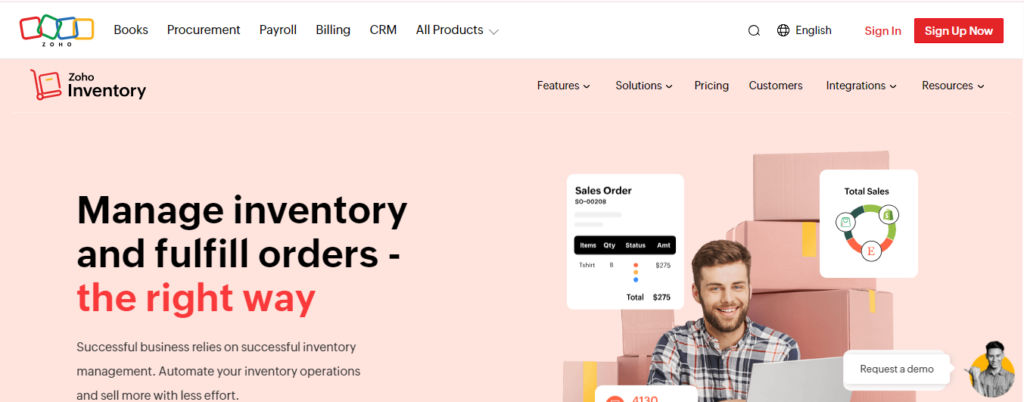
Best for: Small to mid-size businesses, especially those already using the Zoho ecosystem
Zoho Inventory has matured into one of the most complete cloud inventory solutions for growing businesses. It offers end-to-end order management, multi-channel selling support, and deep integration with Zoho Books and Zoho CRM.
Key strengths:
- Supports selling across Amazon, Etsy, eBay, and Shopify from one dashboard
- Automated purchase orders and reorder points
- Detailed item groupings, bundles, and serial number tracking
- Affordable pricing tiers, including a free plan for very small operations
What to watch: The more advanced reporting and multi-warehouse features are locked behind higher pricing tiers. If you need these from day one, budget accordingly.
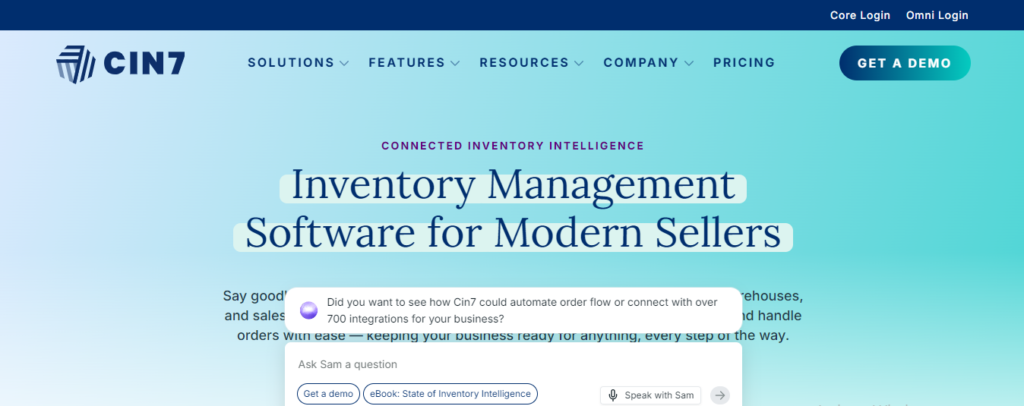
2. Cin7 Omni
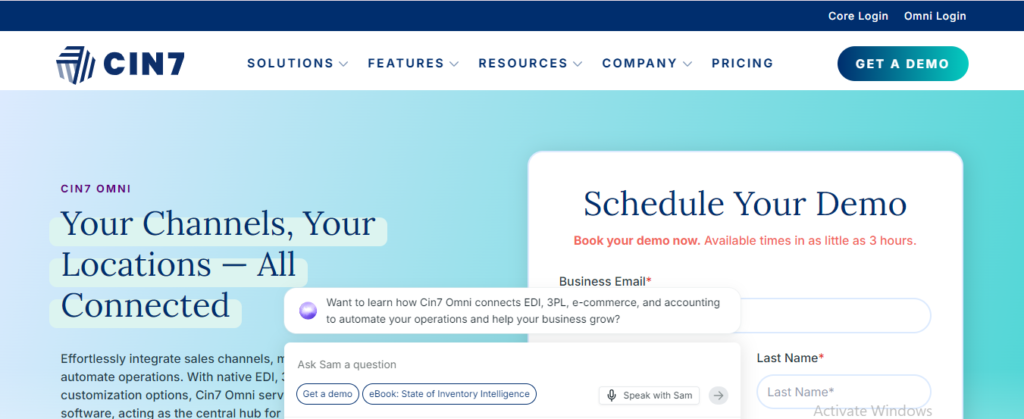
Best for: Mid-to-large product businesses with complex inventory and multi-channel needs
Cin7 Omni (formerly Cin7 Core and Cin7 Omni combined) is widely regarded as one of the most powerful cloud inventory platforms available. It handles everything from raw material tracking to finished goods distribution, making it popular with manufacturers, wholesalers, and large retailers.
Key strengths:
- Built-in point-of-sale (POS) system
- Over 700 integrations with third-party apps
- Advanced B2B portal for wholesale orders
- 3PL (third-party logistics) connectivity
What to watch: The learning curve is steep. Smaller teams without a dedicated operations manager may find the platform overwhelming during onboarding.
3. Fishbowl Inventory
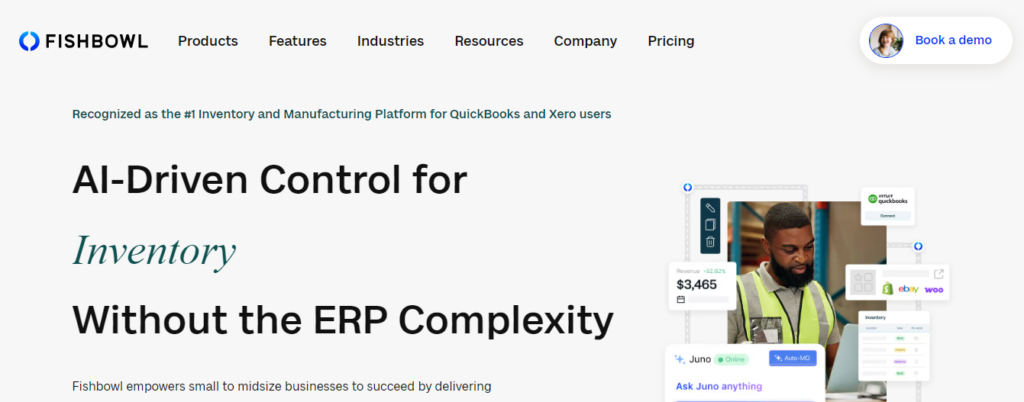
Best for: Manufacturing and warehouse-heavy operations
Fishbowl has long been a go-to solution for businesses that need serious manufacturing and warehouse management capabilities alongside inventory control. Its cloud version brings those capabilities to teams that need remote access and scalability.
Key strengths:
- Advanced bill of materials (BOM) and work order management
- Deep QuickBooks integration
- Asset tracking and lot/serial number tracking
- Strong barcode scanning support across operations
What to watch: Fishbowl’s interface feels less modern compared to newer platforms. For businesses that prioritize UI aesthetics and simplicity, it may feel dated.
4. inFlow Inventory
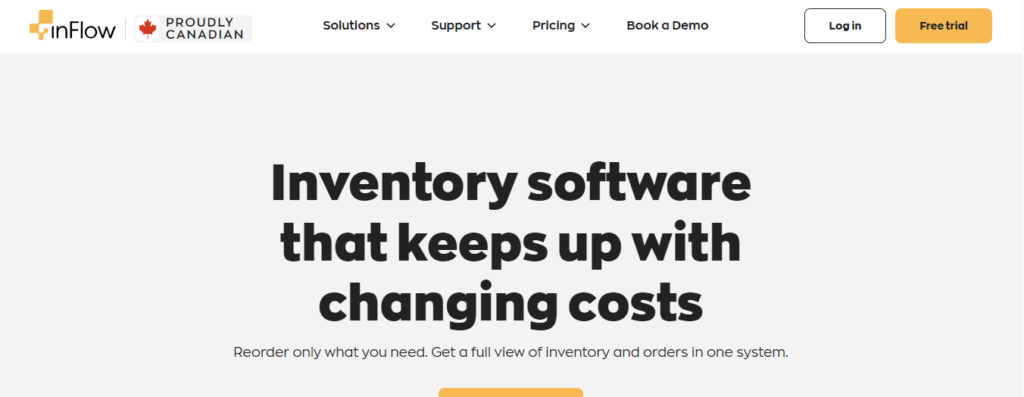
Best for: Small businesses wanting simplicity without sacrificing features
inFlow strikes an impressive balance between ease of use and feature depth. It is designed for teams that do not have a full-time IT department but still need reliable stock management, order processing, and reporting.
Key strengths:
- Clean, intuitive interface that requires minimal training
- Built-in B2B showroom for wholesale orders
- Solid reporting suite for a small-business platform
- Barcode scanning via mobile app
What to watch: Not ideal for businesses with very high SKU counts or complex multi-location needs. It is best suited for focused, single-location operations or small distributors.
5. Unleashed Software
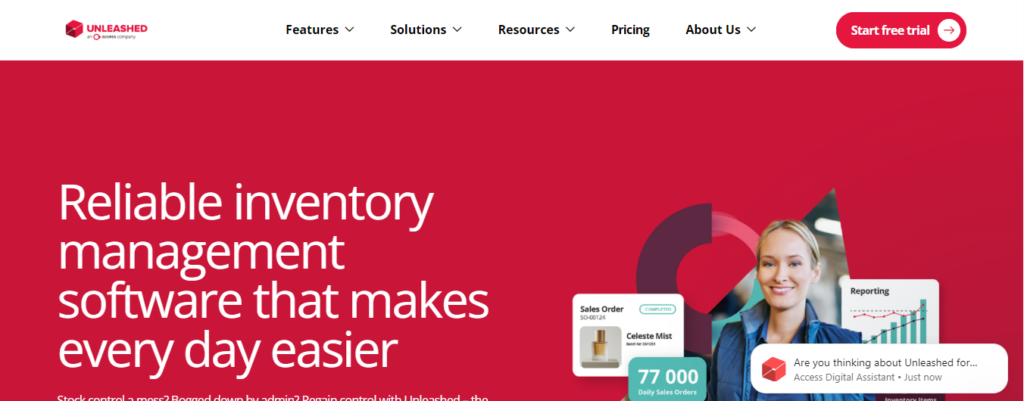
Best for: Product-based businesses focused on manufacturing and wholesale distribution
Unleashed is a strong cloud inventory platform built specifically for businesses that make, buy, and sell physical products. It has deep costing capabilities and integrates well with major accounting platforms.
Key strengths:
- Real-time cost of goods sold (COGS) tracking
- Batch and expiry date tracking — excellent for food, pharma, and cosmetics
- Strong integrations with Xero and QuickBooks
- Detailed profitability reporting by product and customer
What to watch: Unleashed does not include built-in e-commerce integrations natively for all platforms. Some connections require third-party middleware.
6. NetSuite Inventory Management
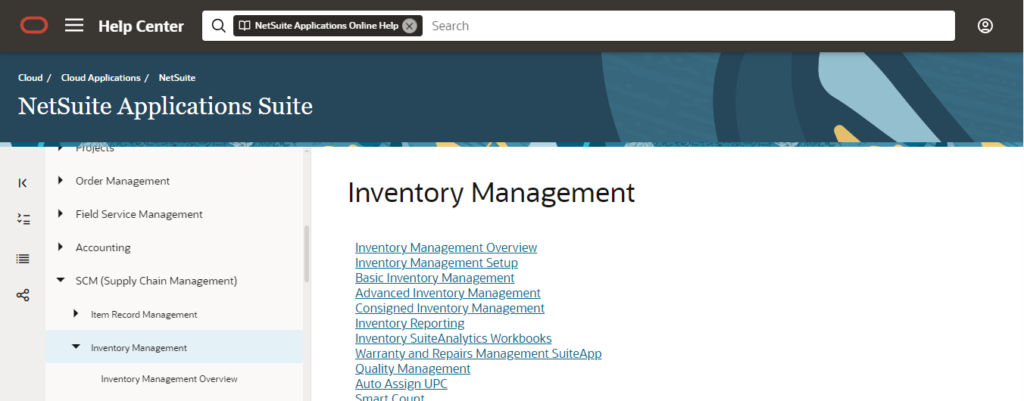
Best for: Large enterprises needing a full ERP with inventory at its core
Oracle NetSuite is the industry standard for enterprise-grade cloud inventory management. It is not just an inventory tool — it is a full enterprise resource planning suite that includes financials, CRM, HR, and supply chain in one platform.
Key strengths:
- Unmatched scalability for global operations
- Multi-currency, multi-subsidiary, and multi-language support
- Advanced demand planning and procurement workflows
- Real-time financial consolidation across all business units
What to watch: NetSuite is expensive and requires significant implementation time and professional services investment. It is not suitable for small businesses or those without dedicated IT resources.
7. Lightspeed Retail
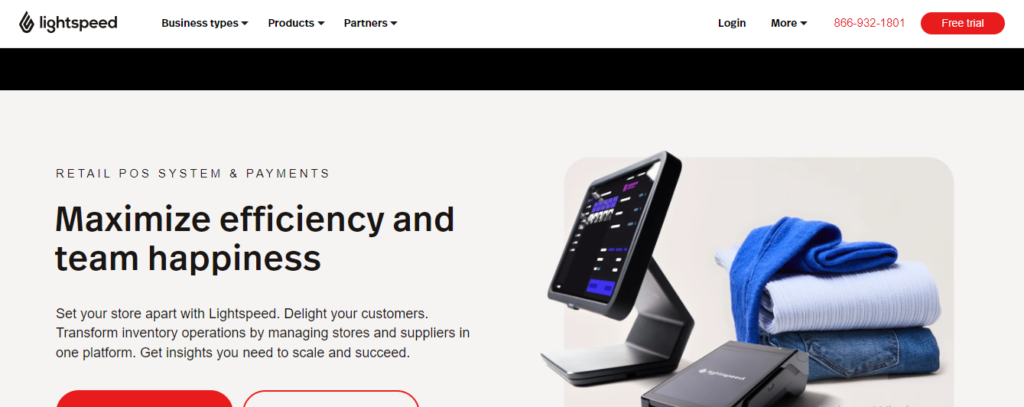
Best for: Retailers combining physical and online sales
Lightspeed has evolved into a comprehensive retail management platform with strong cloud inventory capabilities built directly into its POS ecosystem. It is particularly popular in the apparel, sporting goods, and specialty retail sectors.
Key strengths:
- Unified inventory tracking across physical stores and online channels
- Matrix inventory for managing product variants (size, color, style)
- Built-in analytics tailored to retail metrics
- Purchase order management with supplier catalogs
What to watch: Lightspeed’s pricing has increased significantly in recent years. Smaller retailers may find the cost hard to justify without fully utilizing the broader retail management features.
8. DEAR Inventory (Now Cin7 Core)
Best for: Businesses needing strong accounting integration with full inventory control
DEAR Inventory, rebranded as Cin7 Core, is a cloud platform that sits at the intersection of inventory management and accounting. It is especially popular with businesses that need tight financial controls alongside their stock management.
Key strengths:
- Comprehensive purchase, sales, and production modules
- Native integrations with Xero, QuickBooks, and MYOB
- Landed cost calculations for accurate product costing
- Batch and serial number tracking
What to watch: The interface can feel complex for new users, and customer support response times have been a concern for some businesses during peak periods.
Cloud-Based Inventory Software Comparison: At a Glance
| Platform | Best For | Starting Price Range | Free Trial |
|---|---|---|---|
| Zoho Inventory | Small businesses | Free – $249/month | Yes |
| Cin7 Omni | Mid-large businesses | $349+/month | Yes |
| Fishbowl | Manufacturing | Custom pricing | Yes |
| inFlow Inventory | Small teams | $89+/month | Yes |
| Unleashed | Wholesale/manufacturing | $349+/month | Yes |
| NetSuite | Enterprises | Custom pricing | No |
| Lightspeed Retail | Retail | $89+/month | Yes |
| Cin7 Core | SMBs with accounting needs | $349+/month | Yes |
Note: Prices are indicative and subject to change based on modules, users, and annual vs. monthly billing.
How to Choose the Right Cloud Inventory Software for Your Business
With so many options available, the decision process can feel overwhelming. Use this framework to narrow down your choices quickly and confidently.
Step 1: Define Your Business Type and Size
A single-location boutique has very different needs from a multi-warehouse distributor. Be honest about your current scale and your realistic growth trajectory over the next two to three years.
Step 2: Map Your Must-Have Features
List the features that are absolutely non-negotiable for your operation. Common must-haves include:
- Multi-location support
- E-commerce integration
- Lot and batch tracking
- Barcode scanning
- Accounting sync
Do not pay for features you will never use. But also do not choose a platform that forces you to upgrade within six months.
Step 3: Test Integrations Before Committing
Your inventory software needs to talk to your other business tools seamlessly. Before signing a contract, confirm that the integrations you need — especially with your accounting platform and sales channels — work smoothly in practice, not just on a features list.
Step 4: Evaluate Onboarding and Support Quality
A cloud platform is only as good as the support behind it. Look for providers that offer:
- Dedicated onboarding assistance
- Live chat or phone support during your business hours
- A comprehensive knowledge base and video training library
- Active user community forums
Step 5: Calculate Total Cost of Ownership
Monthly subscription fees are just the starting point. Factor in:
- Additional user seat costs
- Fees for extra modules or features
- Implementation and data migration costs
- Training time for your team
The cheapest platform is rarely the most cost-effective in the long run.
Cloud vs. On-Premise Inventory Software: The 2026 Verdict
The debate between cloud and on-premise inventory systems has largely been settled. In 2026, cloud wins for the vast majority of businesses — and here is why:
Accessibility: Cloud systems work from any device with an internet connection. On-premise systems require being physically present or using complex VPN setups.
Cost structure: Cloud software spreads costs over time through subscriptions. On-premise requires large upfront licensing and ongoing IT infrastructure investment.
Updates and security: Cloud vendors handle all security patches and feature updates automatically. On-premise software can fall dangerously out of date if updates are not applied manually.
Disaster recovery: Cloud data is backed up automatically across multiple servers. On-premise data stored locally is vulnerable to hardware failure, fires, or theft.
The only scenario where on-premise inventory software still makes sense is in highly regulated industries with strict data sovereignty requirements that prohibit storing sensitive information on third-party servers. For virtually everyone else, cloud is the clear choice.
Common Mistakes to Avoid When Implementing Cloud Inventory Software
Even the best platform will fail if implemented poorly. Watch out for these common pitfalls:
Skipping data cleanup before migration. Importing messy, duplicate, or outdated product data into your new system creates chaos from day one. Clean your data thoroughly before migration.
Underestimating training time. New software requires behavioral change. Allow your team adequate time to learn the system before going fully live in a high-pressure operational environment.
Ignoring user permissions settings. Set clear role-based access controls from the start. Not every employee needs visibility into cost pricing or supplier terms.
Choosing based on price alone. The cheapest option often lacks critical features or charges heavily for integrations you will inevitably need. Total cost of ownership matters more than monthly subscription price.
Not testing integrations in staging. Always test your integrations in a sandbox or trial environment before switching over live operations. A broken sync between your inventory and accounting tools can cause serious financial discrepancies.
The Future of Cloud Inventory Management
Cloud inventory software in 2026 is no longer just about knowing what is on your shelves. The leading platforms are now incorporating:
AI-powered demand forecasting that analyzes thousands of data points — including market trends, weather patterns, and regional demand signals — to predict what you will need before you run out.
Automated supplier communication that triggers purchase orders, sends delivery confirmations, and flags discrepancies without human intervention.
IoT-connected warehouses where sensors on shelves, pallets, and containers feed live data directly into inventory systems, eliminating manual stock counts entirely.
Sustainability tracking that measures the carbon footprint of inventory decisions, helping businesses meet ESG reporting requirements.
Predictive stock health monitoring that identifies slow-moving or obsolete inventory before it becomes a financial liability — recommending markdowns, bundling, or liquidation automatically.
Businesses that adopt these intelligent cloud systems today are building a meaningful competitive advantage that will compound significantly over the next three to five years.
Final Thoughts: Which Cloud-Based Inventory Management Software Should You Choose?
There is no single best cloud-based inventory management software for every business. The right choice depends entirely on your industry, scale, budget, and operational complexity.
That said, here are clear recommendations based on business type:
- Small businesses and startups: Start with Zoho Inventory or inFlow for affordability and ease of use
- Growing wholesalers and distributors: Unleashed or Cin7 Core offer the right depth without enterprise pricing
- Retailers with physical and online stores: Lightspeed Retail delivers a unified commerce solution
- Manufacturers with complex production needs: Fishbowl or Cin7 Omni handle the full production-to-distribution workflow
- Large enterprises: NetSuite remains the gold standard for organizations that need a fully integrated ERP
Whatever platform you choose, commit to proper implementation, invest in team training, and treat the software as a strategic business asset — not just an operational tool. The businesses that get inventory management right in 2026 are the ones that will scale with confidence, serve customers reliably, and protect their margins in an increasingly competitive market.

Fazilat zulfiqar is an SEO specialist at RankWithLinks, focused on improving search rankings through smart link building and optimization.He helps businesses grow organic traffic and build strong online authority.