
Writing documentation is one of those tasks that everyone knows is important — and almost no one enjoys doing. Developers skip it. Teams delay it. And then six months later, a new hire spends two weeks trying to figure out how a codebase works because nothing was written down.
That’s exactly why AI-powered documentation tools have exploded in popularity. They take the pain out of the process. Instead of spending hours writing API references, user guides, or onboarding docs, these tools do the heavy lifting for you — automatically.
In this article, we’ll break down the best-reviewed software to auto-generate docs right now. We’ll look at what each tool does well, where it falls short, and which one might be the right fit for your team. Whether you’re a solo developer, a startup, or part of a large engineering team, there’s something here for you.
What Is Auto-Documentation Software?
Auto-documentation software uses artificial intelligence, machine learning, or smart integrations to generate written documentation from existing sources — like your code, workflows, screen recordings, or product features.
Instead of a developer manually writing a README or a product manager crafting a how-to guide from scratch, the tool reads the source material and produces readable, structured content automatically.
Some tools focus on code documentation — scanning functions, classes, and APIs to generate reference docs. Others focus on process documentation — recording your screen and turning your clicks into step-by-step guides. A few do both.
The end result? Documentation that actually gets written, stays up to date, and doesn’t take weeks of someone’s time.
Key Features to Look For
Before we jump into the software list, here are some things worth paying attention to when evaluating any documentation tool:
- Automation depth — How much does the tool actually automate? Does it generate full drafts or just templates?
- Integration support — Does it work with your existing tools like GitHub, Confluence, Notion, or Slack?
- Customization options — Can you adjust the tone, format, and structure of the generated content?
- Version control — Can it track changes and keep docs updated as your product evolves?
- Team collaboration — Is it easy for multiple people to work on the same documentation project?
- Output quality — Is the generated content actually readable and useful, or does it need heavy editing?
- Support for different doc types — API docs, user guides, changelogs, SOPs — does it handle what you need?
Keep these in mind as you read through the tools below.
Best-Reviewed Software to Auto-Generate Docs
1. Mintlify
Best for: Developer documentation and API reference pages
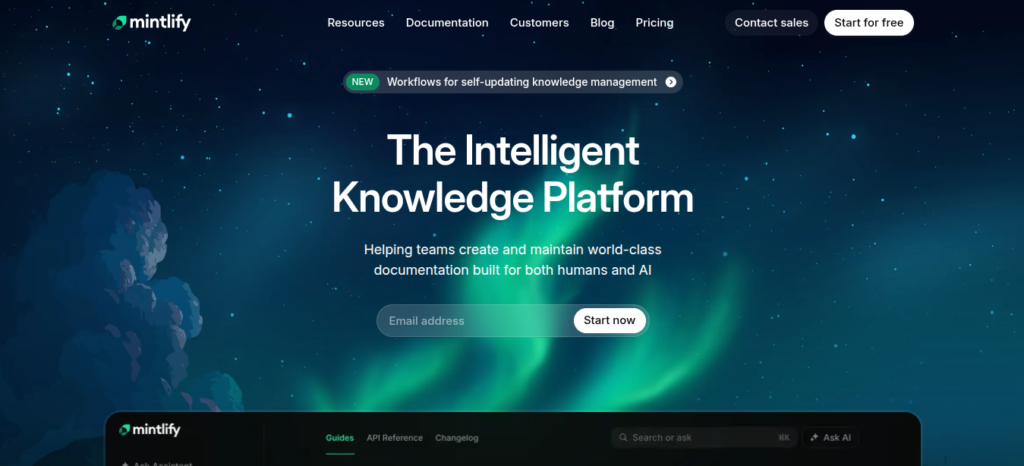
Mintlify has quickly become one of the most popular tools in the developer documentation space. It’s built specifically for engineering teams who want clean, modern documentation without spending days on setup.
The tool connects to your codebase and generates documentation pages that are easy to read and beautifully designed. It supports MDX files, making it flexible for teams that want control over structure while still automating the heavy lifting.
One standout feature is Mintlify’s Doc Writer — a VS Code extension that uses AI to automatically generate docstrings for your functions. You highlight a function, hit a shortcut, and the AI writes the comment for you. It’s simple, fast, and surprisingly accurate.
Pros:
- Clean, modern UI out of the box
- Strong GitHub integration
- AI-powered docstring generation in VS Code
- Great search functionality
- Active development and regular updates
Cons:
- Better suited for technical docs than general product documentation
- Customization can require some technical knowledge
- Free tier has limitations for larger teams
2. GitBook
Best for: Teams that want a flexible all-in-one documentation platform
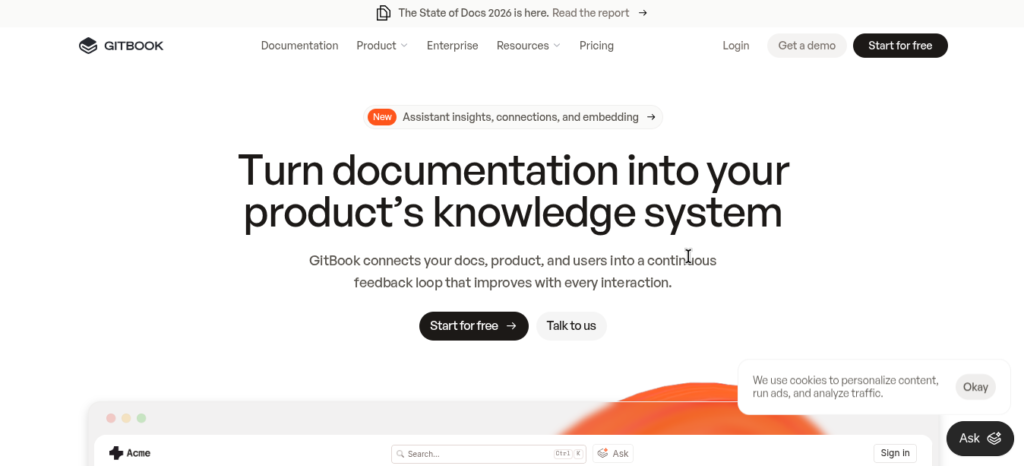
GitBook has been around for a while, and for good reason. It’s one of the most polished documentation platforms available. It works well for both internal wikis and public-facing documentation, and it’s particularly popular with open-source projects.
In recent years, GitBook added AI capabilities that allow it to answer questions based on your existing docs, suggest edits, and help with content generation. The GitBook AI feature lets team members search across documentation using natural language queries — a genuinely useful feature when you have a large knowledge base.
GitBook also syncs with GitHub, meaning your docs can live alongside your code and update automatically when changes are pushed.
Pros:
- Beautiful, reader-friendly interface
- Strong Git sync functionality
- AI-assisted search and writing
- Works well for both technical and non-technical teams
- Scales well from small teams to enterprises
Cons:
- Can get expensive for larger teams
- The editor has a learning curve for some users
- AI features are still maturing compared to dedicated AI writing tools
3. Swimm

Best for: Keeping code documentation in sync with a live codebase
Swimm solves a specific problem that plagues most documentation efforts: docs go stale. You write a detailed explanation of how a function works, and three months later someone refactors it — and the documentation is now wrong.
Swimm addresses this directly. It creates documentation that is coupled to your code. When the code changes, Swimm detects it and alerts your team that the related docs need updating. This is a genuinely clever approach.
It also integrates into your developer workflow via IDE plugins and CI/CD pipelines, so documentation checks become part of the normal review process rather than an afterthought.
Pros:
- Documentation stays linked to actual code
- Automatic alerts when docs go out of date
- Strong IDE integrations (VS Code, IntelliJ)
- Makes code reviews more documentation-conscious
- Useful for onboarding new developers
Cons:
- Primarily a developer-facing tool, not ideal for non-technical documentation
- Requires some setup and team adoption to get full value
- Smaller community than some other tools on this list
4. Scribe
Best for: Creating step-by-step process guides from screen recordings
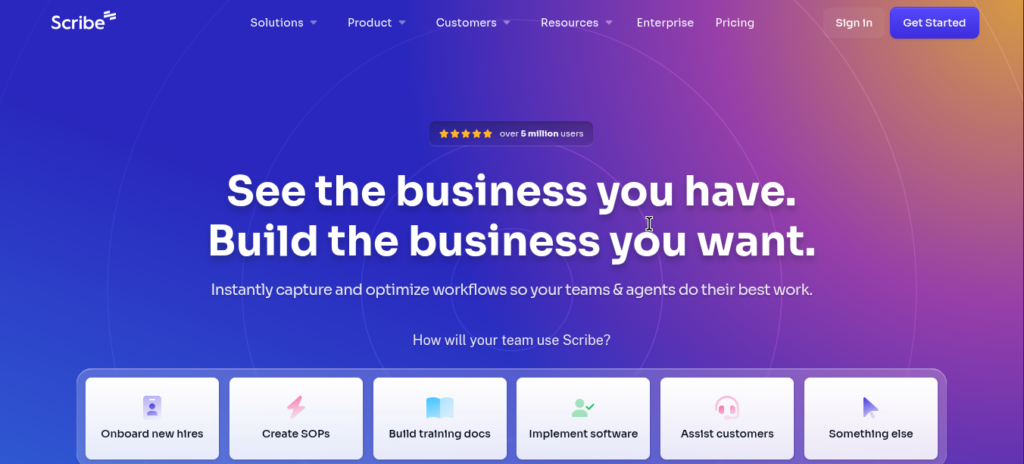
Scribe is genuinely fun to use. You turn it on, do the thing you want to document — clicking through a software process, filling out a form, navigating a tool — and Scribe automatically generates a step-by-step guide with screenshots.
This makes it incredibly useful for operations teams, HR departments, customer success teams, and anyone who needs to document repetitive processes or train new users on software.
The output is clean, professional, and usually requires very little editing. You can export it to PDF, share a link, or embed it in tools like Confluence or Notion.
Pros:
- Effortless to use — just record and it’s done
- Screenshots are automatically captured at each step
- One-click sharing and export options
- Great for non-technical teams
- Free plan available
Cons:
- Not suitable for code or API documentation
- Customization of output formatting is limited
- Some advanced features are locked behind paid plans
5. Guidde
Best for: Video-based documentation and product walkthroughs
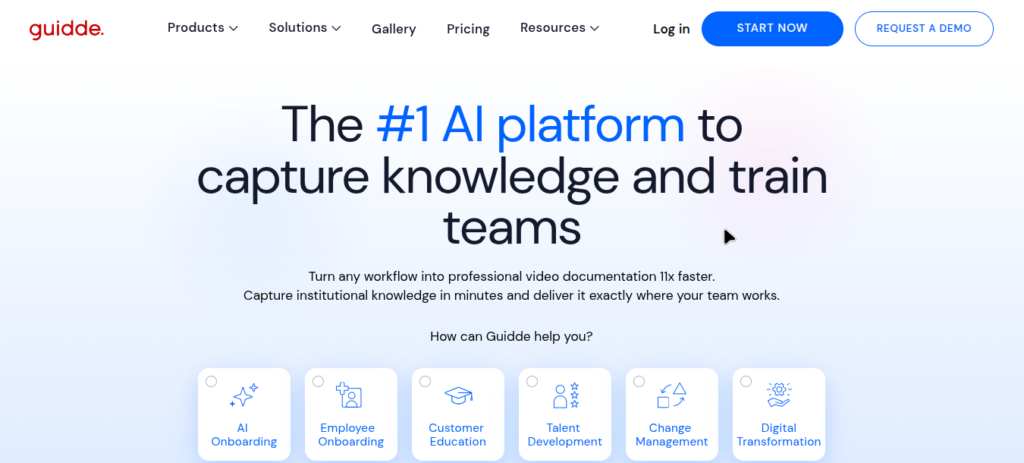
Guidde takes a similar approach to Scribe but leans into video. It records your screen and then uses AI to generate a narrated video walkthrough — complete with a voiceover, annotations, and a written summary.
This is particularly powerful for customer-facing documentation, product demos, and training materials. Instead of asking users to read a wall of text, you give them a short, professionally narrated video that walks them through exactly what to do.
The AI voiceover is surprisingly good quality, and the tool lets you customize the narrator’s voice and language. It supports dozens of languages, which is a major advantage for global teams.
Pros:
- Automatically generates narrated video guides
- Supports multiple languages
- Easy to share and embed
- Great for customer-facing content
- Includes written summaries alongside videos
Cons:
- Not ideal for deep technical documentation
- Video content can get large and harder to maintain over time
- The free plan is fairly limited
6. Document360
Best for: Building a full-scale knowledge base for products or services
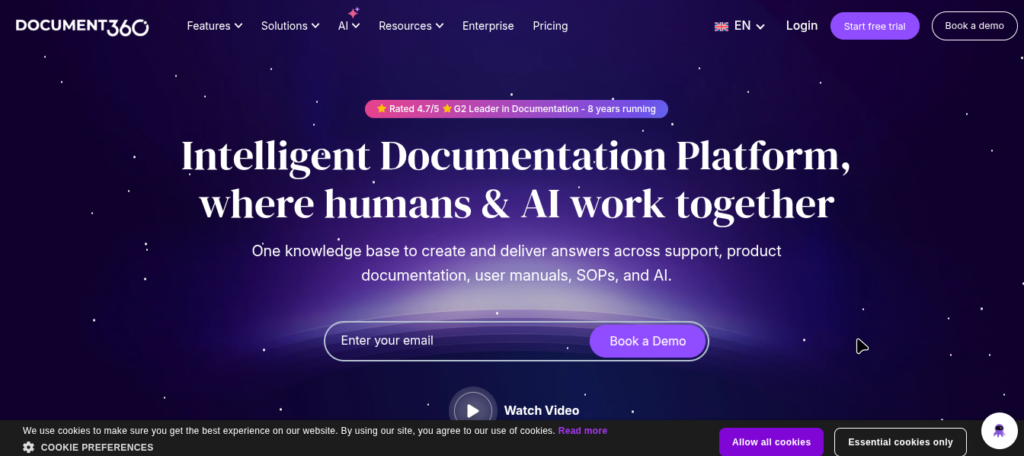
Document360 is a dedicated knowledge base platform designed for teams that need structured, searchable documentation at scale. It’s particularly popular with SaaS companies that need to maintain product documentation, FAQs, release notes, and support articles all in one place.
It includes an AI assistant called Eddy that can answer customer questions based on your existing documentation, suggest content improvements, and help writers generate new drafts. The platform also has strong analytics, showing you which articles are getting read, which searches aren’t returning useful results, and where users are dropping off.
Pros:
- Purpose-built for knowledge base management
- Strong analytics and content performance data
- AI assistant for both writers and readers
- Good customization for public-facing documentation
- Reliable and well-established platform
Cons:
- Can be expensive for small teams
- UI is functional but not as modern-feeling as some newer tools
- Overkill if you just need lightweight documentation
7. Notion AI
Best for: Teams already using Notion who want AI writing assistance
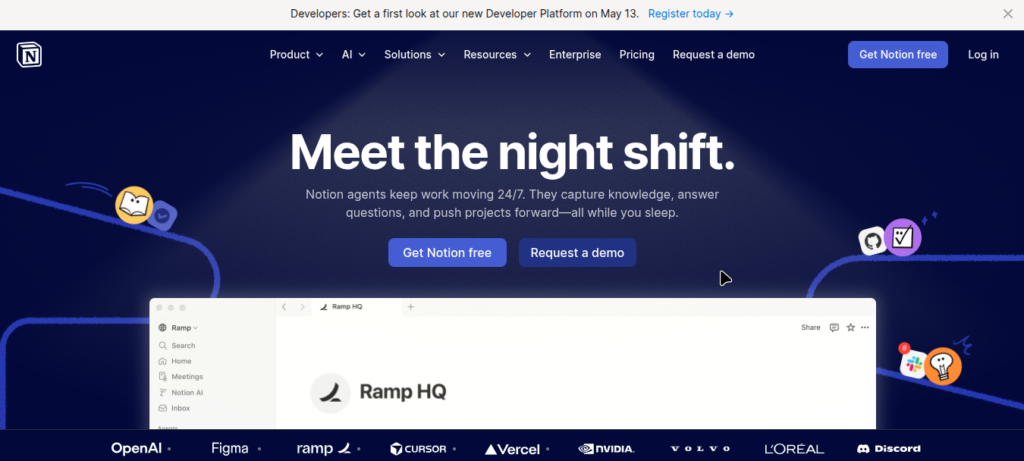
If your team already lives in Notion, then Notion AI is a natural extension. It’s built directly into the Notion editor and lets you generate content, summarize existing pages, create templates, translate text, and get writing suggestions — all without leaving your workspace.
For documentation purposes, Notion AI can help you draft new pages, improve existing ones, generate meeting notes, and organize content more clearly. It doesn’t auto-generate docs from code or screen recordings, but as an AI writing assistant layered on top of a flexible workspace, it’s genuinely useful.
The big advantage is zero switching cost. Your documentation already lives in Notion, and now there’s an AI layer to help you write and manage it faster.
Pros:
- Deeply integrated into an already popular tool
- Easy to use with no setup required
- Helpful for all types of written documentation
- Good for brainstorming and drafting
- Affordable add-on for existing Notion users
Cons:
- Not a standalone documentation tool
- AI features are general-purpose, not documentation-specific
- Doesn’t sync with code or capture workflows automatically
8. GitHub Copilot
Best for: Developers who want inline code documentation as they write
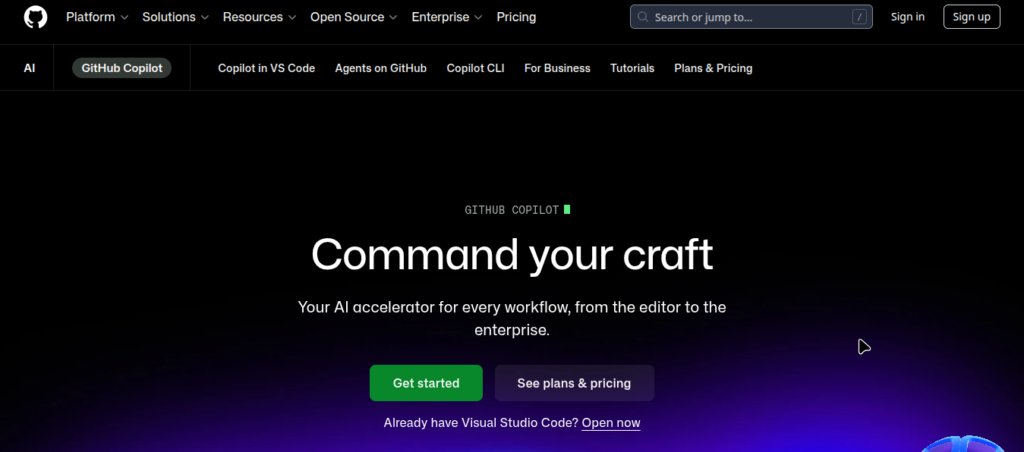
GitHub Copilot is best known as a code completion tool, but it’s also one of the most effective ways to auto-generate code documentation for developers. As you write code, Copilot suggests inline comments, docstrings, and explanations in real time.
It understands context. If you write a function that sorts a list by a custom key, Copilot will suggest a docstring that accurately describes what the function does, what parameters it takes, and what it returns. It’s not perfect, but it’s faster than writing everything from scratch.
For teams that want documentation to happen as part of the development process — not as a separate step — Copilot is a strong choice.
Pros:
- Generates docstrings and inline comments in real time
- Works inside VS Code, JetBrains, and other popular IDEs
- Learns from context within your codebase
- Reduces friction for developers who dislike writing docs
- Continuously improving with new model updates
Cons:
- Suggestions still need review and editing
- Focused on code documentation only — not user guides or process docs
- Requires a paid subscription
- Works best for individual developers rather than documentation teams
Pros and Cons of AI Documentation Tools (Overall)
It’s worth taking a step back and looking at the broader picture. AI documentation tools offer real benefits, but they’re not a complete replacement for thoughtful human writing.
Overall Pros:
- Drastically reduce the time needed to create documentation
- Lower the barrier for teams who struggle to prioritize docs
- Keep content more consistent in tone and format
- Help with translations and multi-language support
- Make onboarding new team members faster
Overall Cons:
- AI-generated content can still be inaccurate and needs review
- Tools can create a false sense of completeness — docs exist but aren’t always correct
- Some tools have a learning curve and require buy-in from the whole team
- Output quality varies significantly depending on the tool and use case
- Over-reliance on AI can result in shallow documentation
The best approach is to use these tools as a starting point, not a final product. Human review and judgment are still essential.
Which Tool Is Best for Different Use Cases?
Not every team needs the same thing. Here’s a quick breakdown to help you match the right tool to your situation.
For developer teams building APIs or SDKs: Mintlify and GitHub Copilot are your best bets. Mintlify gives you beautiful output; Copilot helps during development.
For startups building a public knowledge base: GitBook or Document360 give you the structure and professionalism you need to look credible to users and customers.
For operations, HR, or customer success teams: Scribe is hard to beat for quick, process-based documentation. It’s low effort and the output is immediately usable.
For companies with global teams or customer bases: Guidde’s multilingual video walkthroughs are a standout feature worth exploring.
For engineering teams with complex, evolving codebases: Swimm’s approach to keeping docs linked to live code is uniquely valuable and addresses a real, ongoing problem.
For teams already deep in the Notion ecosystem: Notion AI is the path of least resistance and adds genuine value without disrupting your existing workflow.
The Future of AI Documentation
We’re still in the early days of what AI can do for documentation. Right now, most tools handle the mechanical parts well — generating first drafts, capturing steps, suggesting docstrings. But the next wave of improvement is likely to go further.
Expect to see tools that can:
- Automatically detect outdated content across large knowledge bases and flag it for review
- Personalize documentation based on the reader’s role, experience level, or location
- Generate documentation from conversations — turning support tickets or Slack threads into structured articles
- Integrate more deeply with development pipelines so docs are treated as code and tested accordingly
- Support voice and video input as primary documentation sources
The teams and companies that start building documentation habits now — even with imperfect AI assistance — will be better positioned as these tools continue to mature.
Final Verdict
There’s no single “best” tool for auto-generating documentation, because the right choice genuinely depends on your team’s size, technical depth, and documentation goals.
If you’re a developer, start with Mintlify or GitHub Copilot — they fit naturally into your existing workflow. If you need a polished public knowledge base, GitBook or Document360 are worth the investment. For fast, friction-free process documentation, Scribe is the most accessible option on this list. And if keeping docs in sync with a live codebase matters to you, Swimm addresses that problem better than anyone else.
The honest truth is this: the best documentation tool is the one your team will actually use. Pick something that reduces friction, fits your workflow, and makes it easier — not harder — to keep your docs current and useful.

I am a dedicated SEO Expert and Content Specialist with a passion for driving organic growth. With a deep understanding of link building, domain metrics, and on-page optimization, I help brands bridge the gap between technical search requirements and engaging user experiences. Whether it’s crafting SEO-optimized articles or managing complex backlink strategies, my goal is always the same: sustainable, high-ranking results.