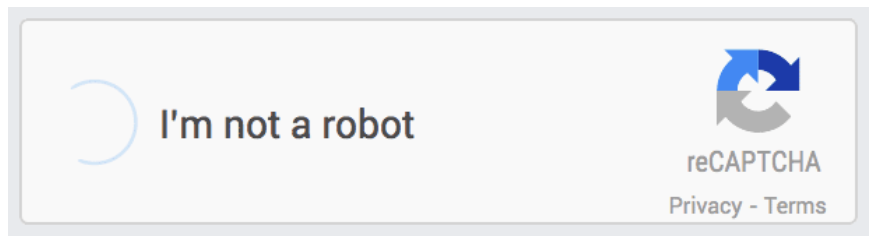
The frequent appearance of CAPTCHA (Completely Automated Public Turing test to tell Computers and Humans Apart) challenges while using Google can be an inconvenience, but it serves as a critical security layer. When Google asks if you are a robot, it is reacting to specific triggers that suggest your internet activity resembles that of an automated script rather than a human user.
Automated Traffic Detection
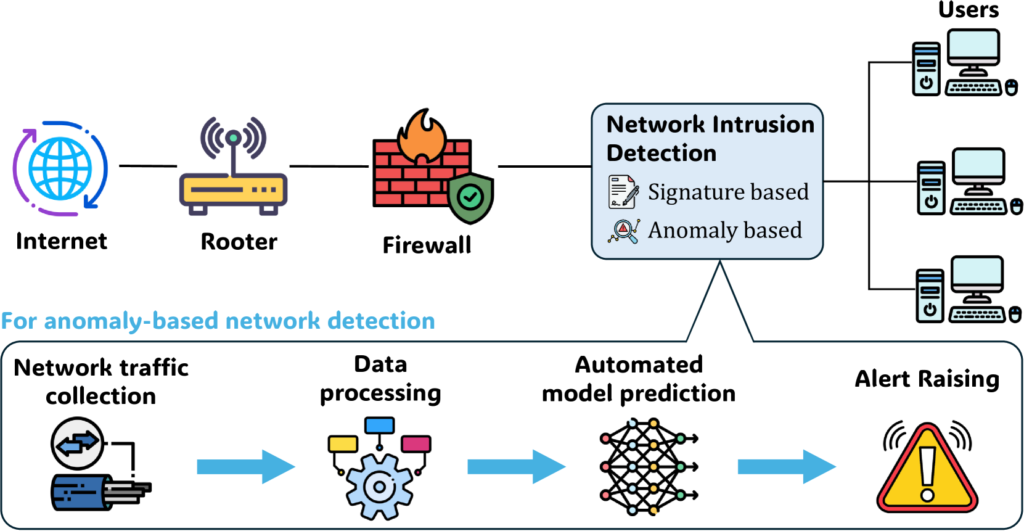
The primary reason for these prompts is the detection of “unusual traffic” coming from your IP address. Google’s algorithms monitor the rate and volume of search queries. If a device sends a high volume of requests in a short timeframe—far faster than a human could type—Google flags the connection. This is often a defense mechanism against scraping tools, automated bots, or Distributed Denial of Service (DDoS) attacks designed to overwhelm their servers.
Shared IP Addresses and VPNs
Many users encounter these challenges because they are using a Virtual Private Network (VPN) or a proxy server. When you use a VPN, you share an IP address with hundreds or thousands of other users. If even one person on that shared server is running automated software, the entire IP address may be flagged, forcing every user on that server to prove their humanity. Similarly, in corporate or university environments, many users exit to the internet through a single gateway, which can trigger Google’s rate-limiting thresholds.
Browser Extensions and Malware
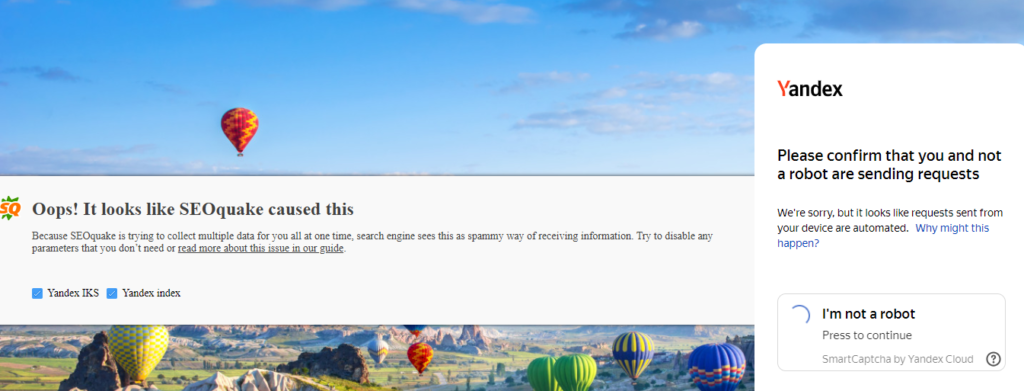
Third-party browser extensions, particularly those designed to scrape data, automate SEO tasks, or manipulate search results, are common culprits. These tools often run background processes that Google identifies as bot-like behavior. In more serious cases, a computer infected with malware may be part of a botnet, sending out spam or automated queries without the user’s knowledge, leading to persistent CAPTCHA prompts.
Network Configuration and Cookies
Google relies on browser cookies to verify your identity and history. If you are browsing in “Incognito” mode or have disabled cookies entirely, Google lacks the historical data to confirm you are a regular, legitimate user. Without this “trust score,” the system defaults to a higher security posture. Additionally, certain network configurations or outdated DNS settings can cause your connection to appear suspicious to Google’s security filters.
Conclusion
While being asked to identify traffic lights or crosswalks is repetitive, it is the result of a complex security system designed to prevent automated abuse. By analyzing query patterns, IP reputations, and browser configurations, Google ensures that its resources remain available for genuine users while filtering out the billions of automated requests that attempt to exploit the platform daily.

Abdullah Zulfiqar is Co-founder and Client Success Manager at RankWithLinks, an SEO agency helping businesses grow online. He specializes in client relations and SEO strategy, driving measurable results and maximizing ROI through effective link-building and digital marketing solutions.