
What Is the Best Software for Homelab Automation?
The best software for homelab automation in 2026 includes Home Assistant, Ansible, Proxmox with automation scripts, n8n, Node-RED, and Terraform. Each serves a different layer of homelab management — from smart device control and network automation to infrastructure provisioning and self-hosted workflow orchestration.
If you run a homelab, automation is not a luxury — it is what separates a collection of servers and devices from a genuinely intelligent, self-managing home infrastructure. The right automation software eliminates repetitive tasks, reduces human error, and gives you the kind of control over your home environment that was previously only possible in enterprise data centers.
The best choice depends on what you are automating — smart home devices, virtual machines, network configurations, backups, or self-hosted application workflows.
Why Homelab Automation Matters in 2026
Homelabs have evolved dramatically. What started as a spare PC running a media server has become, for many enthusiasts, a sophisticated multi-node environment running virtualization, containerization, self-hosted applications, network monitoring, and smart home integration simultaneously.
Managing all of this manually is not just time-consuming — it is unsustainable. A single unattended update can break dependencies. A forgotten backup schedule can mean permanent data loss. A misconfigured network rule can take down your entire home infrastructure.
Homelab automation software solves these problems by handling routine tasks automatically, enforcing consistent configurations, and giving you a single control point for your entire environment.
In 2026, the homelab community has never had access to more powerful, more accessible, and more feature-rich automation tools — many of them completely free and open source.
Top Homelab Automation Software in 2026
1. Home Assistant
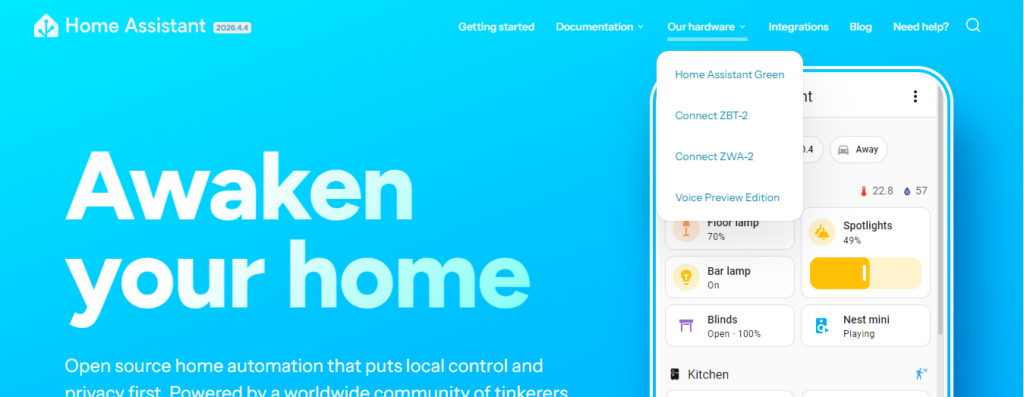
Home Assistant is the undisputed king of smart home and homelab automation. It is an open-source platform that connects and automates virtually every smart device, service, and sensor in your home environment from a single, locally hosted dashboard.
What makes Home Assistant exceptional is its philosophy of local control. Unlike cloud-dependent platforms, everything runs on your own hardware — a Raspberry Pi, an old PC, or a dedicated mini server — meaning your automations work even when the internet goes down.
Key Features:
- Over 3,000 native integrations covering smart lights, thermostats, security cameras, media players, and more
- Visual automation builder for no-code rule creation
- YAML-based advanced automations for precise conditional logic
- Node-RED integration for complex multi-step workflows
- Energy monitoring dashboard for tracking home power consumption
- Mobile app with location-based automations and notifications
- Add-on ecosystem including Mosquitto MQTT, ESPHome, and AppDaemon
Best For: Smart home enthusiasts, homelab users who want to automate lighting, climate, security, and appliances from a single self-hosted platform.
Weakness: Initial setup and configuration has a learning curve; complex automations require understanding of YAML syntax or the Lovelace UI.
2. Ansible
Ansible is an open-source IT automation tool originally built for enterprise infrastructure management, but it has become one of the most popular homelab automation tools for managing servers, virtual machines, containers, and network devices through simple, human-readable configuration files called playbooks.
If Home Assistant automates your smart devices, Ansible automates your servers. It handles software installation, configuration management, system updates, user account management, and application deployment across every machine in your homelab from a single control node — without installing any agent software on the target machines.
Key Features:
- Agentless architecture — communicates over SSH with no software required on target hosts
- Playbooks written in simple YAML syntax
- Idempotent execution — running the same playbook twice produces the same result safely
- Ansible Galaxy community repository with thousands of pre-built roles
- Inventory management for organizing and grouping homelab hosts
- AWX — the open-source web interface for Ansible — for visual job management
- Support for Linux, Windows, macOS, and network devices
Best For: Homelab users managing multiple Linux servers, Raspberry Pis, or virtual machines who want consistent, repeatable configuration and automated updates across their entire infrastructure.
Weakness: Requires basic understanding of YAML and SSH; not designed for real-time event-driven automation or smart home device control.
3. n8n
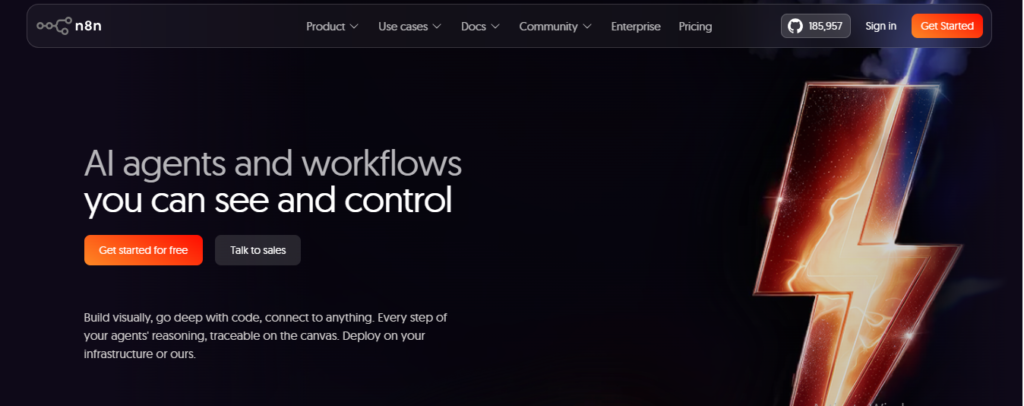
n8n is a self-hostable workflow automation platform that connects applications, APIs, and services through a visual node-based editor. Think of it as a self-hosted alternative to Zapier or Make, but with significantly more power, flexibility, and privacy since all your data stays on your own server.
For homelab users, n8n is the glue that connects everything together. It can trigger automations based on webhooks, schedules, emails, database changes, or API responses — and then execute complex multi-step workflows that interact with dozens of different services simultaneously.
Key Features:
- 400-plus native integrations with popular apps and services
- Visual drag-and-drop workflow builder
- Custom JavaScript and Python code nodes for advanced logic
- Self-hosted on Docker, making it easy to deploy in any homelab
- Webhook triggers for real-time event-driven automation
- HTTP Request node for connecting to any API without a native integration
- Built-in error handling and retry logic
Best For: Homelab users who want to automate cross-application workflows — such as sending notifications when a server goes down, automatically organizing files, syncing data between self-hosted apps, or building custom notification pipelines.
Weakness: Not designed for infrastructure configuration management or smart home device control; best used alongside tools like Ansible and Home Assistant rather than as a standalone solution.
4. Node-RED
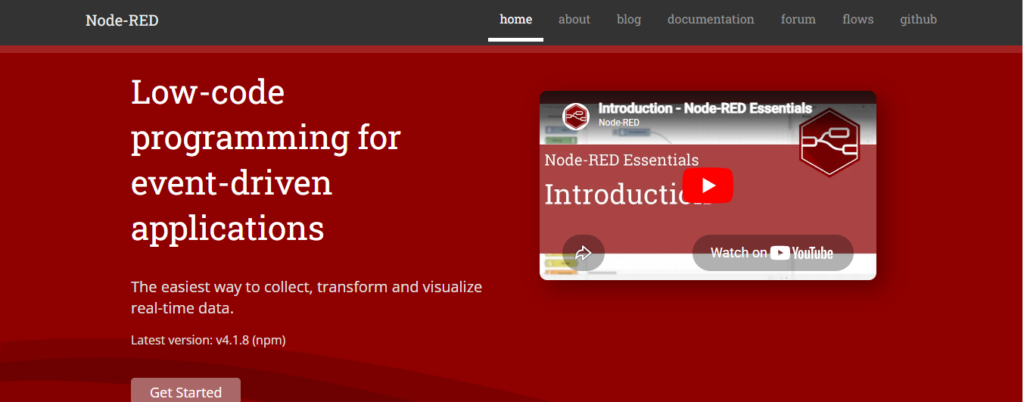
Node-RED is a browser-based visual programming tool built on Node.js that makes it easy to wire together hardware devices, APIs, and online services using a flow-based editor. It was originally developed by IBM and is now one of the most widely used tools in the homelab and IoT automation community.
Where n8n excels at application integration, Node-RED excels at hardware-level automation and IoT device orchestration. It integrates deeply with MQTT, Home Assistant, Raspberry Pi GPIO pins, and dozens of smart home protocols, making it the tool of choice for homelab users building custom automation logic between physical devices and software systems.
Key Features:
- Visual flow-based programming with drag-and-drop nodes
- Deep MQTT integration for IoT device communication
- Home Assistant integration for bidirectional device control
- Raspberry Pi GPIO nodes for physical hardware automation
- Dashboard module for building custom monitoring interfaces
- Function nodes for writing custom JavaScript logic
- Large library of community-contributed nodes
Best For: Homelab users building complex IoT pipelines, integrating physical hardware with software systems, or creating custom automation flows that sit between smart home devices and broader infrastructure.
Weakness: Can become difficult to manage as flows grow large and complex; less suitable for server configuration management or application workflow automation.
5. Terraform
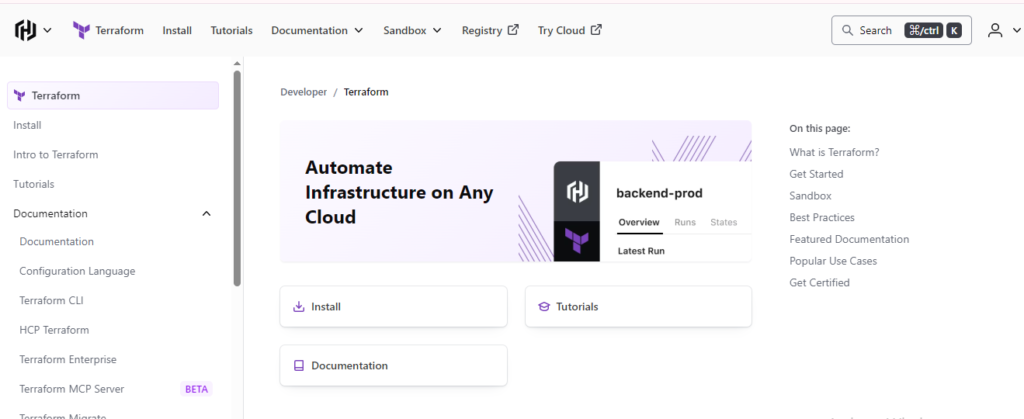
Terraform is an infrastructure-as-code tool that allows homelab users to define, provision, and manage their entire virtual infrastructure through declarative configuration files. Instead of manually creating virtual machines, configuring networks, and setting up storage through a GUI, Terraform lets you describe your desired infrastructure state in code and automatically makes it happen.
For advanced homelab users running Proxmox, VMware, or cloud environments alongside their local infrastructure, Terraform brings enterprise-grade infrastructure management to the home environment.
Key Features:
- Declarative HCL configuration language that is easy to read and write
- Providers for Proxmox, VMware, Docker, Kubernetes, and all major cloud platforms
- State management that tracks the current state of your infrastructure
- Plan and apply workflow — preview changes before executing them
- Modular configuration for reusable infrastructure components
- Integration with Ansible for combined provisioning and configuration management
- Open-source with a large community and extensive documentation
Best For: Advanced homelab users who want to treat their home infrastructure as code, automate virtual machine provisioning, and maintain reproducible, version-controlled homelab environments.
Weakness: Significant learning curve for beginners; overkill for simple homelab setups with only a few devices or virtual machines.
6. Proxmox VE with Automation Scripts
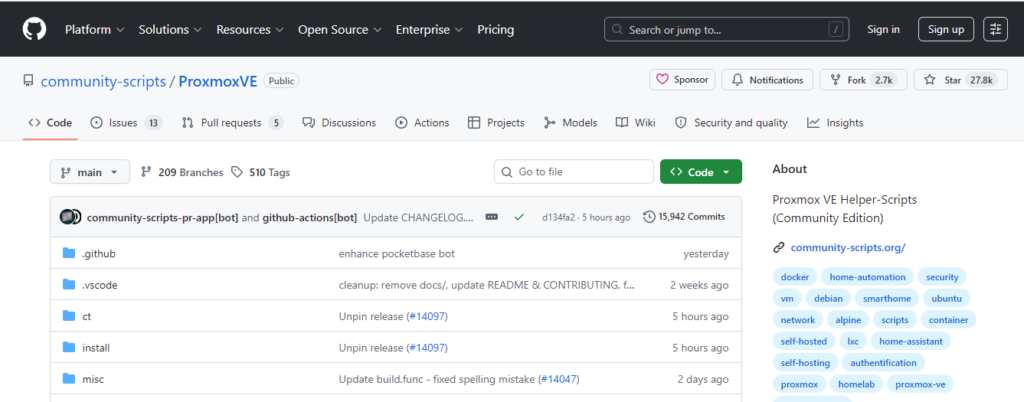
Proxmox Virtual Environment is not strictly an automation tool, but its combination of a powerful REST API, built-in backup scheduling, cluster management, and scripting capabilities makes it one of the most automation-friendly homelab platforms available.
When combined with shell scripts, Ansible playbooks, or Terraform, Proxmox becomes the foundation of a fully automated homelab virtualization environment — automatically provisioning VMs, managing snapshots, scheduling backups, and monitoring resource usage without manual intervention.
Key Features:
- Full REST API for programmatic control of all platform functions
- Built-in backup and snapshot scheduling
- Container and virtual machine templates for rapid deployment
- Cluster support for multi-node homelab environments
- Integration with Ansible and Terraform through community providers
- Ceph storage integration for distributed storage automation
- Web-based dashboard with real-time resource monitoring
Best For: Homelab users running virtualized environments who want to automate VM provisioning, backup management, and resource monitoring across multiple physical nodes.
Weakness: Automation requires scripting knowledge; the Proxmox Terraform provider, while functional, requires more configuration than enterprise virtualization providers.
How to Choose the Best Homelab Automation Software
Identify What You Are Automating
Homelab automation covers several distinct layers and the best tool depends entirely on which layer you are targeting.
- Smart home devices and sensors — Home Assistant is the clear choice
- Server and VM configuration — Ansible handles this better than anything else
- Infrastructure provisioning — Terraform is purpose-built for this
- Cross-application workflows — n8n excels here
- IoT and hardware automation — Node-RED is the specialist tool
- Virtualization management — Proxmox with automation scripts
Most experienced homelab users run two or three of these tools together, each handling its specific layer of the automation stack.
Consider Your Technical Skill Level
Home Assistant and n8n offer visual interfaces that make automation accessible to beginners without writing a single line of code. Ansible and Terraform require comfort with configuration files and command-line tools. Node-RED sits somewhere in between — visual but with JavaScript available for advanced logic.
Start with the tool that matches your current skill level and expand from there. The homelab community is exceptionally well-documented and most of these tools have extensive tutorials, forums, and YouTube channels dedicated to beginner-friendly setups.
Think About Integration Requirements
The most powerful homelab automation setups combine multiple tools. A common and highly effective stack looks like this:
- Proxmox as the virtualization foundation
- Terraform to provision virtual machines from code
- Ansible to configure those machines after provisioning
- Home Assistant to automate smart home devices and sensors
- n8n to connect applications and build notification workflows
- Node-RED to handle IoT device logic and MQTT message routing
This layered approach means each tool does what it does best, and the entire homelab becomes a cohesive, self-managing environment.
Evaluate Hardware Requirements
Most homelab automation software is extremely lightweight. Home Assistant runs comfortably on a Raspberry Pi 4. Ansible requires virtually no resources on the control node. n8n and Node-RED both run efficiently in Docker containers. Terraform executes locally and leaves no persistent resource footprint.
Proxmox is the exception — it benefits from dedicated server hardware with sufficient RAM for running multiple virtual machines simultaneously.
Setting Up Your First Homelab Automation
Step 1 — Start With Home Assistant
If you are new to homelab automation, Home Assistant is the best starting point. Install it on a Raspberry Pi 4 or a dedicated mini PC using the official Home Assistant OS image. Connect your smart devices, explore the built-in automation editor, and get comfortable with the concept of triggers, conditions, and actions.
Step 2 — Add Ansible for Server Management
Once you have more than two or three machines in your homelab, manual configuration becomes unsustainable. Install Ansible on your main machine, create a simple inventory file listing your homelab hosts, and write your first playbook to automate system updates across all your machines simultaneously.
Step 3 — Deploy n8n for Workflow Automation
Run n8n in a Docker container on your homelab server. Start with a simple workflow — such as sending a Telegram notification when your home server restarts or when disk usage exceeds a threshold. From there, expand to more complex cross-application pipelines.
Step 4 — Explore Terraform for Infrastructure as Code
Once your homelab grows to include multiple virtual machines or you find yourself repeatedly recreating the same VM configurations, introduce Terraform. Define your Proxmox infrastructure in HCL configuration files, store them in a Git repository, and never manually provision a VM again.
Common Homelab Automation Mistakes to Avoid
Automating Everything at Once
The biggest mistake new homelab users make is trying to automate their entire environment before they fully understand it. Start with one tool, master it, and then expand. Automating a poorly understood system just makes problems happen faster and more consistently.
Skipping Version Control
Every automation configuration — Ansible playbooks, Terraform files, Home Assistant YAML, n8n workflow exports — should be stored in a Git repository. Without version control, a single bad change can take down your homelab with no way to recover the previous working state.
Neglecting Backup Automation
Ironically, many homelab users who invest heavily in automation neglect to automate their backups. Proxmox backup scheduling, Ansible-driven rsync jobs, and Home Assistant configuration backups should all be automated and tested regularly.Pairing your backup automation with the right cloud storage solutions ensures your homelab data is always protected and recoverable.
Ignoring Security in Automation Scripts
Automation scripts often contain credentials, API keys, and SSH keys. Never hardcode sensitive values directly in configuration files. Use Ansible Vault for encrypting secrets, environment variables for application credentials, and dedicated secret management tools for anything sensitive.
Best Homelab Automation Software by Use Case
Best for smart home and device automation: Home Assistant
Best for server and VM configuration management: Ansible
Best for cross-application workflow automation: n8n
Best for IoT and hardware-level automation: Node-RED
Best for infrastructure as code and VM provisioning: Terraform
Best for virtualization platform with automation capabilities: Proxmox VE
The Future of Homelab Automation in 2026
Artificial intelligence is beginning to reshape homelab automation in meaningful ways. Home Assistant’s AI integrations allow natural language control of smart home devices. n8n’s AI nodes enable automated data processing and decision-making within workflows. And the broader homelab community is actively integrating locally hosted large language models — running on tools like Ollama — directly into automation pipelines for intelligent, context-aware responses.
Kubernetes is also becoming more accessible to homelab users through distributions like K3s and Talos Linux, bringing container orchestration automation to home environments that previously required enterprise hardware budgets.
The direction is clear — homelab automation in 2026 and beyond is moving toward self-healing, AI-assisted infrastructure that requires less human intervention with every passing year.
Final Thoughts
The best software for homelab automation is not a single tool — it is the right combination of tools working together at each layer of your environment. Home Assistant handles your smart home. Ansible manages your servers. Terraform provisions your infrastructure. n8n connects your applications. Node-RED orchestrates your IoT devices. Proxmox ties the virtualization layer together.
Start small, build gradually, and document everything. The most impressive homelab automation setups were not built in a weekend — they were built incrementally by enthusiasts who added one tool, mastered it, and then layered the next one on top.
In 2026, the tools available to homelab enthusiasts are more powerful, more accessible, and better documented than at any point in history. There has never been a better time to start automating your homelab.

Fazilat zulfiqar is an SEO specialist at RankWithLinks, focused on improving search rankings through smart link building and optimization.He helps businesses grow organic traffic and build strong online authority.