
Starting a video podcast in 2026 is one of the smartest content moves you can make. Audiences are consuming more long-form video content than ever before, and the combination of audio storytelling with visual engagement creates a connection with viewers that neither format achieves alone. But before you hit record, you need to answer one foundational question: which video podcasting software is actually built for someone who is just getting started?
This guide answers that question in full. You will find detailed breakdowns of the best video podcasting platforms for beginners, a clear comparison of features and pricing, and practical advice on how to make your first choice without second-guessing yourself for weeks.
Why Video Podcasting Is Worth Starting Right Now
The podcasting industry has shifted. Listeners are increasingly becoming viewers. Platforms like YouTube, Spotify, and even LinkedIn now prioritize video podcast content, and creators who produce video alongside audio reach significantly larger audiences than those who produce audio alone.
Video podcasting also creates more content from a single recording session. One hour of video podcast content can be repurposed into short social clips, audiograms, written transcripts, newsletter issues, and quote graphics. For a beginner trying to build an audience from scratch, that kind of content efficiency is enormously valuable.
The barrier to entry has also never been lower. Modern video podcast recording software handles tasks that used to require professional producers, including noise reduction, automatic transcription, multi-track recording, and AI-powered clip generation. You can produce something that looks and sounds professional without owning a studio or hiring an editor.
What Makes Software Beginner-Friendly for Video Podcasting
Not all recording platforms are created equal, and what works for an experienced producer can completely overwhelm someone who has never recorded an episode before. When evaluating the best video podcasting software for beginners specifically, the following qualities separate genuinely accessible tools from technically capable ones that assume too much prior knowledge.
A clean, guided interface removes decision fatigue. Beginners do not need dozens of advanced settings visible on their screen from the moment they log in. The best platforms surface only what you need, when you need it.
Browser-based access or simple installation eliminates the frustrating first step of troubleshooting software that will not open or conflicts with your operating system. Platforms that let guests join through a browser link without downloading anything are particularly beginner-friendly from a logistics standpoint.
Local recording technology protects your content against internet instability. When each participant’s audio and video are captured directly on their own device rather than streamed through the internet, a dropped connection does not ruin your recording.
Built-in editing capabilities mean you do not need to purchase or learn a separate video editor just to cut your episode together. Even basic editing tools like silence removal, clip trimming, and audio leveling within your recording platform can save significant time.
Automatic transcription is no longer a luxury feature. It saves hours of manual work, improves accessibility for your audience, and creates raw material that can be repurposed across your content channels.
Publishing and distribution tools let you move from finished recording to live episode without switching between multiple platforms. The fewer tools you need to manage, the more mental energy you have to focus on creating great content.
The Best Video Podcasting Software for Beginners in 2026
1. Riverside.fm — Best Overall for Beginners
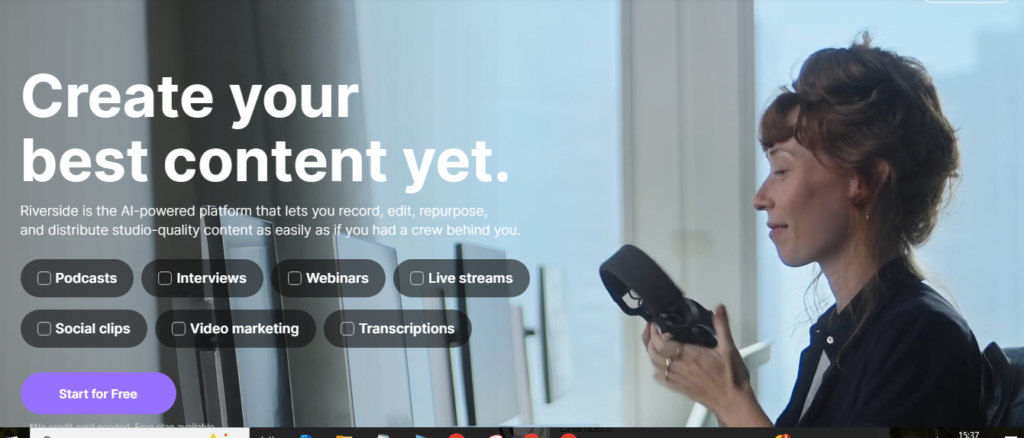
Riverside.fm consistently earns the top position among the best video podcasting platforms for beginners, and the reasons are straightforward. It delivers studio-quality recordings in an interface that does not require any prior production experience to navigate.
The platform records each participant locally on their own device at up to 4K resolution. This means your audio and video quality is determined by each person’s hardware and microphone, not by the strength of anyone’s internet connection. Even if a guest’s Wi-Fi drops mid-conversation, the recording continues on their device and uploads seamlessly once the connection restores.
Riverside separates each participant onto their own audio and video tracks. This is a fundamental feature that beginners often do not know to look for until they try to edit a recording where everyone is mixed together. Separate tracks let you adjust the volume, timing, and quality of each person independently without affecting anyone else in the conversation.
The built-in AI editor includes Magic Clips, which analyzes your full episode and automatically identifies the most engaging segments to package as short social media clips. For a beginner managing every aspect of content production alone, this feature alone can save several hours per episode.
Riverside also provides automatic transcription, one-click background noise removal, and a straightforward publishing workflow. The free plan includes limited recording time, and paid plans offer expanded recording hours, higher video quality, and additional AI features at a price point accessible to independent creators.
Ideal for: Beginners who want a complete, polished recording and editing experience without a steep learning curve.
2. Descript — Best for Editing Without a Timeline
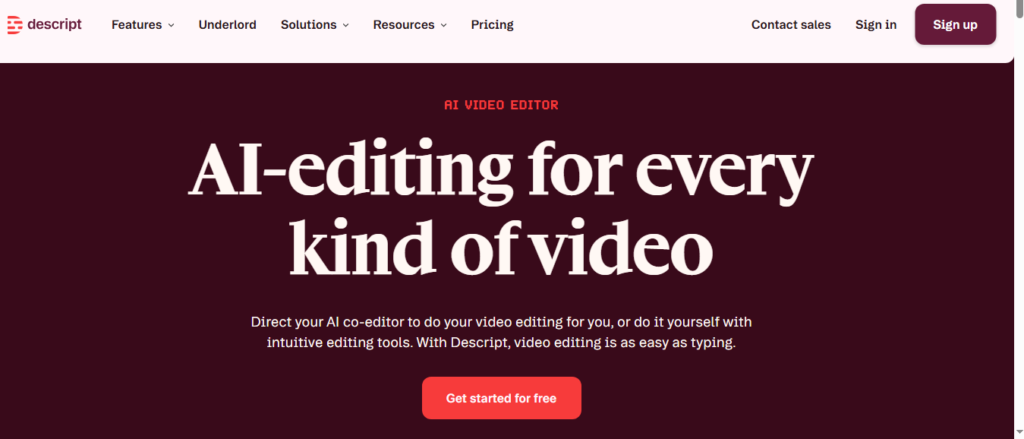
Descript reimagines what video podcast editing feels like for someone who finds traditional video timelines intimidating. Instead of dragging clips around a timeline, you edit a text transcript. Every word you delete from the transcript removes the corresponding audio and video from your episode automatically.
This approach transforms editing from a technical skill into something closer to proofreading a document. If you made a mistake in the middle of your episode, you find it in the transcript, delete those words, and the mistake is gone. No scrubbing through footage. No razor tool. No keyframe adjustments.
Beyond the transcript editor, Descript includes a suite of powerful AI tools. Its Studio Sound feature processes your raw audio with a single click, removing background noise, reducing room echo, and balancing audio levels across participants. Overdub allows you to correct spoken errors by typing replacement words, which are then rendered in a synthetic version of your own voice. This eliminates the need to re-record entire segments just to fix a stumble or a mispronounced name.
Descript also handles screen recording, supports multi-camera editing, and publishes directly to platforms like YouTube. The free plan allows a meaningful amount of transcription and editing, and the paid upgrade is among the most reasonably priced for the depth of features offered.
The one honest caveat for beginners is the initial adjustment period. Transcript-based editing is genuinely different from anything most people have used before, and it takes a few episodes to feel natural. Once it clicks, however, many creators report that they could never go back to traditional timeline editing.
Ideal for: Beginners who are comfortable with words but uncomfortable with video timelines, and those who want powerful AI tools in a single platform.
3. Squadcast — Best for Remote Interview Quality
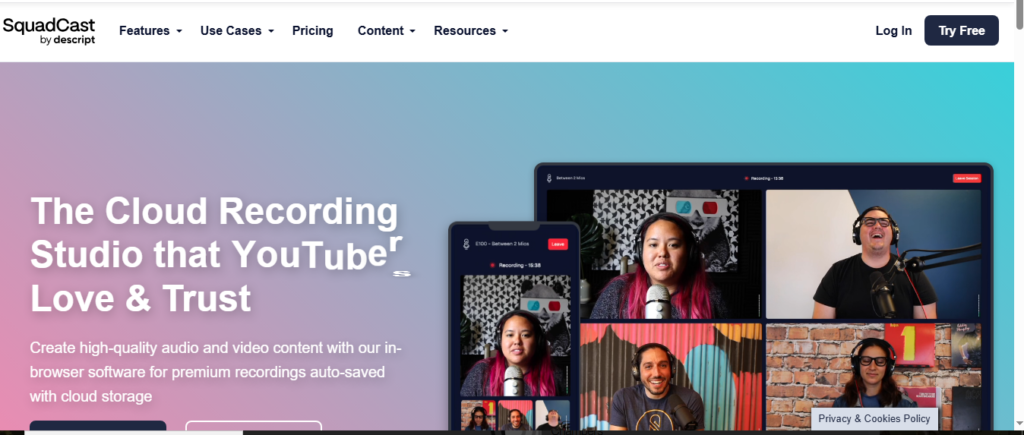
Squadcast was purpose-built for podcasters who record remote interviews and want the highest possible audio and video quality from a browser-based tool. Its approach to local recording is particularly robust, using progressive uploading to continuously back up your session to the cloud during recording rather than waiting until the end of the session to upload everything at once.
By the time you finish a one-hour interview on Squadcast, your files are already fully uploaded and available for download. This makes the post-session workflow faster and eliminates the anxious wait that can accompany large file uploads after a long recording.
The platform integrates natively with Descript, making it a natural companion tool for beginners who want to record on Squadcast and then edit using Descript’s transcript-based workflow. This pairing gives you a complete beginner-friendly pipeline from recording through editing without requiring expertise in either tool.
Squadcast’s interface is deliberately minimal. Guests receive a browser link, click it, and join the session without downloading anything. The recording dashboard shows real-time audio level indicators for each participant, so you can identify and address technical issues before they compound across an entire episode.
Ideal for: Beginners focused on remote interviews who want dependable quality and a clean, focused recording experience.
4. Zencastr — Best Free Starting Point
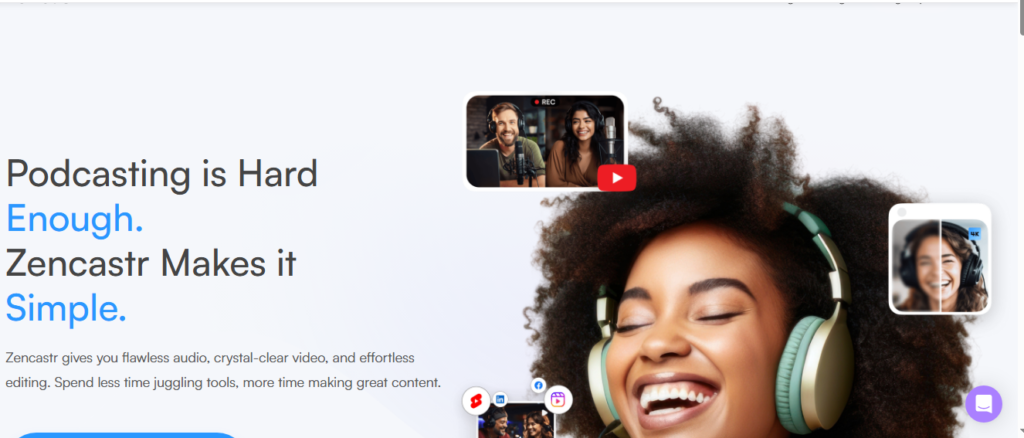
Zencastr is one of the most established names in podcast recording software and one of the most accessible entry points for beginners who are not yet ready to commit to a paid subscription. Its free plan includes unlimited audio recording, which is genuinely generous compared to most competitors that cap recording time on free tiers.
Video recording is available on paid plans, but even the free audio-focused plan gives you enough room to find your rhythm, refine your format, and build an episode library before spending any money.
The platform records each participant locally and separately, then automatically uploads individual tracks to cloud storage. Its post-production tools include automatic audio leveling, background noise reduction, and a built-in soundboard that lets you trigger music or sound effects during live recording without any additional software.
Zencastr has also added a monetization hub that connects creators with relevant podcast sponsors, which is a thoughtful addition for beginners who want to start exploring revenue opportunities without needing to build a media kit or pitch advertisers independently.
Ideal for: Budget-conscious beginners who want a reliable platform with a meaningful free tier and room to grow into paid features over time.
5. StreamYard — Best for Live Video Podcasting
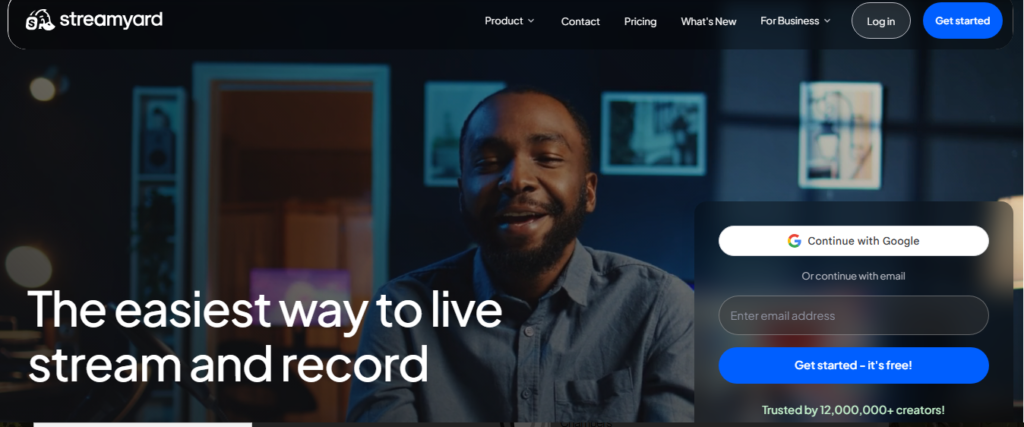
StreamYard approaches video podcasting from a live broadcasting perspective, making it the strongest choice for beginners who want to record their podcast episodes live and build a real-time audience in the process.
The platform lets you simultaneously stream to multiple destinations including YouTube Live, Facebook Live, LinkedIn Live, and Twitch from a single browser-based interface. During a live session, you can display audience comments on screen, switch between participant camera views, add branded lower thirds and overlays, and play pre-recorded video clips, all without any technical setup beyond opening a browser.
The live format creates audience engagement opportunities that pre-recorded content alone cannot replicate. Viewers can ask questions during recording, react in real time, and feel part of the conversation rather than passive consumers of finished content. For beginner creators trying to build a loyal community quickly, that interactional energy can significantly accelerate audience growth.
All live sessions are automatically recorded and available for download after the stream ends. You can then edit the recording, extract highlights, and repurpose it as a standard on-demand episode. StreamYard does not offer local recording in the same way Riverside or Squadcast do, so it is less ideal in situations where internet reliability is a concern.
Ideal for: Beginners who want to build a live audience around their podcast and are comfortable with the spontaneous energy of real-time recording.
6. Podcastle — Best AI-Assisted All-in-One Platform
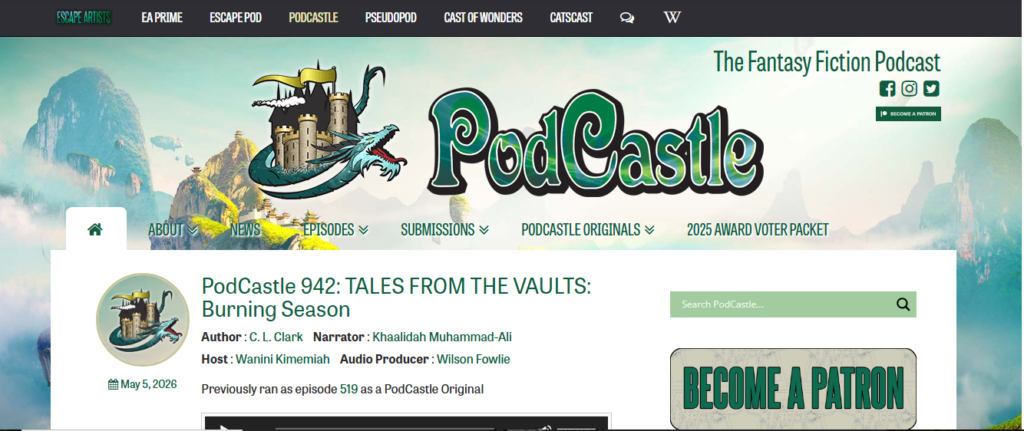
Podcastle has emerged as one of the more exciting options for complete beginners because its entire design philosophy centers on making professional podcast production accessible through artificial intelligence. The web-based platform requires no software installation and works directly in your browser from the moment you create an account.
Its Magic Dust audio enhancement tool processes your recordings automatically, removing background noise, balancing levels, and improving overall clarity with a single click. This is particularly valuable for beginners recording in non-ideal acoustic environments, which describes most home offices, bedrooms, and living rooms.
Podcastle includes Revoice, a feature that creates a high-fidelity AI replica of your voice from a short sample recording. This voice clone can then be used for text-to-speech narration, intro and outro recordings, or correcting spoken errors in your episode without re-recording anything.
The platform supports multi-track recording for remote guests, automatic transcription, basic video editing, and direct publishing to major podcast directories. Its free tier is one of the more generous available, and the paid plans are priced accessibly for independent creators.
Ideal for: Complete beginners who want AI to handle as much of the technical production workload as possible so they can focus entirely on content.
7. OBS Studio — Best Free Option for Tech-Comfortable Beginners
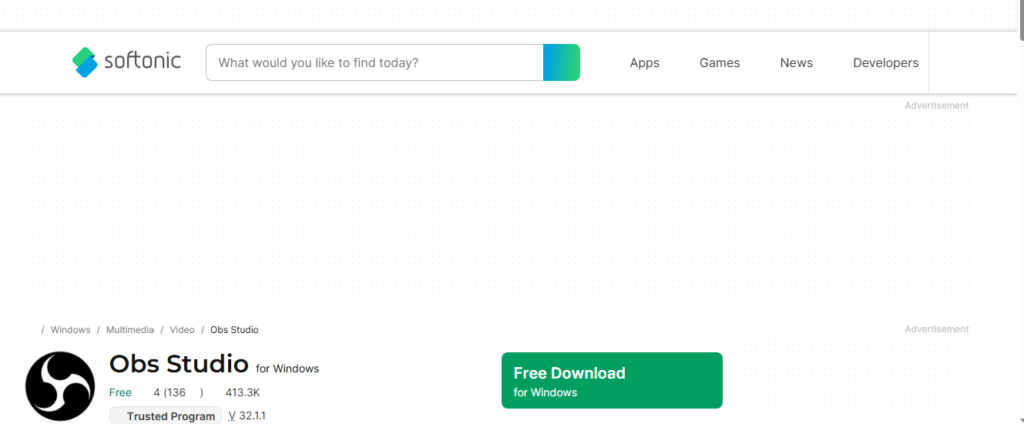
OBS Studio occupies a unique position among video podcasting tools for beginners because it is both completely free and extraordinarily powerful. As open-source software, it has no subscription cost, no feature limits, and no watermarks on exported content.
The trade-off is a learning curve that is steeper than every other platform on this list. OBS does not guide you through setup the way purpose-built podcast platforms do. You configure your own scenes, inputs, and outputs, which requires some upfront research and experimentation before your first successful recording.
However, the OBS community is enormous. Thousands of tutorials, plugins, and configuration guides exist for virtually every use case, including video podcasting with multiple guests, screen recording, greenscreen backgrounds, and professional broadcast overlays.
Once you have your OBS setup configured, the recording quality and creative flexibility it offers exceed most paid platforms. You can record locally at any resolution your hardware supports, stream to any platform that accepts an RTMP connection, and customize every visual element of your production without restriction.
Ideal for: Tech-comfortable beginners who are willing to invest a few hours in initial setup in exchange for zero ongoing software costs and complete creative control.
Side-by-Side Comparison of the Best Beginner Video Podcast Platforms
Understanding how these tools compare at a glance helps you make a faster, more confident decision.
Riverside.fm leads in overall beginner experience, combining local recording quality, AI editing tools, and a clean interface in a single platform. It is the closest thing to an all-in-one solution that does not sacrifice quality.
Descript leads in editing accessibility, particularly for creators who find video timelines intimidating. Its AI tools are among the most mature available in any podcasting platform.
Squadcast leads in remote recording reliability and is the strongest pairing with Descript for a complete workflow.
Zencastr leads in free tier value, offering the most usable no-cost plan for beginners who are not ready to invest in paid software.
StreamYard leads in live streaming capability and audience engagement features for creators who want the energy of a real-time broadcast.
Podcastle leads in AI-assisted automation, reducing the technical demands of production more aggressively than any other platform.
OBS Studio leads in flexibility and cost for beginners comfortable with a steeper setup process.
How to Pick the Right Video Podcast Software as a Beginner
With strong options across multiple categories, the decision comes down to a few personal factors that only you can evaluate.
Start by thinking about your recording format. If you plan to regularly interview remote guests, local recording technology should be your top priority, which points you toward Riverside, Squadcast, or Zencastr. If you are primarily a solo creator, the recording format matters less and you can prioritize editing features.
Consider how you feel about video editing. If you are comfortable in a traditional editing environment, Riverside’s built-in editor or a combination of Squadcast and a separate editor gives you professional results. If editing feels intimidating, Descript’s transcript-based approach may fundamentally change how you relate to the post-production process.
Be realistic about your budget. The free tiers of Zencastr, Podcastle, and OBS Studio are genuinely usable and not just trial versions designed to frustrate you into upgrading. If you are serious about podcasting as a long-term project, however, a paid plan on Riverside or Descript will save you time and improve your output quality noticeably.
Think about where you want your audience to grow. If YouTube is your primary platform, tools with strong video export and direct YouTube publishing will save time. If you are building a live community, StreamYard’s simultaneous multi-platform streaming is unmatched.
Finally, do not overthink the initial choice. Every tool on this list is capable of producing good content. The most important variable in your podcast’s success is not your software. It is your consistency, your perspective, and the value you deliver to your listeners. Choose a platform that removes friction and start recording.
Common Mistakes Beginners Make When Choosing Video Podcast Software
Many beginners delay starting their podcast because they cannot decide which software to use. This is the most expensive mistake in terms of time and momentum lost. Any of the platforms above will serve you well enough to record your first ten episodes. Make a choice and move forward.
A second common mistake is choosing software based on the most advanced feature set rather than the most appropriate one. A beginner does not need every feature a professional producer uses. Choosing a platform with more capability than you can currently utilize often means paying more and feeling overwhelmed more often.
A third mistake is ignoring audio quality in favor of video quality. Your audience will tolerate lower video resolution far longer than they will tolerate poor audio. Prioritize a good microphone and a quiet recording space before investing in camera upgrades or complex production software.
Finally, many beginners assume they need all the tools at once. Start with your recording platform, get comfortable with it, and add tools gradually as specific needs emerge. A simple, consistent workflow produces better content than a complex, unpredictable one.
Practical Tips to Get the Most Out of Your Video Podcasting Software
Regardless of which platform you choose, these habits will improve your results from your very first episode.
Test your audio and video before every guest session. A five-minute pre-recording check prevents the frustration of discovering a technical problem after you have already delivered your best interview questions.
Record in a room with soft surfaces. Carpet, curtains, upholstered furniture, and even bookshelves full of books absorb sound and reduce the room echo that makes recordings sound amateur.
Maintain consistent visual framing. Position your camera at eye level, frame yourself in the upper two-thirds of the image, and ensure your light source is in front of you rather than behind you. These three adjustments make a dramatic visual difference regardless of your camera quality.
Create episode templates within your software. Most platforms allow you to save recording configurations including background settings, overlay positions, and audio input selections. Using a saved template at the start of each episode saves setup time and creates visual consistency across your library.
Export and back up your raw recordings before editing. Storage is inexpensive, and having your unedited source files available means you can always start over or try a different editing approach without losing your original content.
Final Verdict: The Best Video Podcasting Software for Beginners
If you need a single recommendation, Riverside.fm is the best video podcasting software for most beginners in 2026. It delivers the right combination of recording quality, editing simplicity, AI-powered tools, and an approachable interface for creators who are serious about producing great content without a production background.
If you find video editing genuinely intimidating, start with Descript instead. Its transcript-based editing approach removes the most common technical barrier that stops beginners from finishing and publishing their episodes.
If budget is your primary constraint, start with Zencastr’s free plan or OBS Studio and upgrade once your podcast has found its rhythm and audience.
Every successful podcaster started somewhere, and every one of them felt uncertain about their setup at the beginning. The software matters far less than the decision to start. Choose a tool from this list, record your first episode this week, and build from there. The best video podcast you can make right now is the one you actually record.

Usman Hakim is an SEO specialist at RankWithLinks, focusing on link building and organic growth. He helps brands improve search rankings through white-hat strategies, including guest posting and authority backlinks.